The store will not work correctly in the case when cookies are disabled.

Litter-Robot 4: Connect light status (WiFi)
Prefer step-by-step help?
Our interactive AI Troubleshooting Expert, can walk you through guidance for your Litter-Robot 4 and identify replacement part options if needed. If the issue is unresolved, you'll be connected with a live product specialist.
Here’s a breakdown of the various lights you can see on your Connect indicator/button:
- Blue: WiFi is connected, and the unit is ready for the next use.
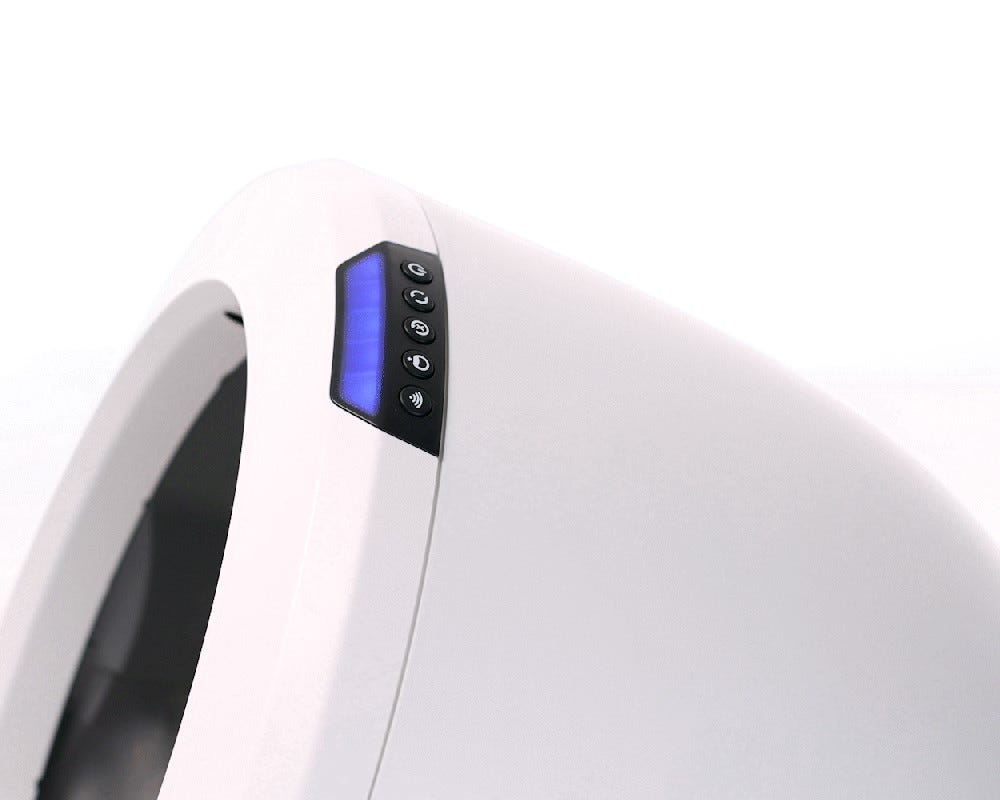
- White: WiFi is turned off.
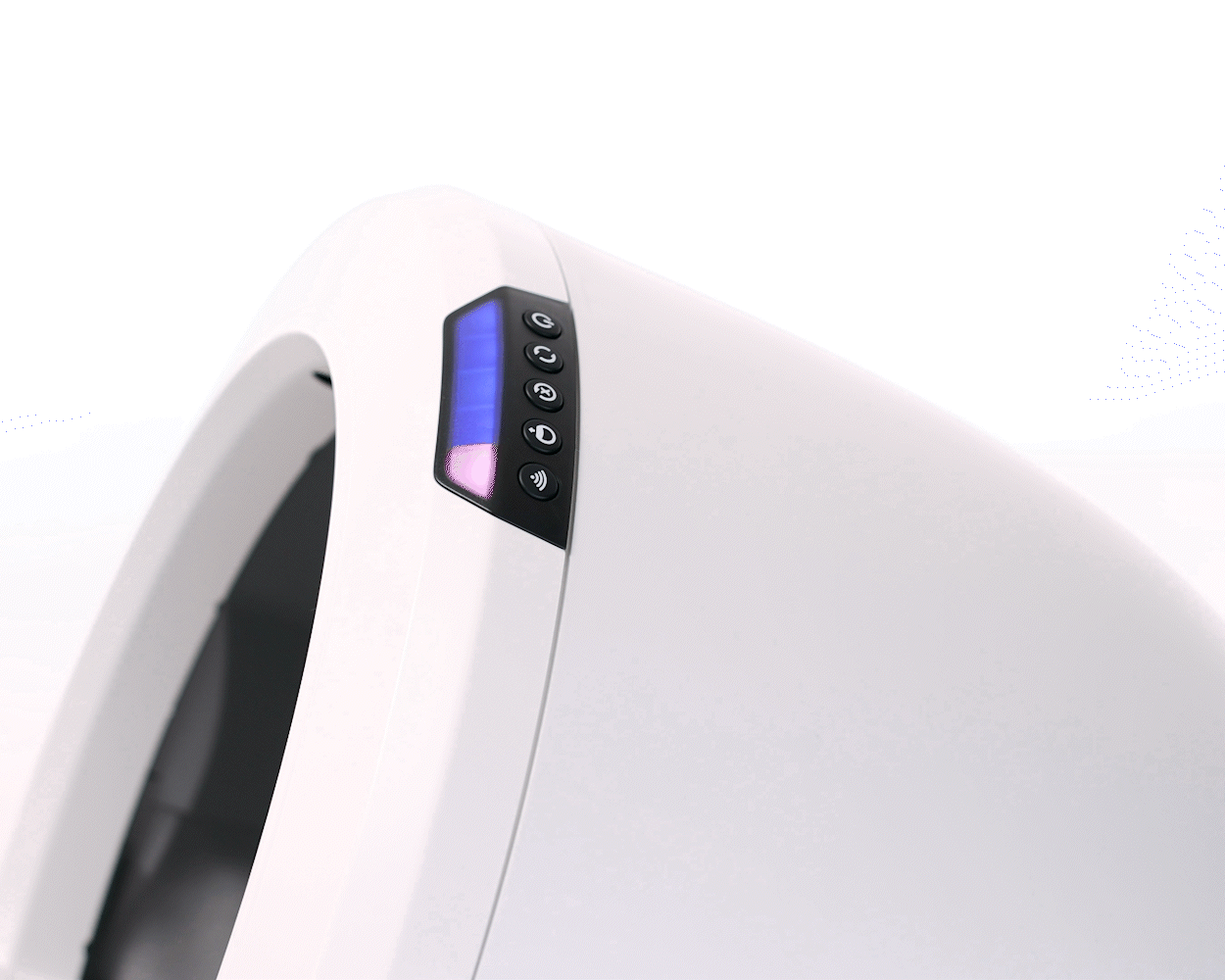
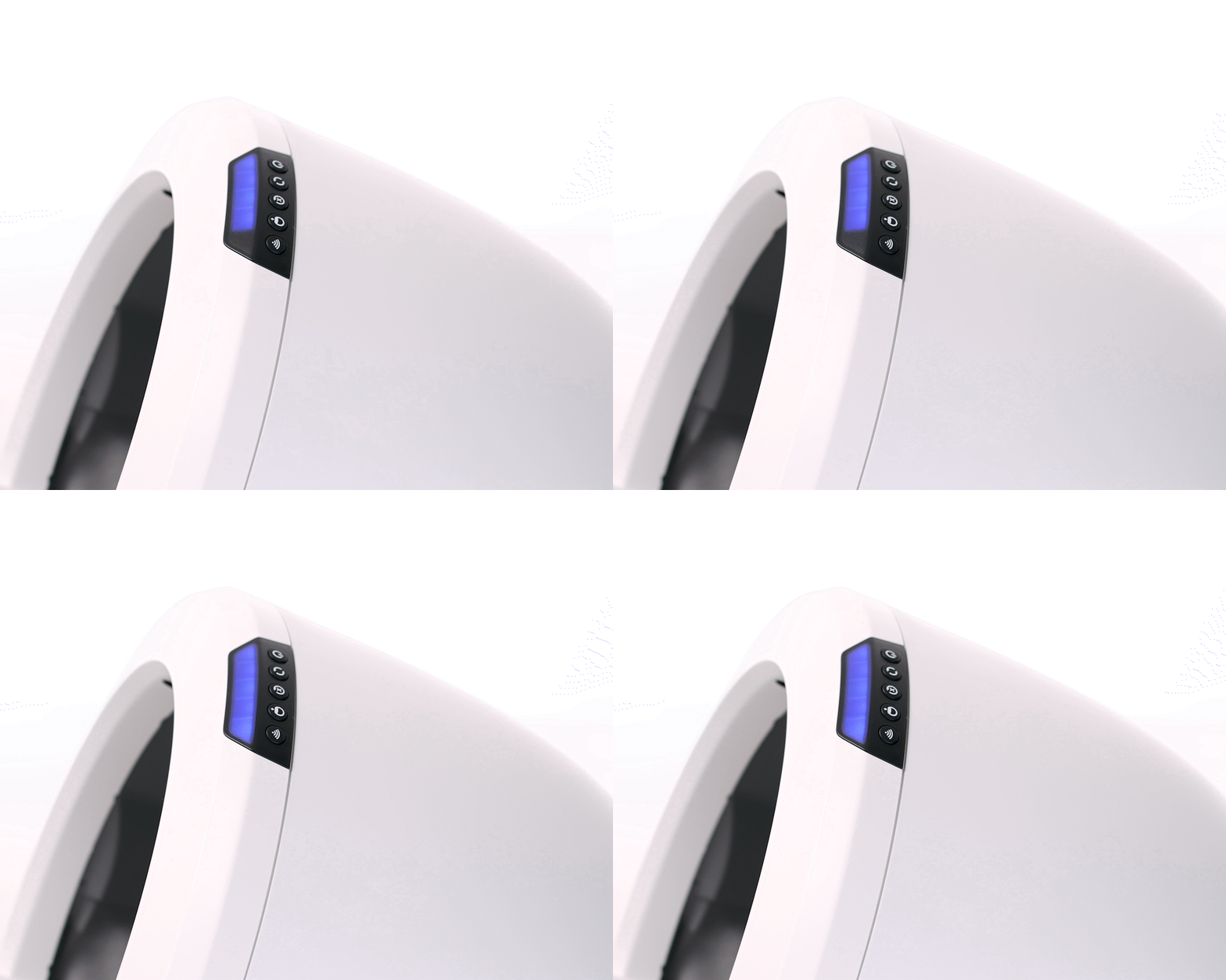
- Blinking Blue: WiFi is disconnected / reconnecting. Learn more.
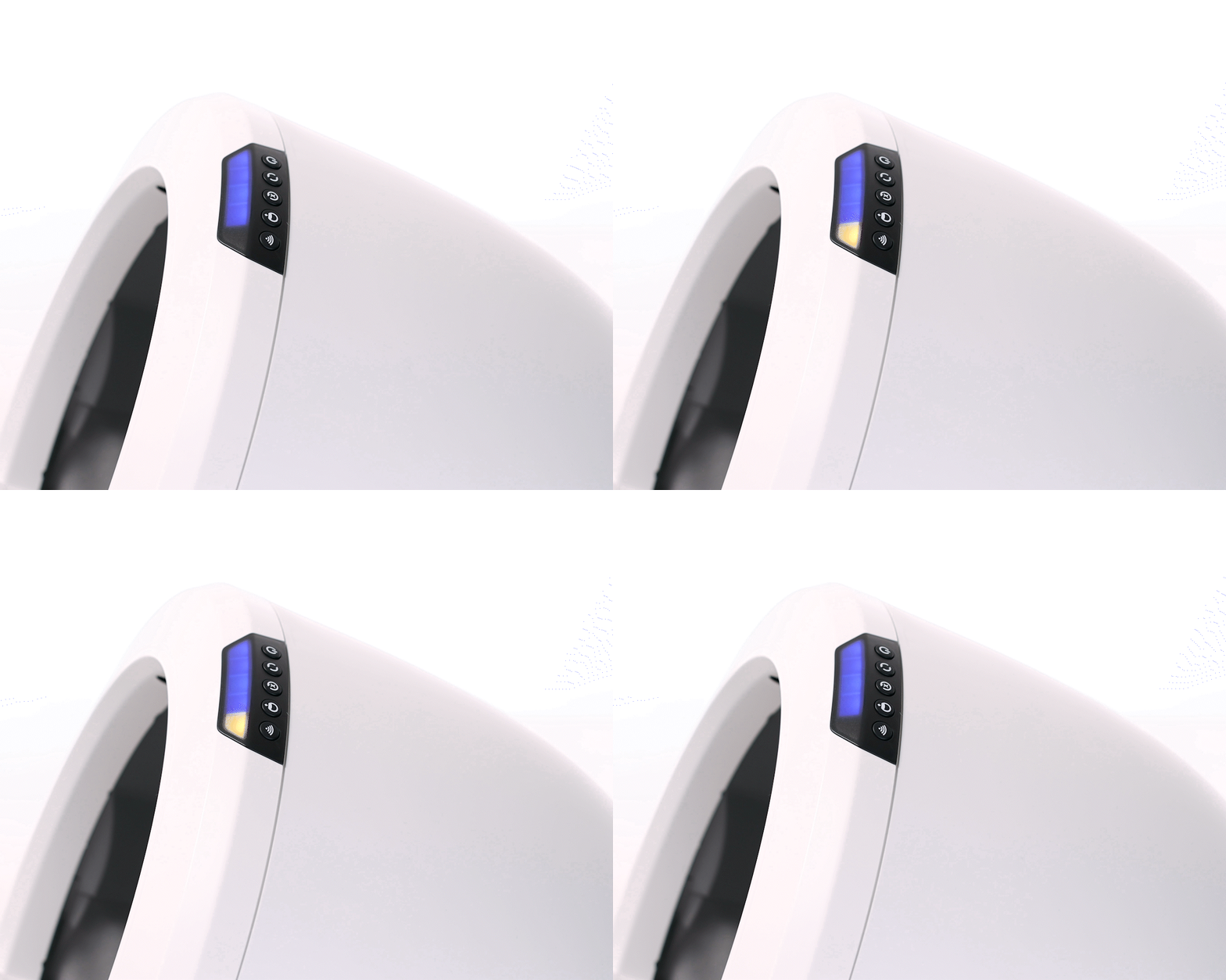
- Blinking Yellow: Unit is in Onboarding Mode. Follow the prompts in the app and scan the QR code on the back of the unit as directed. Press the Connect button to exit Onboarding Mode. Learn more.
Need more help?
Chat with our interactive AI Troubleshooting Expert for guided troubleshooting, or contact Whisker Customer Experience for further assistance.
If your Litter-Robot is under warranty, you have access to select replacement parts at no cost through your Whisker account.
Didn't find what you're looking for?
Live support available Mon-Fri: 9AM-9PM EST and Sat-Sun: 9AM-5PM EST, or submit a ticket anytime.