The store will not work correctly in the case when cookies are disabled.

How much litter do I put in Litter-Robot?
If you are not sure how much litter to add, how often to refill, or what to do after adding litter, this guide covers fill amounts by model, refill timing, and resetting the weight scale.
Quick links
- How much litter to add
- Avoid overfilling the globe
- How often do I need to add litter?
- Reset the weight scale after adding litter
- Let LitterHopper keep levels consistent, automatically
- Need more help?
How much litter to add
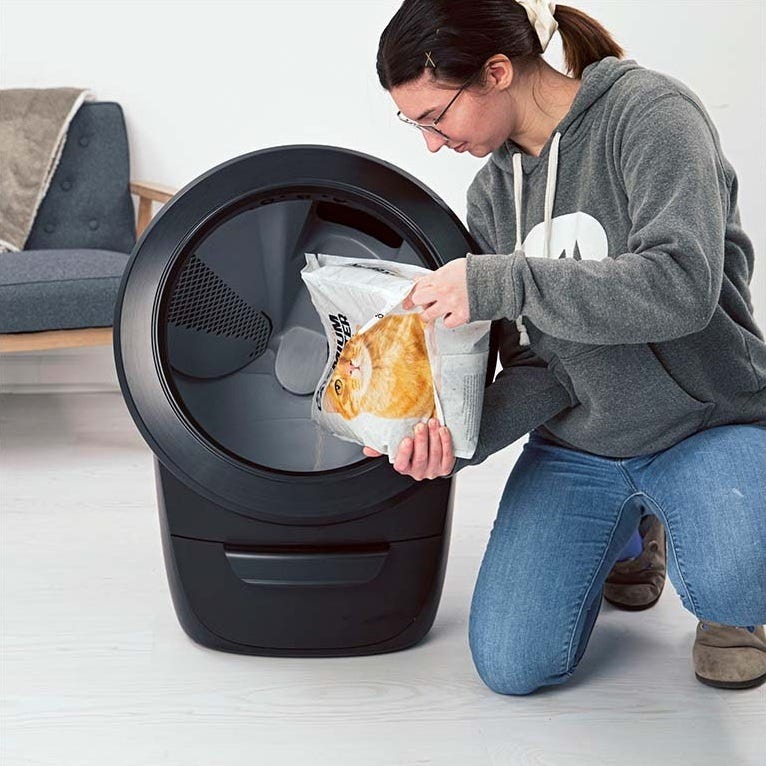
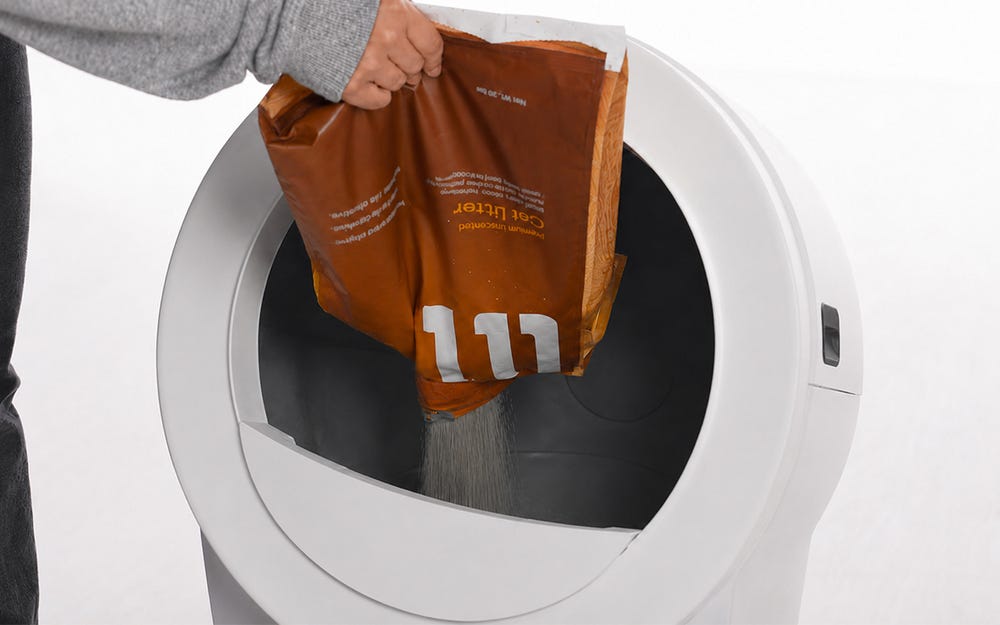
Fill the globe through the opening with clumping litter until it meets the raised MAX fill line when spread flat. The fill line is the most reliable indicator, because litter weight varies by type and brand.
| Model | Volume | Approximate weight | MAX fill level |
|---|---|---|---|
| Litter-Robot 5 & Pro | 1 gallon (4L) | 10 pounds (4.5 kg) with Lit® | 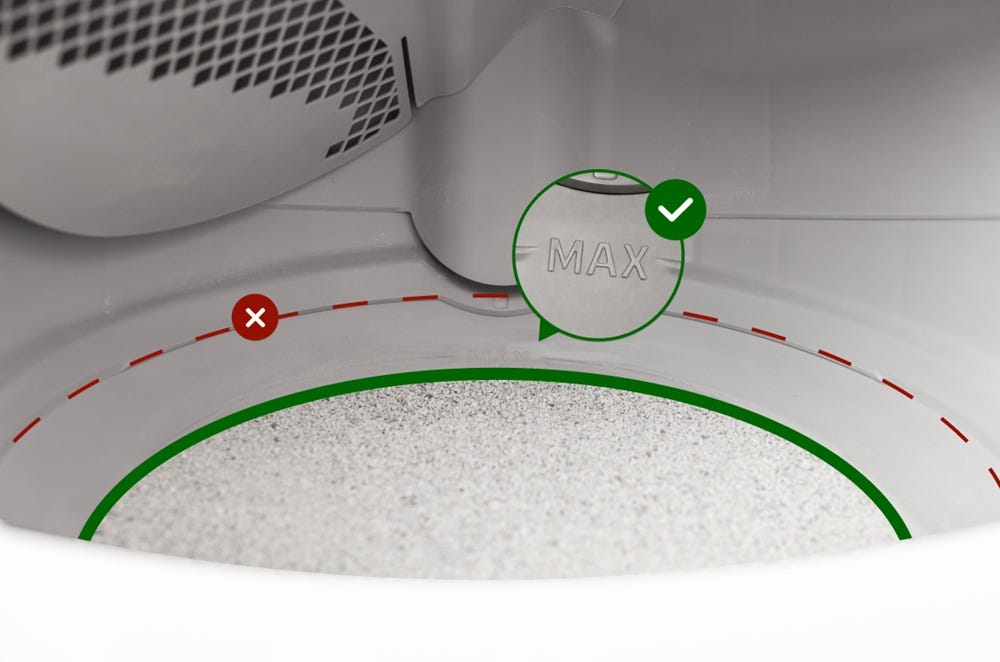 |
| Litter-Robot EVO | 0.8 gallons (3L) | 8.8 pounds (4 kg) with Lit® | 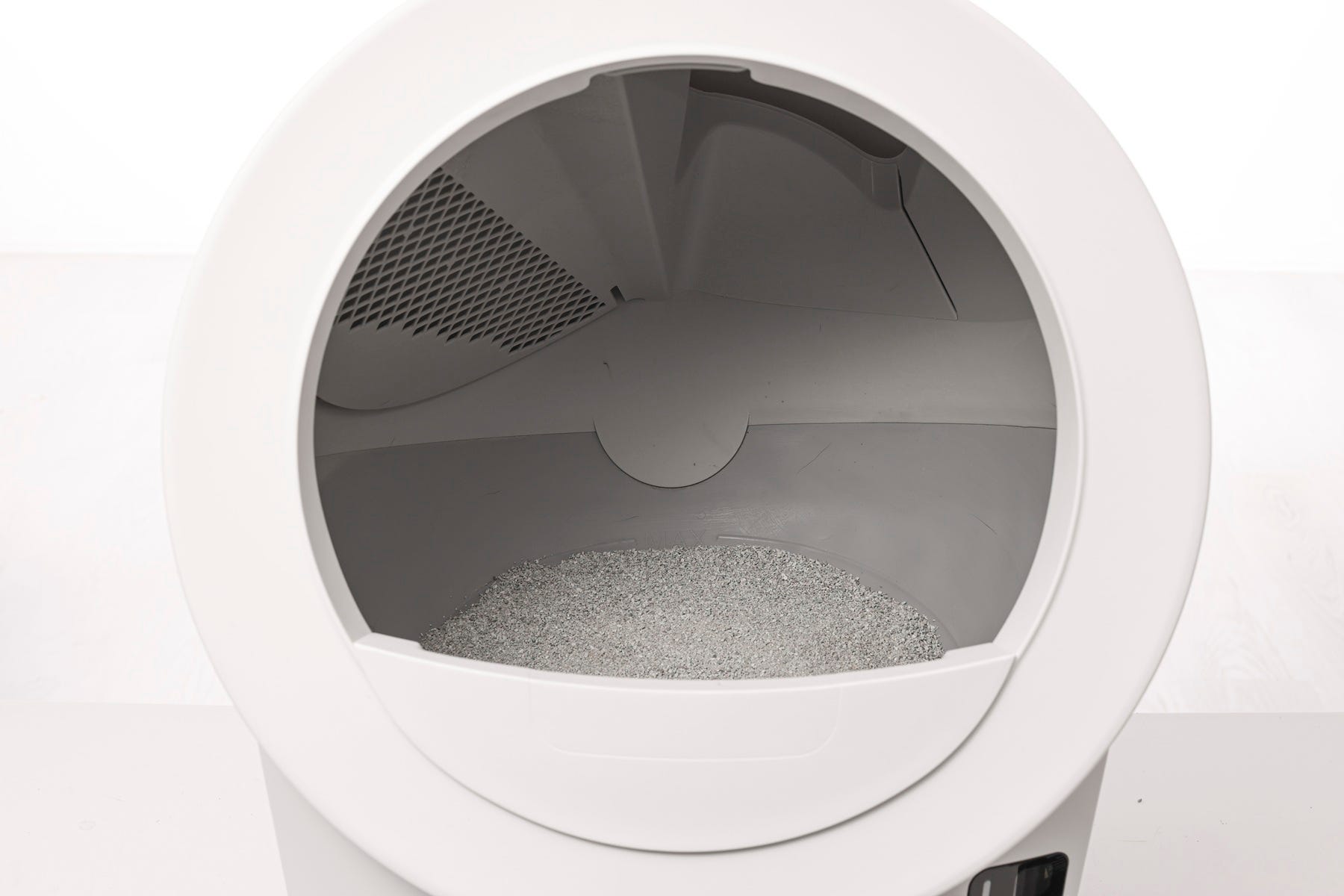 |
| Litter-Robot 4 | 1 gallon (4L) | 8–10 pounds (3.6–4.5 kg) | 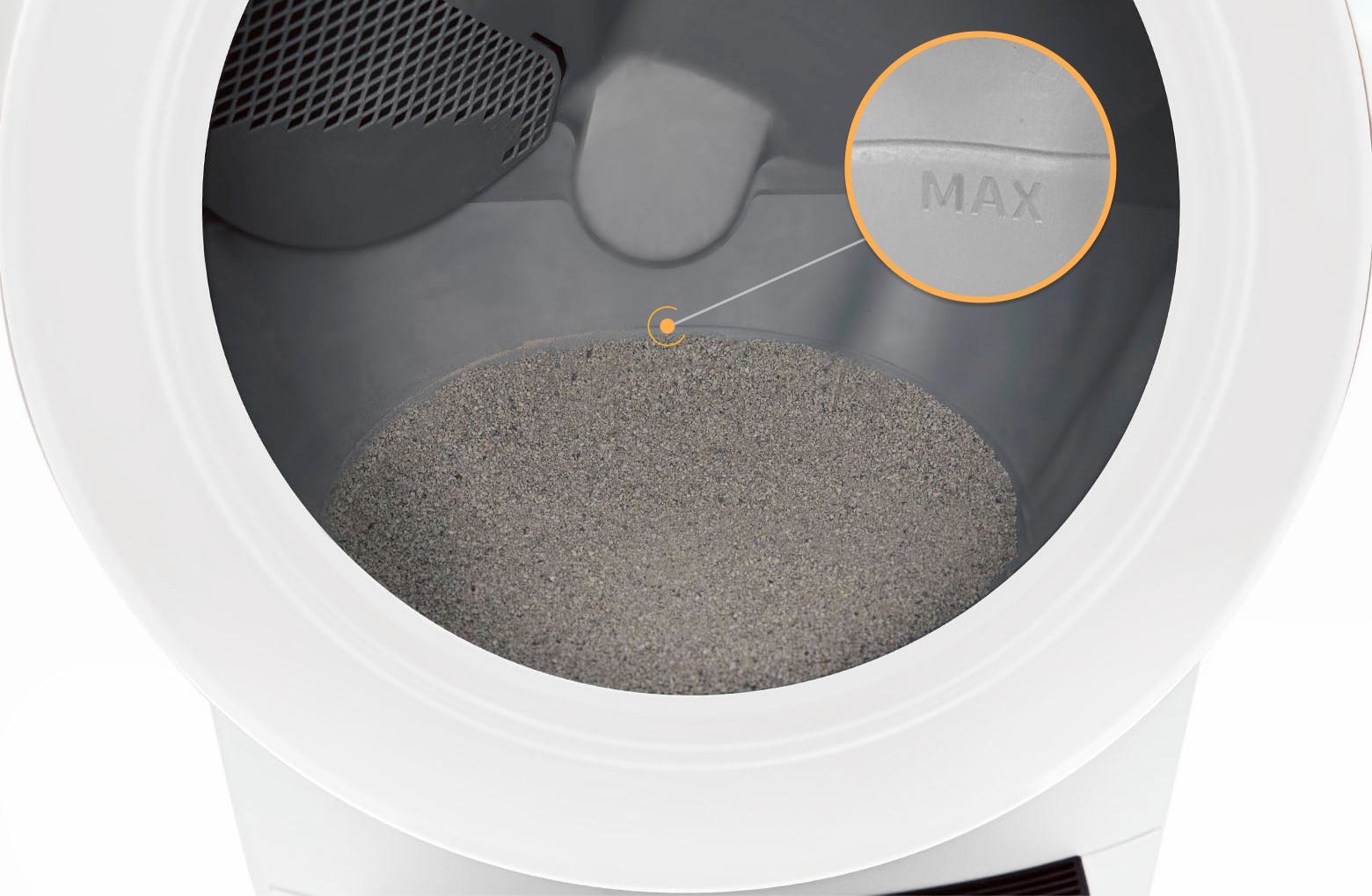 |
| Litter-Robot 3 | 1 gallon | 8–10 pounds |  |
The same volume of natural or lightweight litter may weigh less than the Lit® figures shown above.
On Litter-Robot 3, the fill line is labeled Fill Line rather than MAX fill line.
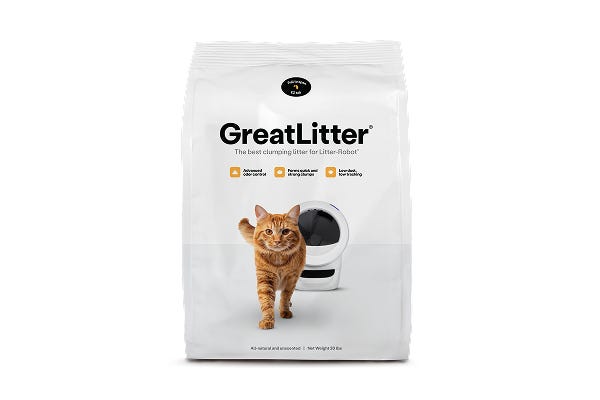
For help choosing a litter that works with Litter-Robot, see What's the best litter for Litter-Robot?
Avoid overfilling the globe
Too much litter in the globe can cause cycling issues, including the globe getting stuck during a cycle.
Litter-Robot removes waste clumps during every cycle, so adding extra litter does not extend the time between refills.
How often do I need to add litter?
How often you add litter depends on how many cats use Litter-Robot and how frequently they use it. Litter-Robot uses litter efficiently, since the patented sifting mechanism only removes the clumps.
Check the litter level each time you empty the waste drawer, and add litter to the MAX fill line when the level has dropped below it.
Reset the weight scale after adding litter
Reset the weight scale each time you add litter so your unit measures accurately.
Litter-Robot 5 & Pro and Litter-Robot EVO: Short press the  Cancel button after adding litter.
Litter-Robot 4 and Litter-Robot 3: Press the  Reset button after adding litter.
Let LitterHopper keep levels consistent, automatically
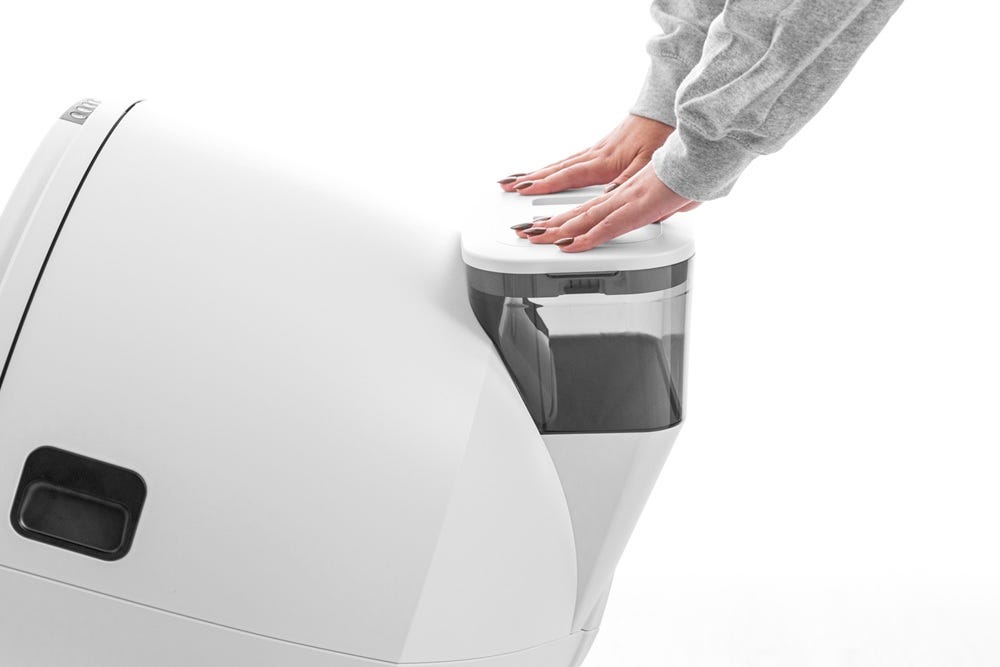
LitterHopper attaches at the back of your unit and automatically dispenses litter into the globe as needed. It is compatible with multiple litter types, including clay and silica.
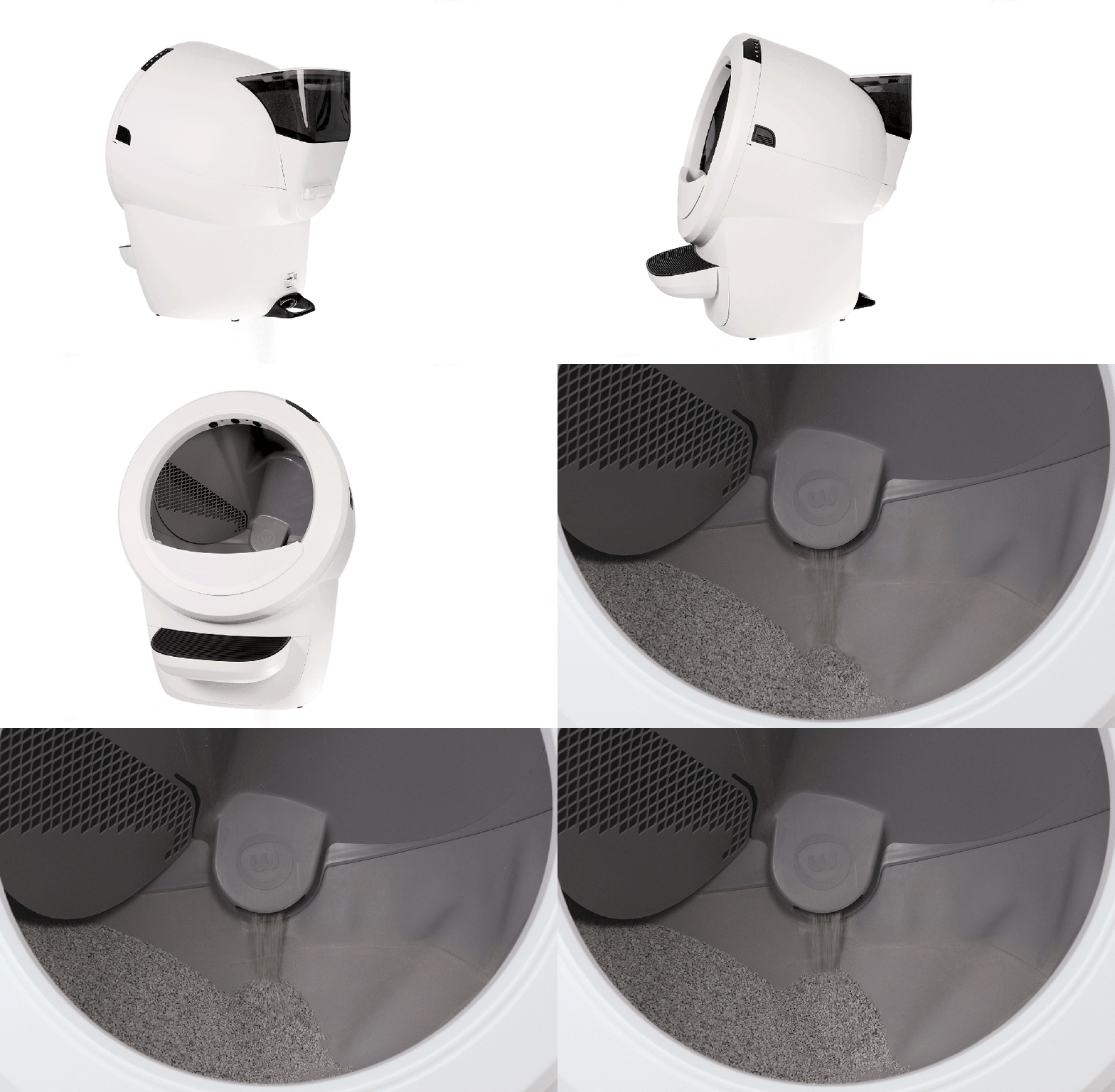
Litter-Robot 4 LitterHopper holds up to 13 cups of litter. Purchase Litter-Robot 4 LitterHopper
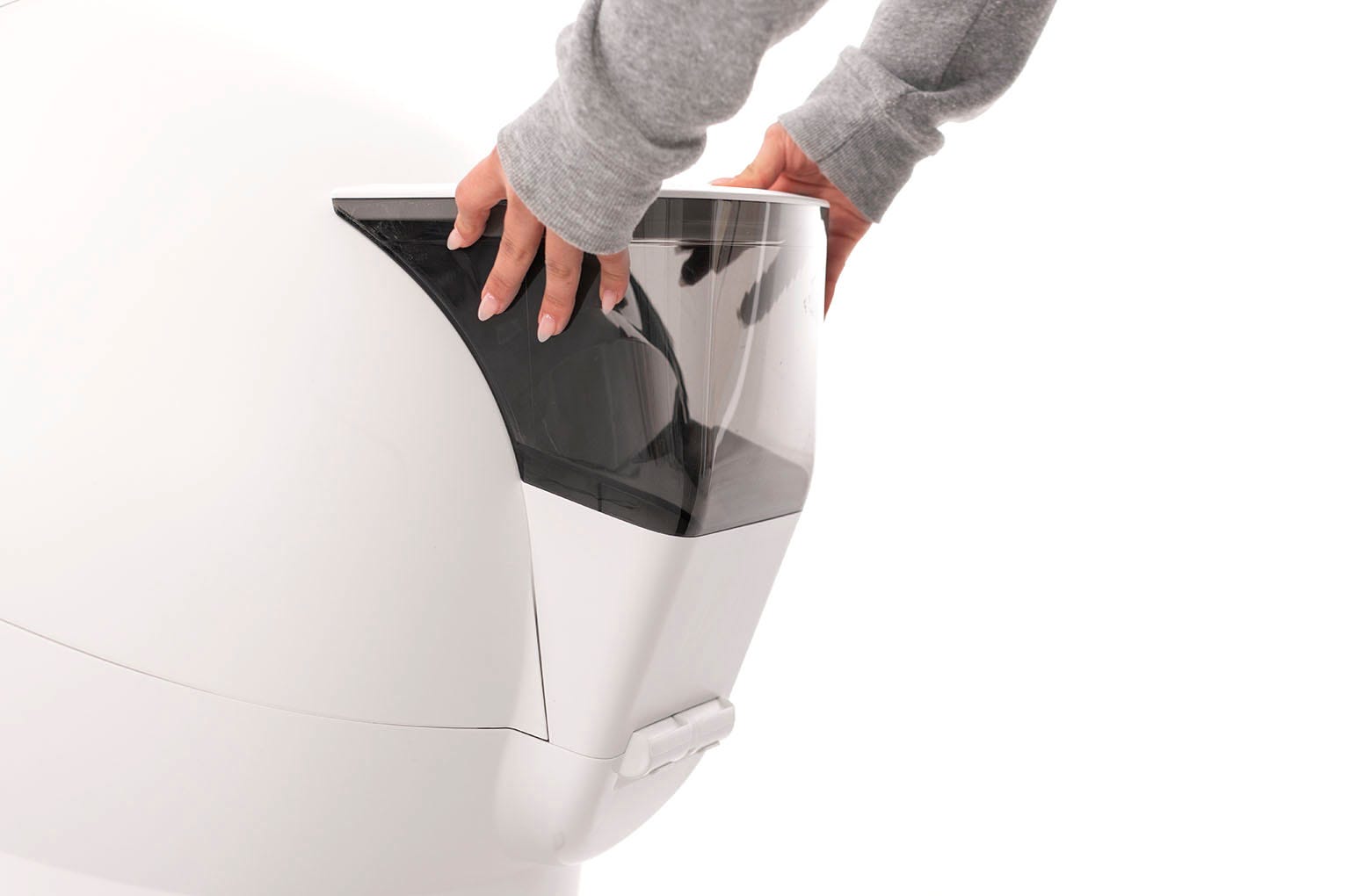
Litter-Robot 5 LitterHopper holds up to 17.3 cups of litter. Purchase Litter-Robot 5 LitterHopper
Need more help?
If you have questions about litter levels or refilling, visit whiskersupport.com.
Didn't find what you're looking for?
Live support available Mon-Fri: 3PM-3AM CET and Sat-Sun: 3PM-11PM CET, or submit a ticket anytime.