The store will not work correctly in the case when cookies are disabled.

Your guide to getting started.
For the smoothest setup experience, read the steps below.

1. Unbox your Litter-Robot
Cut the tape along the top and sides of the box, then release the clips on both side panels. Lift off the top section and remove the bag containing your Litter-Robot. Take the robot out and set it aside.

2. Install waste drawer & step
Place the waste drawer upside down, align the hooks and tabs, and slide them into place. Flip it upright, press until the clips snap, add a liner, and smooth it flat. Slide the drawer into your Litter-Robot.
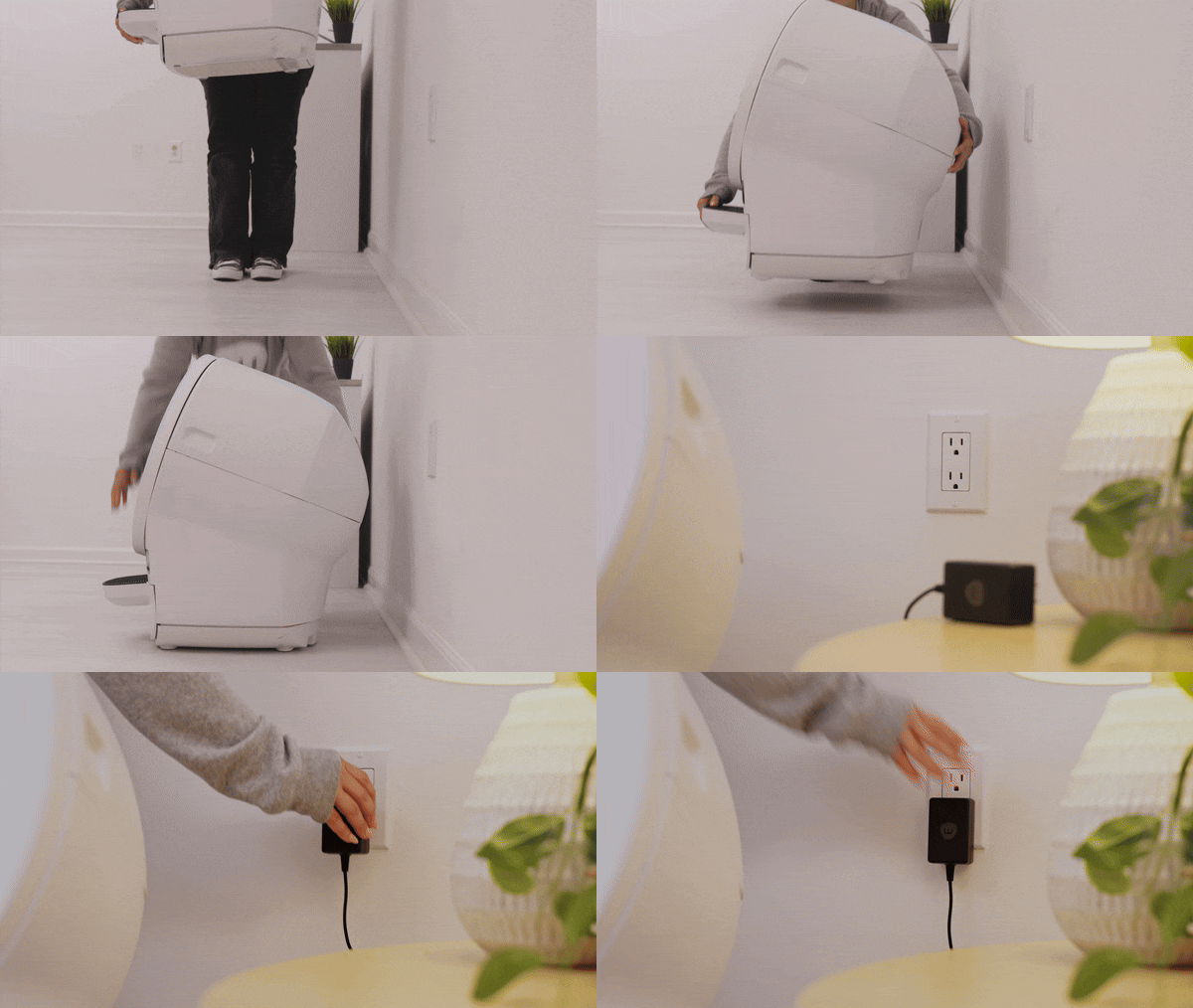
3. Place on level, dry surface
Set your Litter-Robot on a level, dry surface away from walls or corners and plug in your Litter-Robot. Place a mat or rug in front, and if possible, keep it where the old litter box was to ease your cat's transition. (Litter-Robot EVO can be used on hard floors or carpet.)

4. Add clumping cat litter
Use our all-natural clay clumping GreatLitter for best results. Fill until it meets the raised fill line (about 10 lbs.) and spread evenly. Avoid overfilling and do NOT use non-clumping, absorbent, or pellet-style litters.
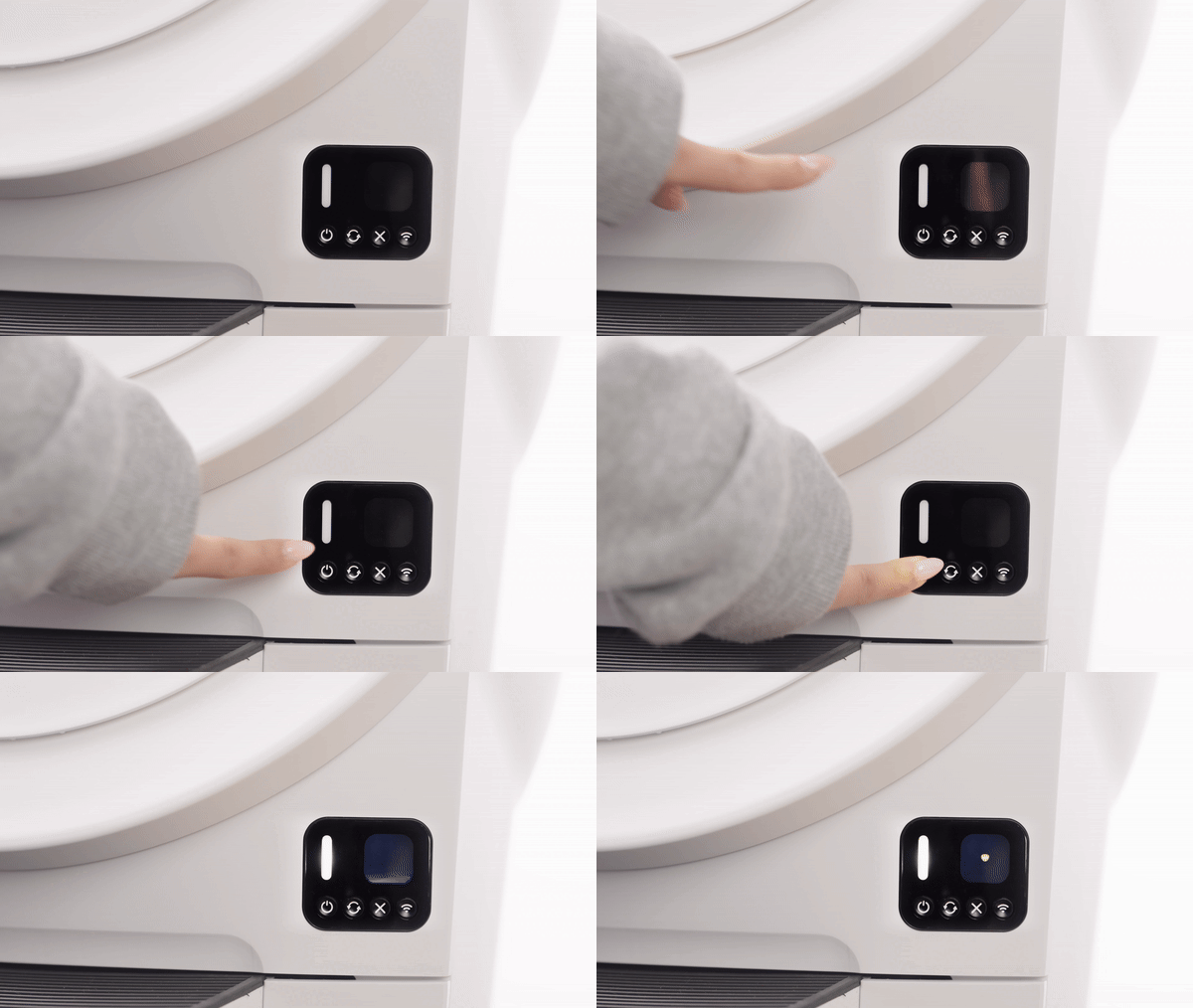
5. Power On and Clean Cycle
Press Power; a solid white light means it’s ready. To help your cat adjust, use semi-automatic mode by turning it on after use, pressing Cycle, then turning it off once cleaning finishes.
Get the Whisker App
Make sure you’re using the latest Whisker app. After setup, a firmware update (up to 15 min) may install. Don’t unplug or use the robot during this process.
Looking for further instructions?
Didn't find what you're looking for?
Live support available Mon-Fri: 9AM-9PM EST and Sat-Sun: 9AM-5PM EST, or submit a ticket anytime.