The store will not work correctly in the case when cookies are disabled.

Litter-Robot 4: Purple light bar (Sleep mode)
Litter-Robot is equipped with a sleep mode feature. When activated, this feature deactivates the cat sensors for a specified period of time, so the unit will not cycle automatically.
Sleep mode is useful for units located in bedrooms or areas where you may not want Litter-Robot to cycle for a certain period of the day.
A 3-second long press of the Cycle button will enable and disable sleep mode.
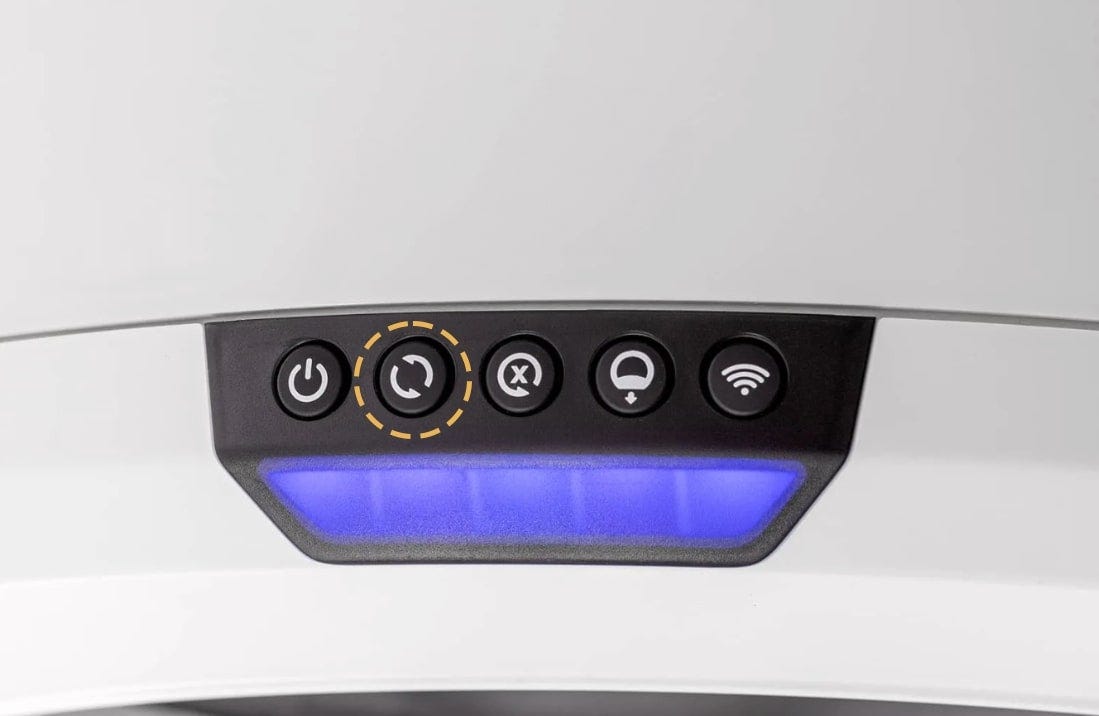
The light bar will change from blue to purple, indicating that sleep mode is active.
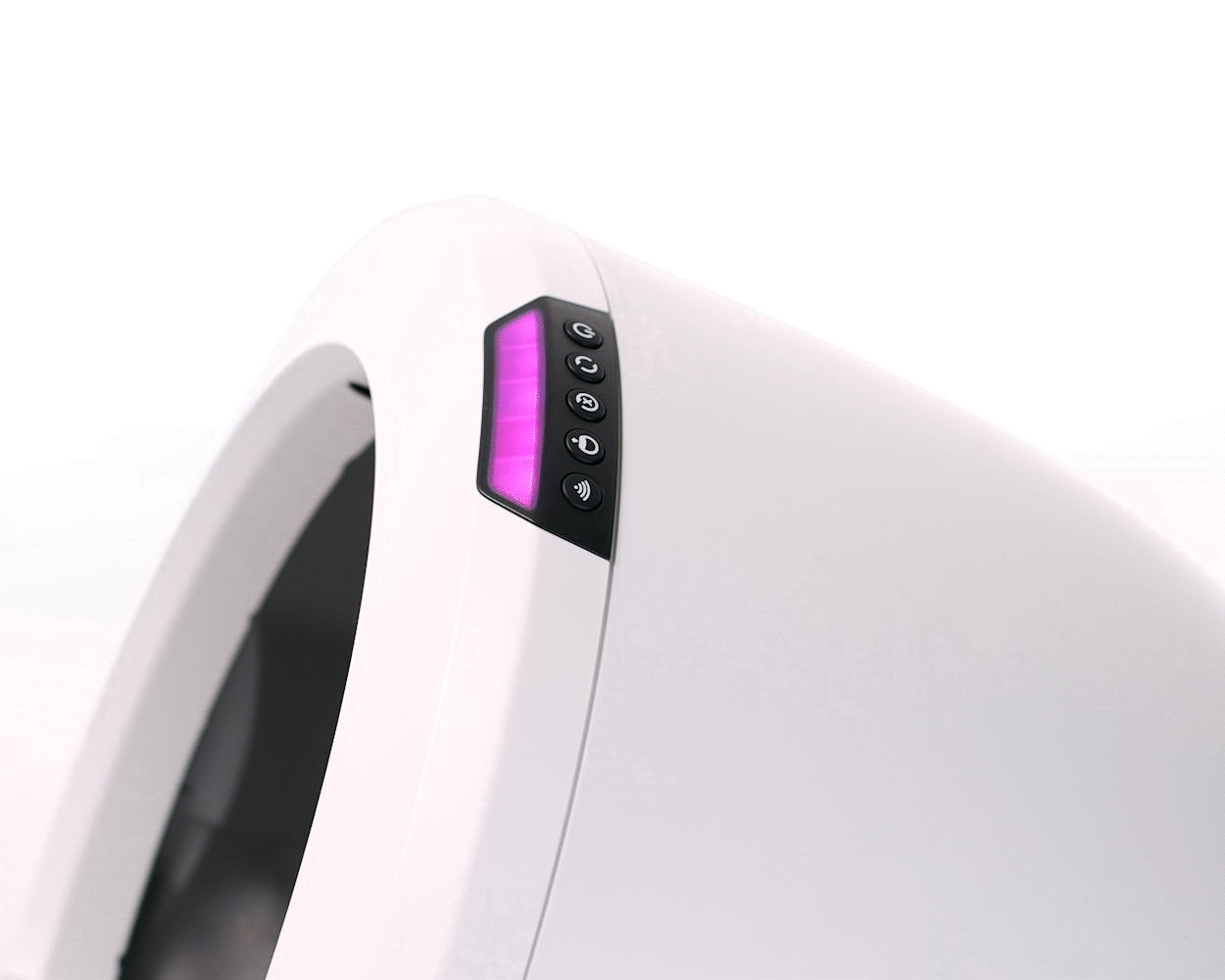
You can enable and disable sleep mode and access additional programming options in the Whisker app.
The unit is programmed with a default 8-hour sleep period and repeated every 24 hours. The start of the sleep period is determined by the time sleep mode was enabled.
When the sleep period ends, the unit will switch to Ready Mode (indicated by a blue light bar) and resume normal automatic operation for the remainder of the 24-hour period. If a cat was detected during the sleep period, a Clean cycle will run once sleep mode ends.
Successful: The light bar will change from purple to blue, indicating that sleep mode has been disabled.
Unsuccessful: If you are still seeing a solid purple light bar, there's likely an issue with your Litter-Robot.
Need Technical Support?
Our Troubleshooting Wizard will solve most issues and is the fastest way to get help.
Troubleshooting Wizard
Didn't find what you're looking for?
Phone and Chat support available Mon-Fri: 9AM-9PM EST and Sat-Sun: 9AM-5PM EST, or submit a ticket anytime.