The store will not work correctly in the case when cookies are disabled.

Litter-Robot 5: Bezel Guard installation guide
Each Litter-Robot 5 comes with a fence preinstalled. Switching to the Bezel Guard allows for a larger globe opening for your cat.
Before you start
Parts required
- Litter-Robot 5 Bezel Guard
Remove the preinstalled fence
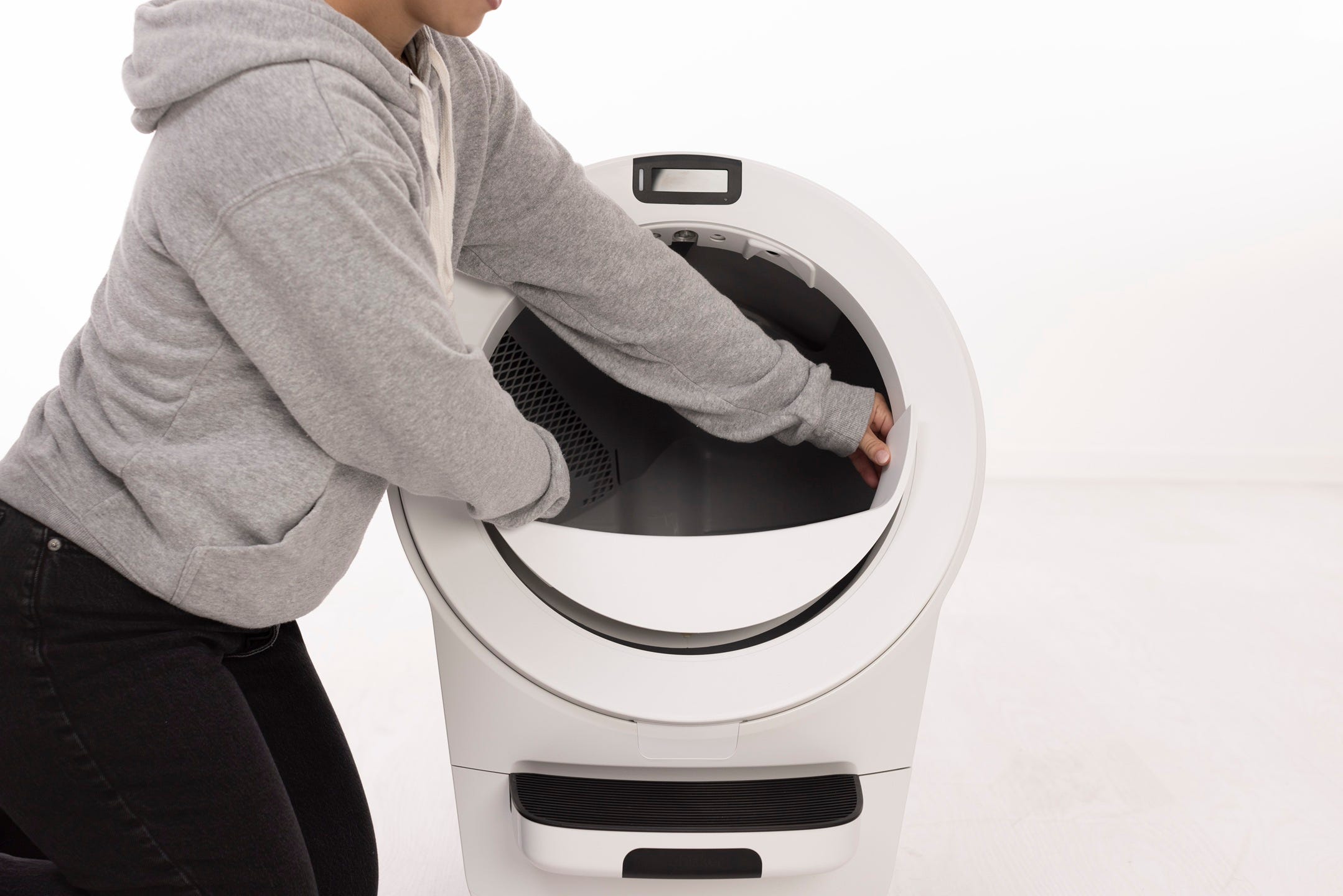
- Remove the preinstalled fence from the Litter-Robot 5 by pulling the inside of the bezel with both hands to release the clasps.
Align the bezel guard
- Hold the bezel guard upright inside of the globe and align the tabs on each end of the guard with the slots in the bezel.

Secure the bezel guard
- Gently rotate and press each end of the guard to snap onto the bezel. Ensure the tabs are secure.

Zero the weight sensors
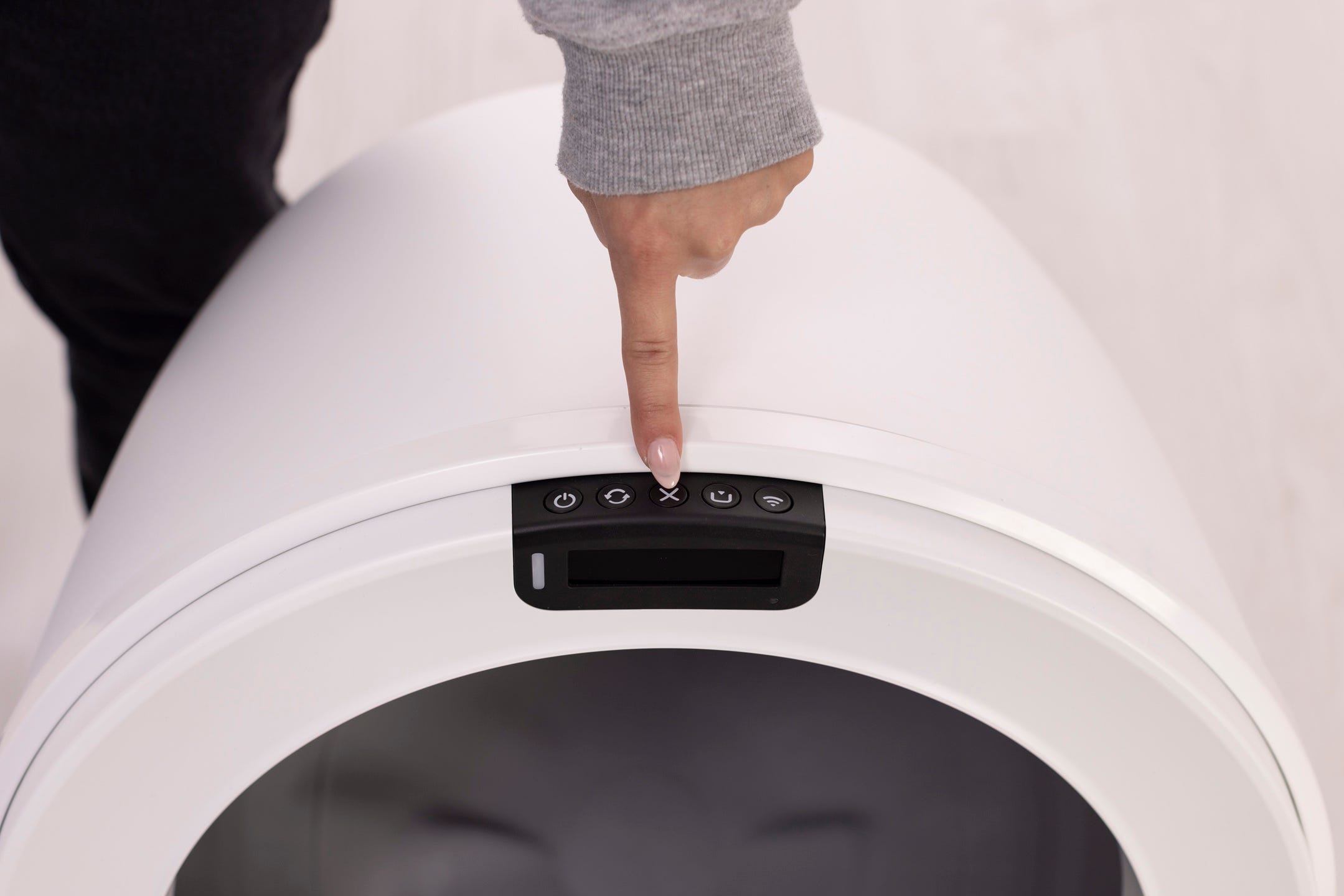
- Short press the Cancel button to zero the weight sensors.
Didn't find what you're looking for?
Phone and Chat support available Mon-Fri: 9AM-9PM EST and Sat-Sun: 9AM-5PM EST, or submit a ticket anytime.