The store will not work correctly in the case when cookies are disabled.

Litter-Robot EVO: Extended scale activity
If your Litter-Robot EVO displays an Extended Scale Activity notification on the LCD screen, the SmartScale® has detected excess weight for more than 30 minutes.
Quick links
Before you begin
Make sure:
Your unit is plugged in.
Your unit is connected and online (if you use the Whisker app).
Your firmware is up to date. (If the app does not give you the option to update, you already have the latest version.)
Pick up and reset the unit
When the unit is displaying a scale error, carefully pick up the entire robot by the step and back groove. Set it back down on a firm, level surface.
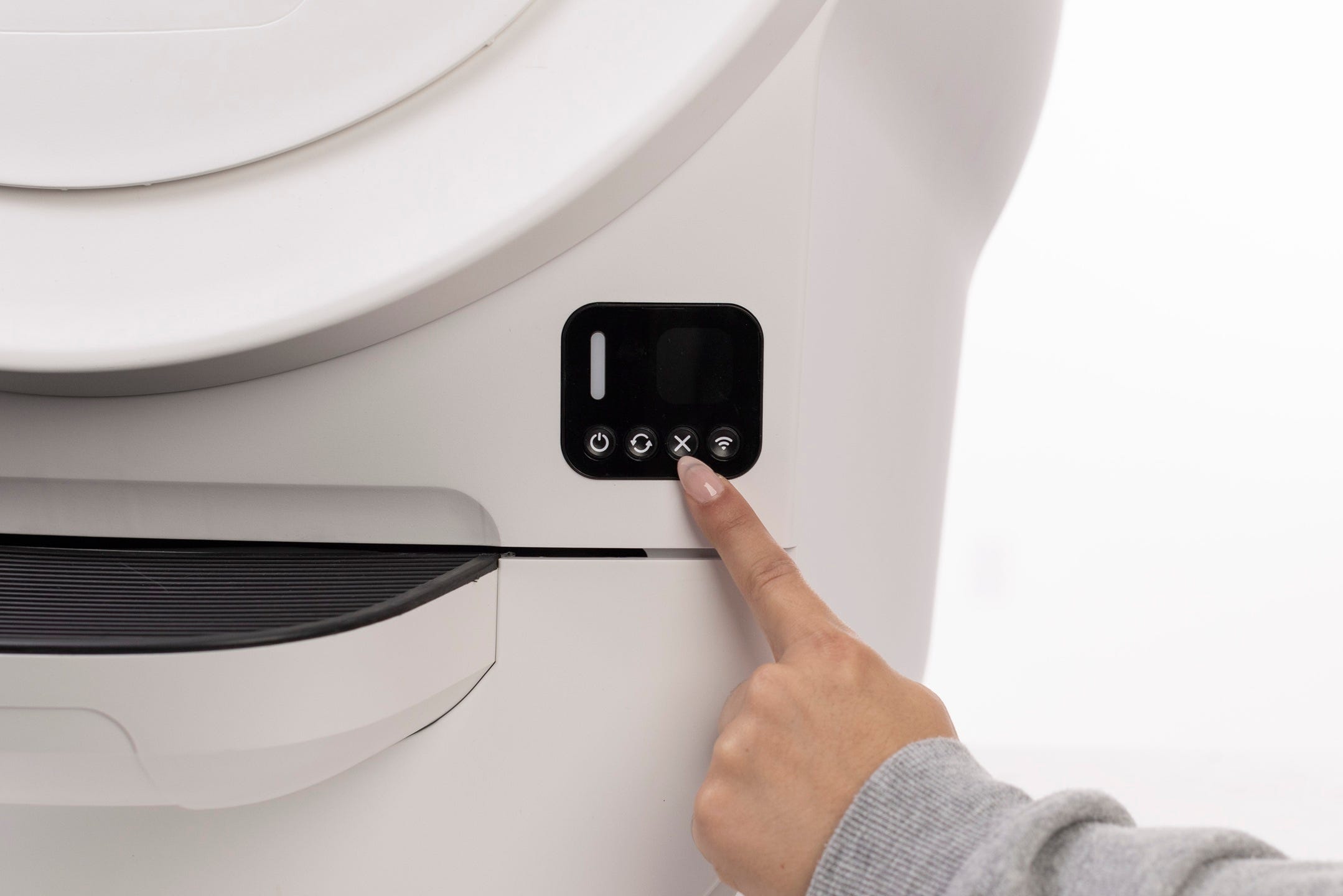
Press Cancel to clear the notification and zero the weight scale.
Short press the Cycle button to confirm proper orientation.
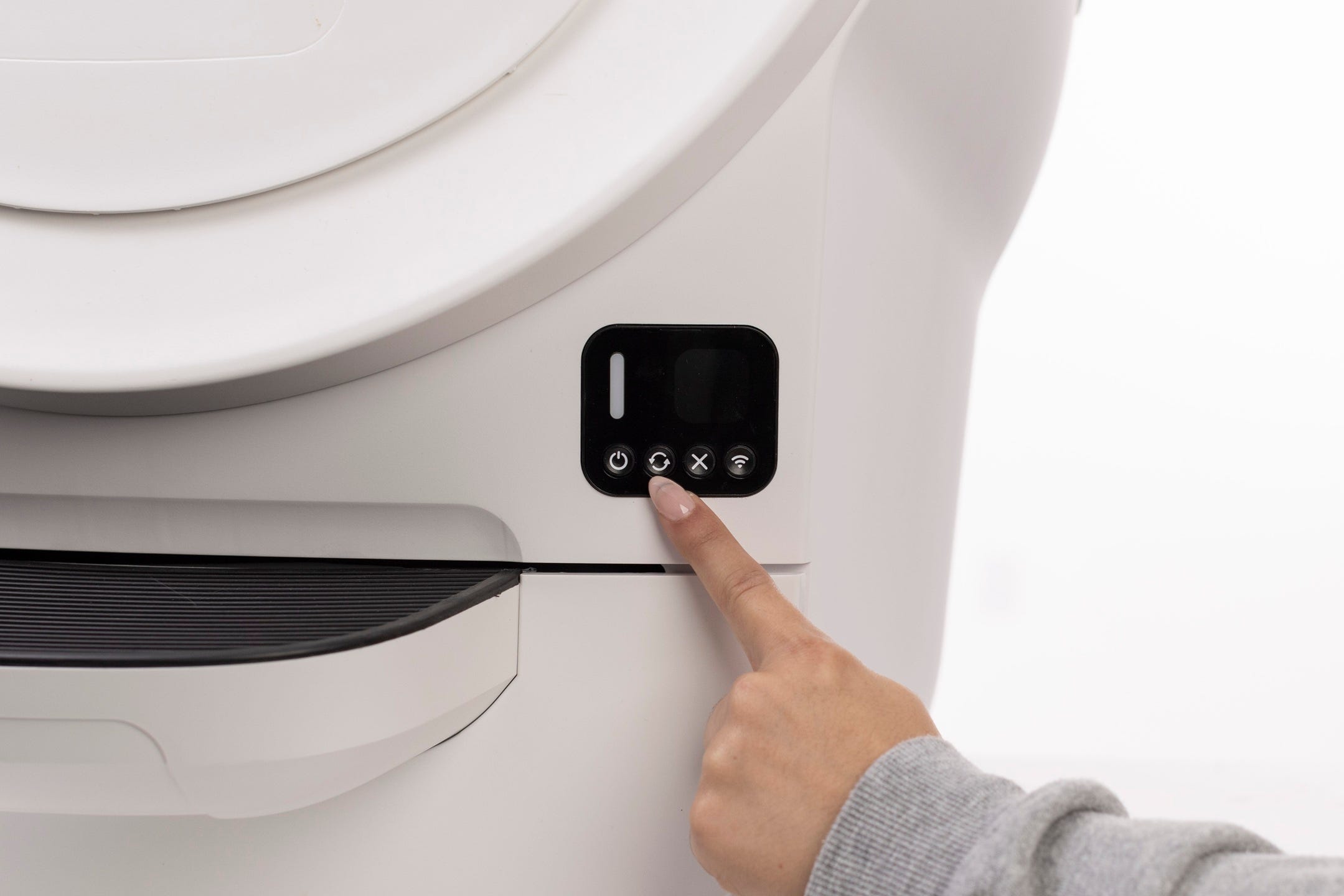
Successful: The unit completes a cycle and returns Home with a solid white light.
Unsuccessful: Continue to the next step.
Align the unit inside furniture or shelving
If your unit is inside concealer furniture or tucked under shelving:
Remove the waste drawer.
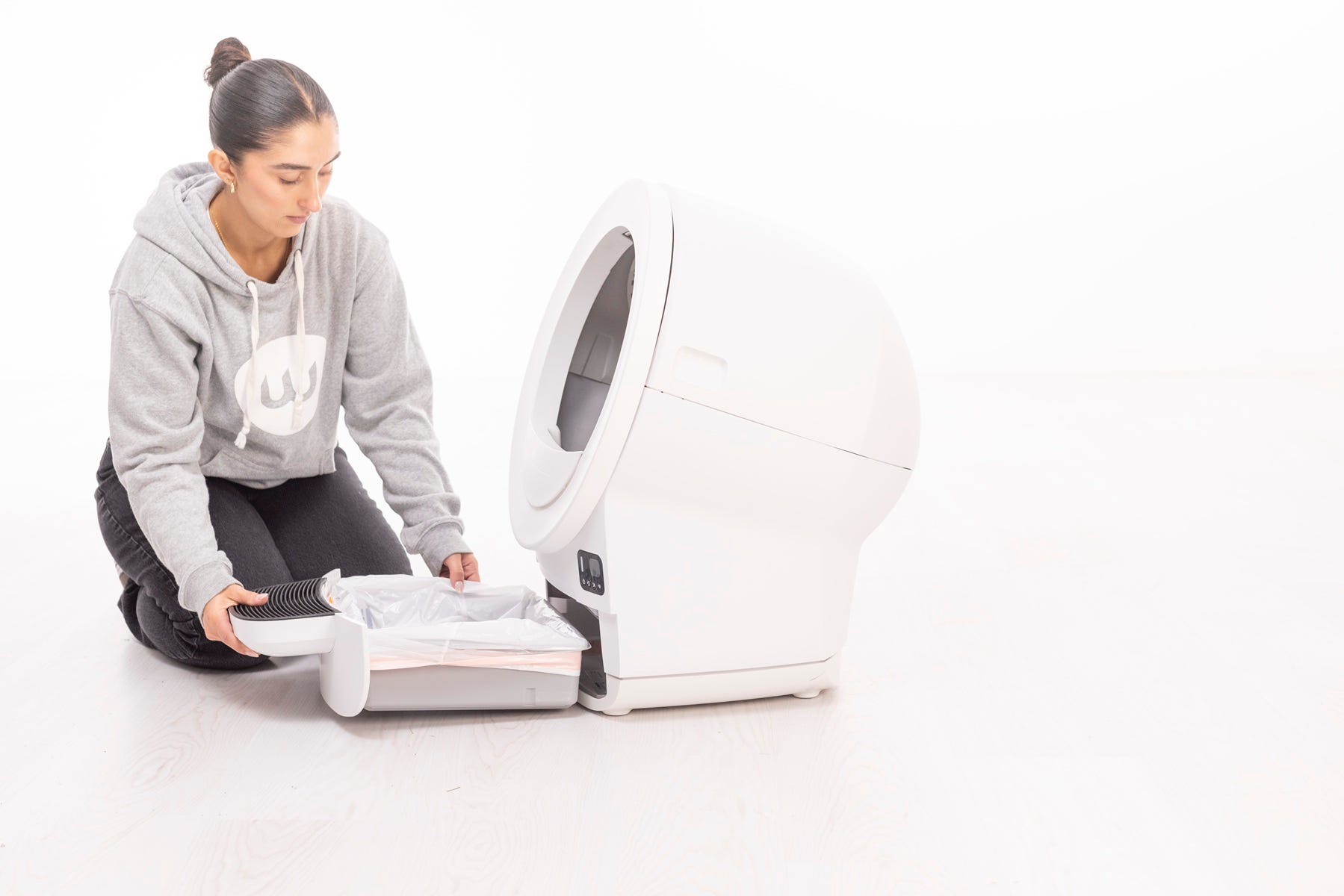
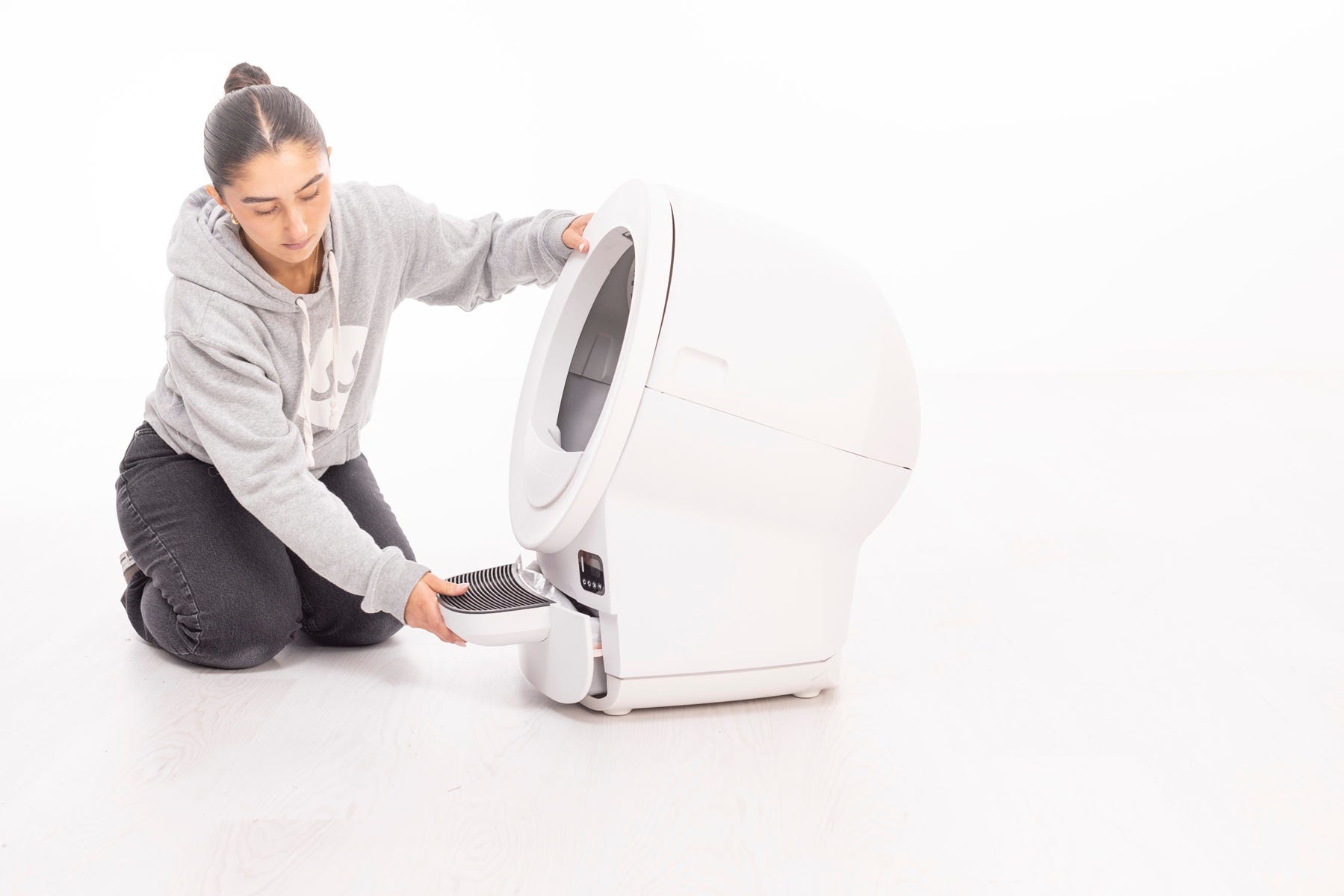
Push the unit back into place while pressing down gently on the scale plate.
Reinsert the drawer.
Press Cancel to reset the weight scale.
Short press the Cycle button to confirm.
Check placement and flooring
The SmartScale requires a stable, even surface.
Place the unit on a firm, level floor.
Make sure all four feet are flat and not resting on cords, debris, grout lines, or walls.
If using furniture, ensure the robot is not touching side panels or back walls.
Tip: Place litter mats or rugs in front of the unit. Do not place mats partially under the unit.
Remove excess litter
Overfilling can cause incorrect SmartScale readings.
Check that litter does not exceed the MAX fill line inside the globe.
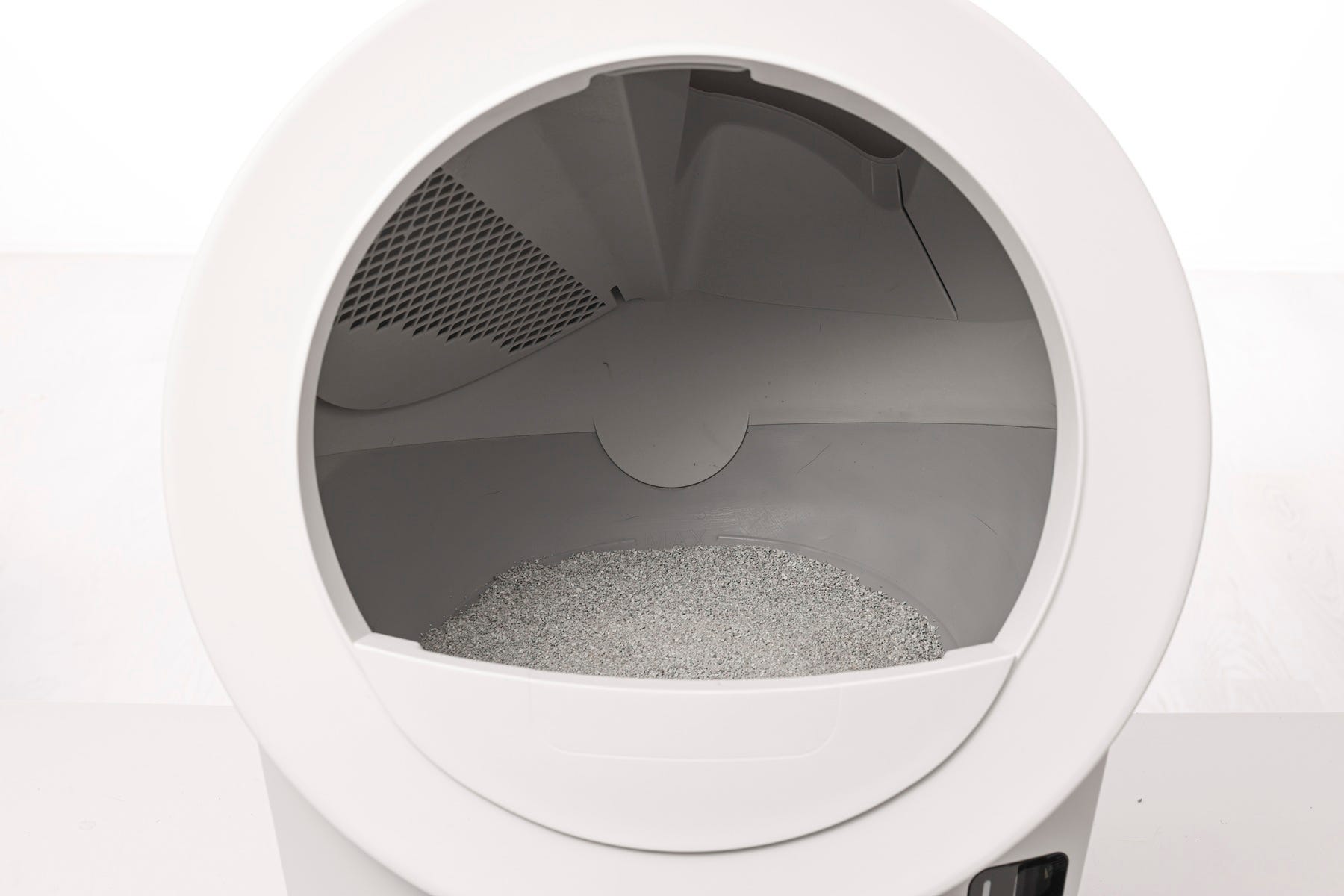
If litter is above the line, remove some until it is just below.
Press Cancel to recalibrate the weight scale.
Run a test cycle
Now, let's run a test cycle:
- Short press the Cancel button to zero the weight scale.
Short press the Cycle button.
Successful: Solid white light at Home.
Unsuccessful: If the unit still displays an error message, proceed to the next step.
Need more help?
If the error continues after these steps, please contact Whisker Customer Experience for further assistance.
Didn't find what you're looking for?
Live support available Mon-Fri: 9AM-9PM EST and Sat-Sun: 9AM-5PM EST, or submit a ticket anytime.