The store will not work correctly in the case when cookies are disabled.

Litter-Robot EVO: Obstruction detected
If your Litter-Robot EVO displays an Obstruction message on the LCD screen, the obstruction detection system is activated and your Litter-Robot won’t cycle. This means the unit’s dual pinch bars detected a possible obstruction at the waste port while cycling and stopped the Litter-Robot globe for safety.
Quick links
Before you begin
Make sure:
-
Your unit is plugged in.
-
Your unit is connected and online (if you use the Whisker app).
-
Your firmware is up to date. (If the app does not give you the option to update, you already have the latest version.)
How an obstruction is detected
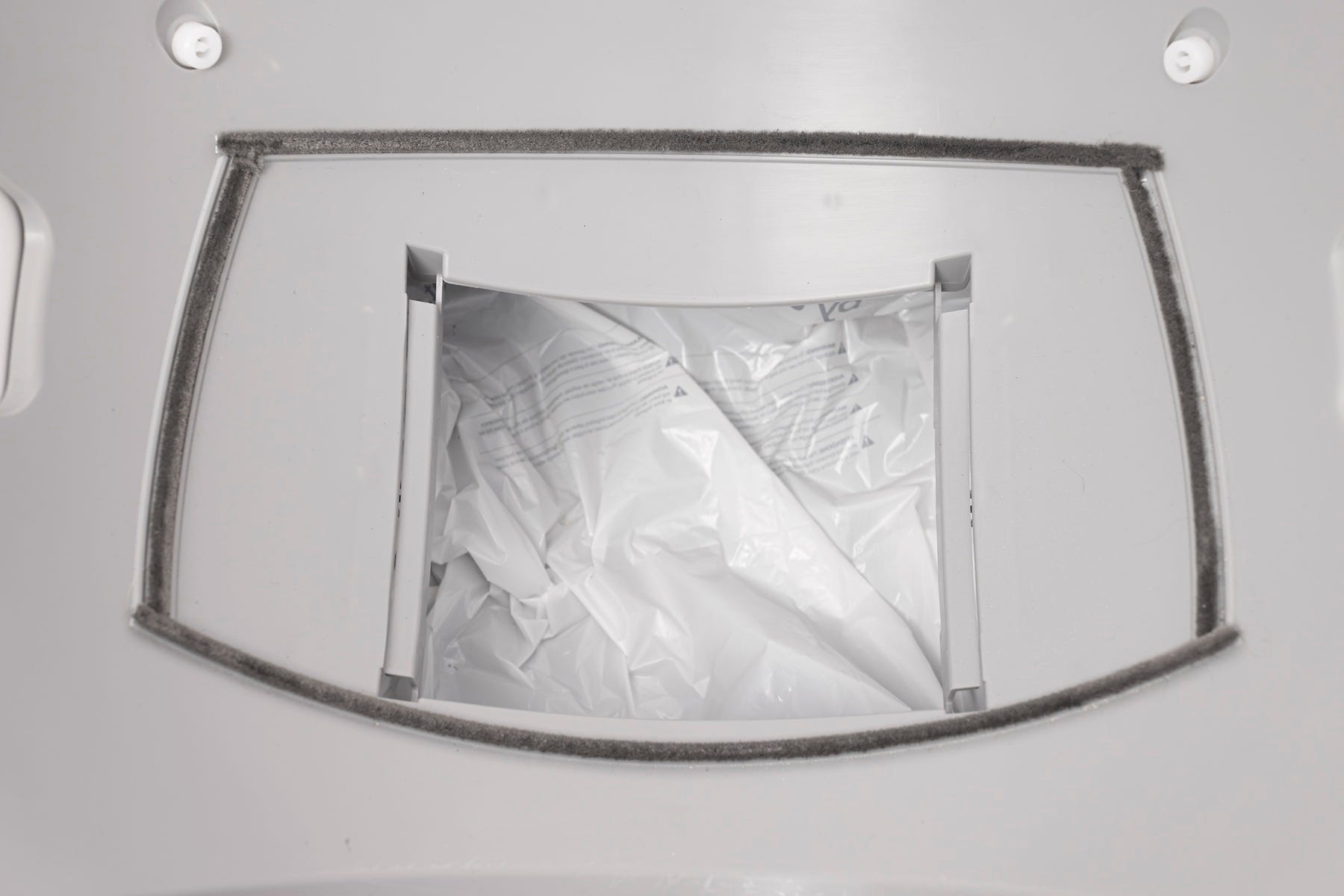
The Litter-Robot EVO is equipped with dual pinch bars inside the base near the waste port.
-
If the globe rotation presses debris, litter, or an object between the pinch bars, the unit will stop and reverse briefly.
-
The LCD screen will display an error notification, and you’ll also receive a notification in the Whisker app (if connected).
Disassemble the unit
To safely inspect the dual pinch bars, disassemble your Litter-Robot EVO:
- Press the Power button to turn the unit off, then unplug from the wall.
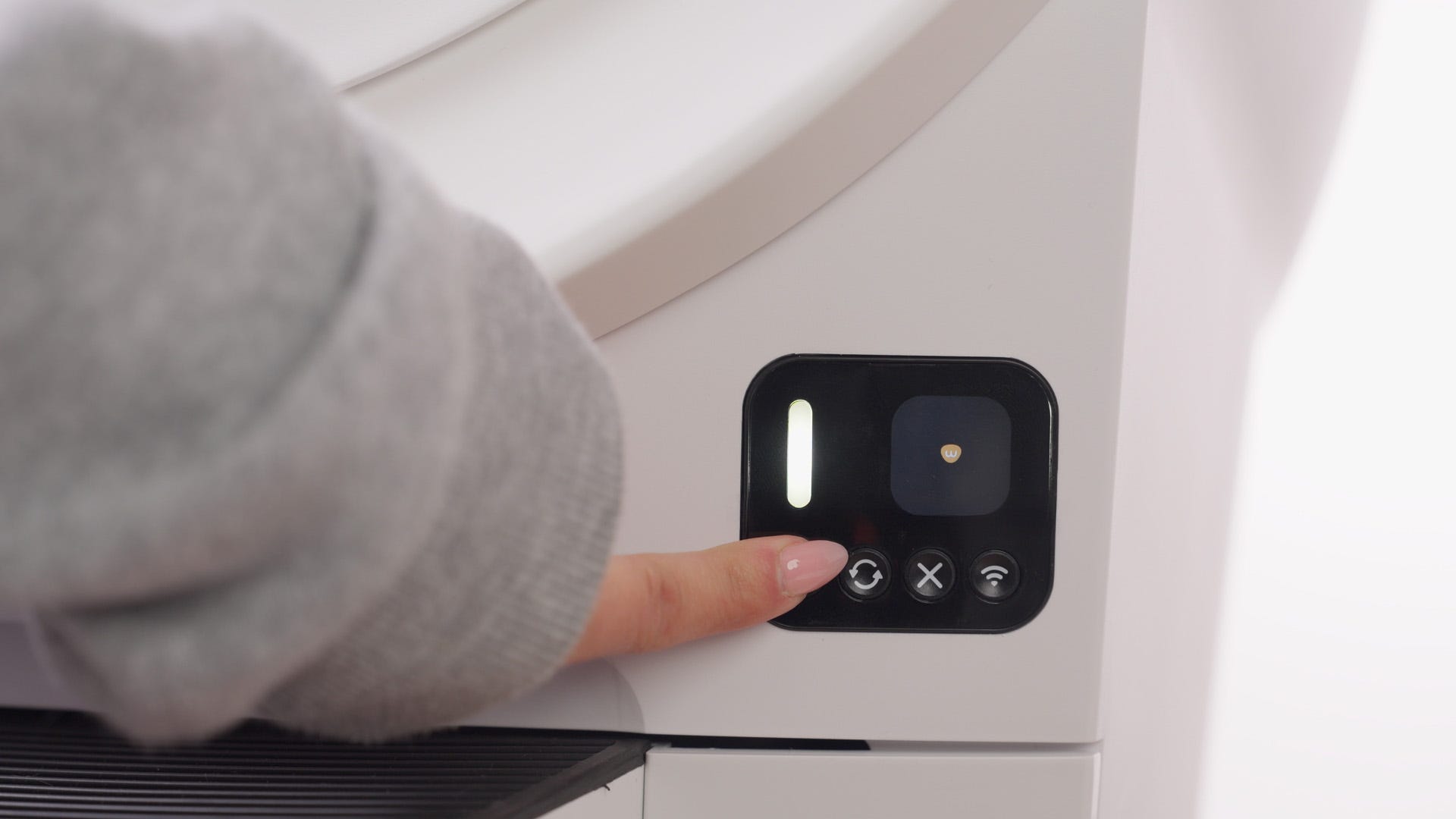
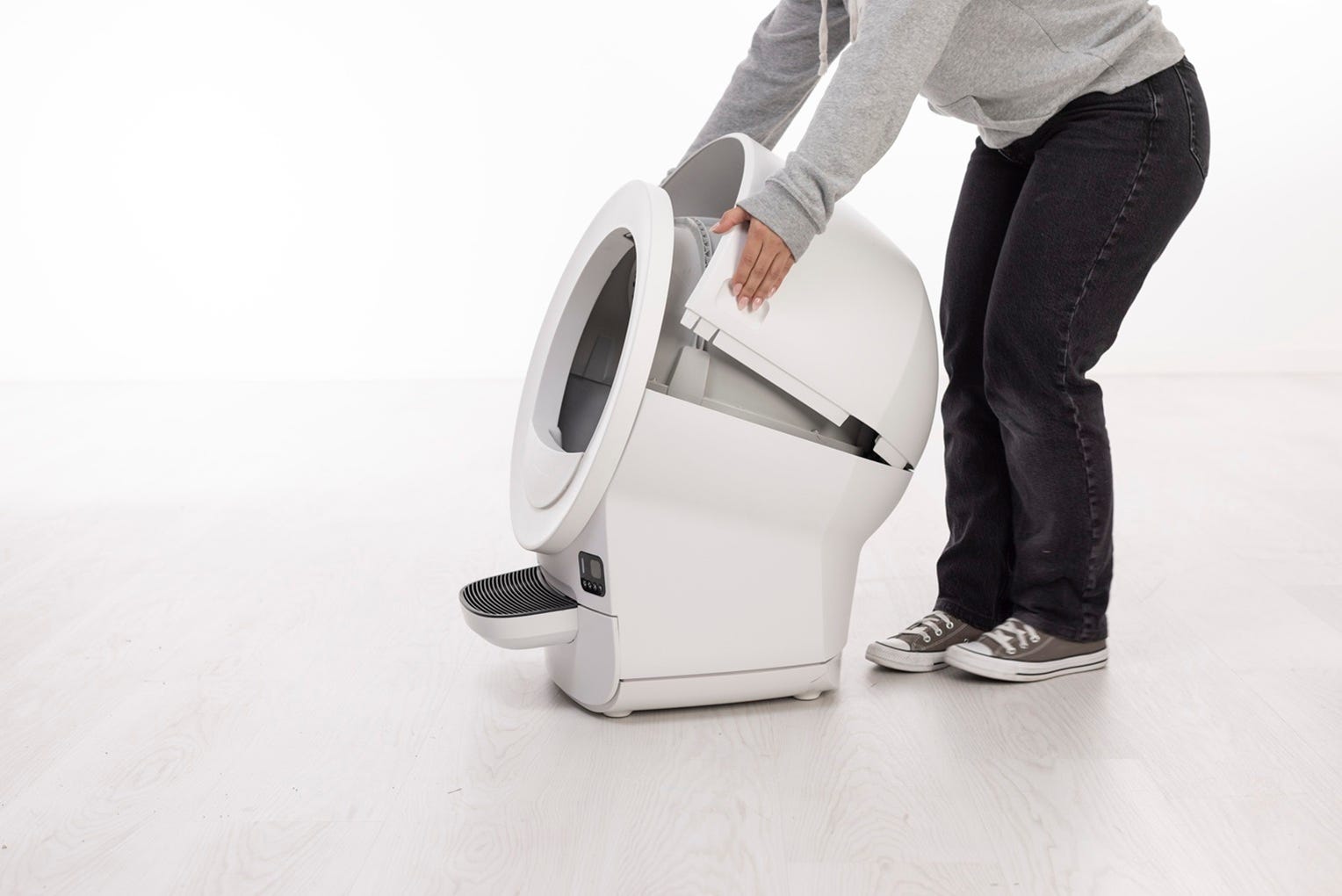
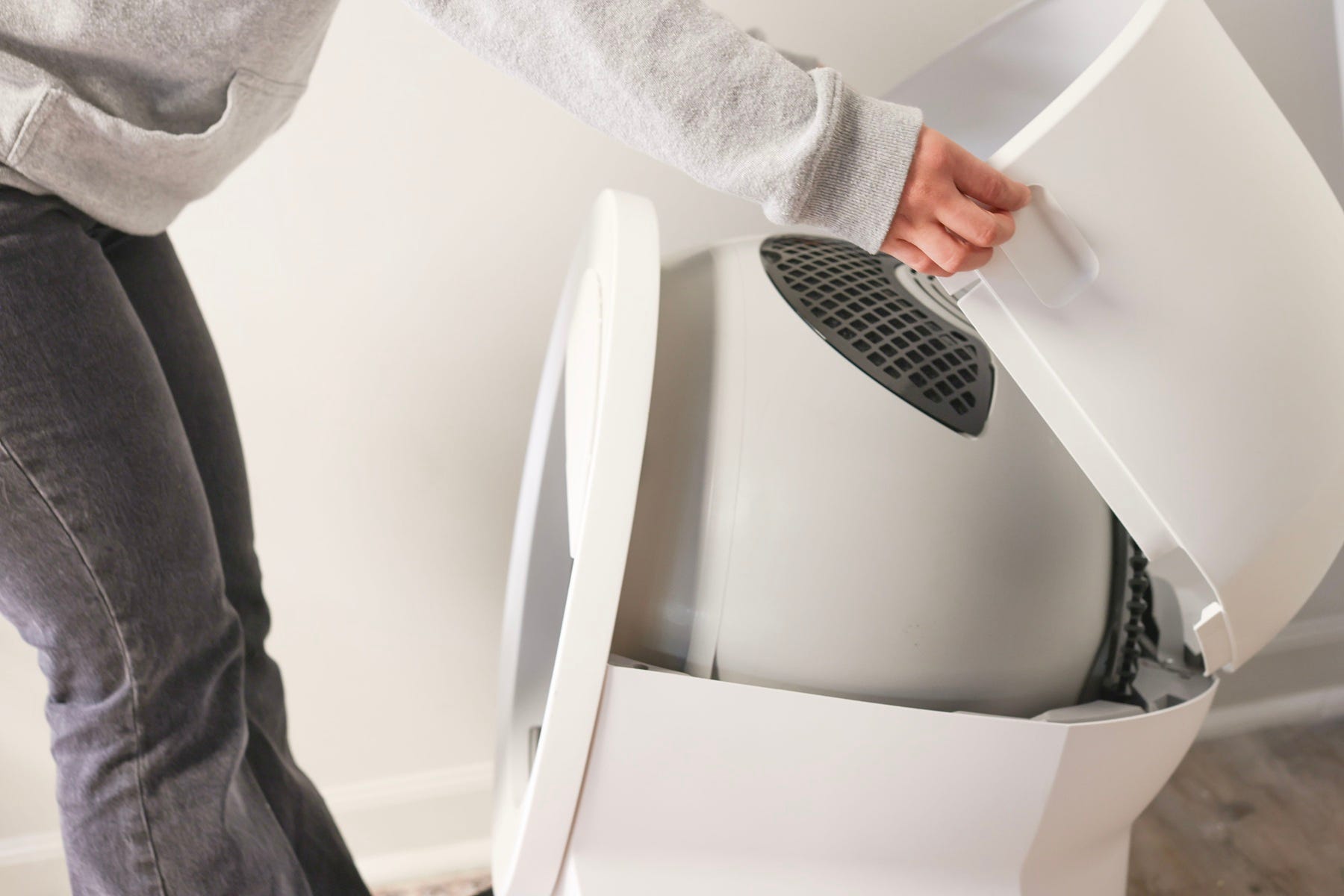
- Remove the bonnet by pressing the side latches and lifting upward.
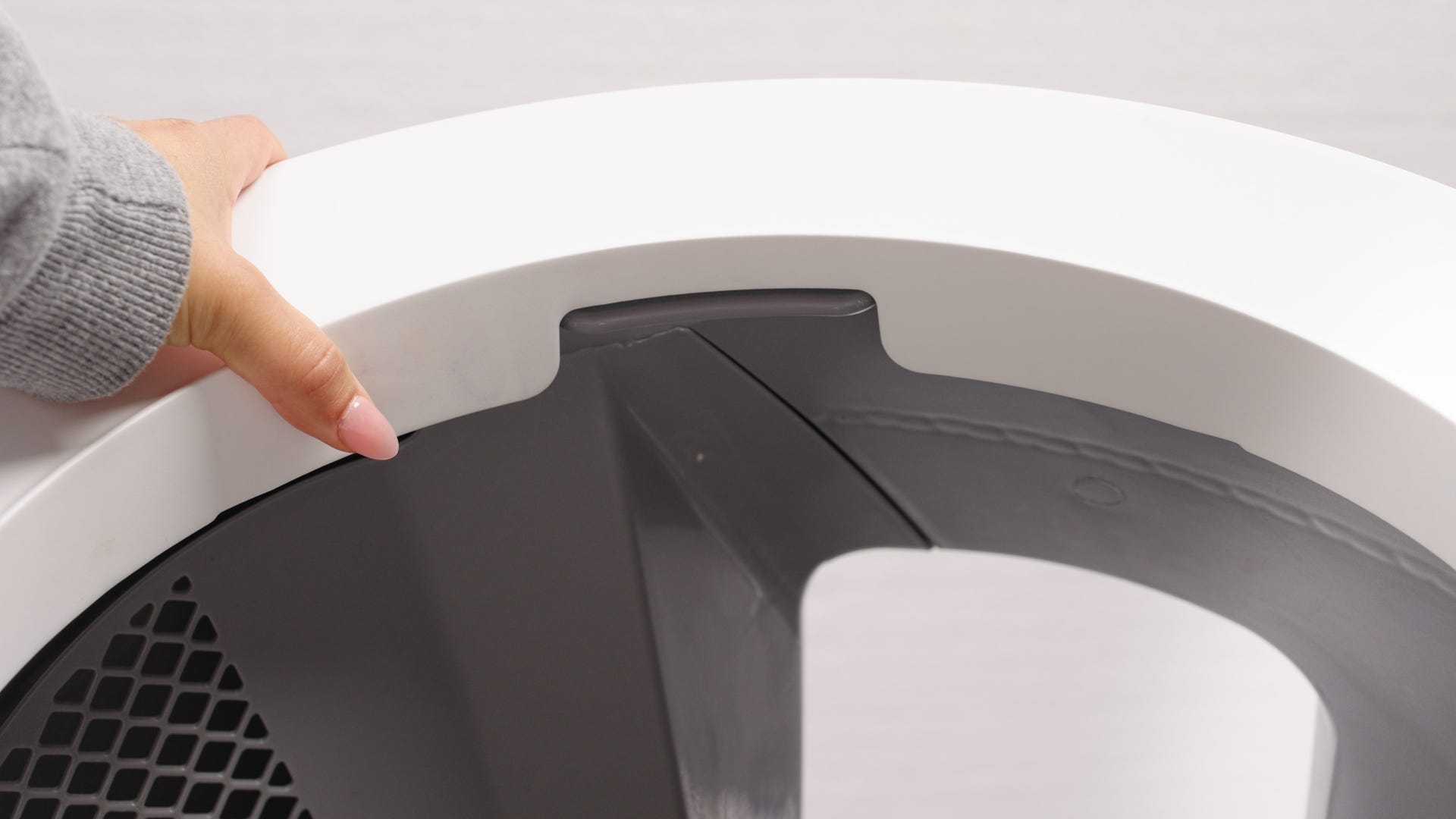
- Lift the globe off the base using the rib located at the top of the globe entrance.
-
Pull out the waste drawer and set it aside.
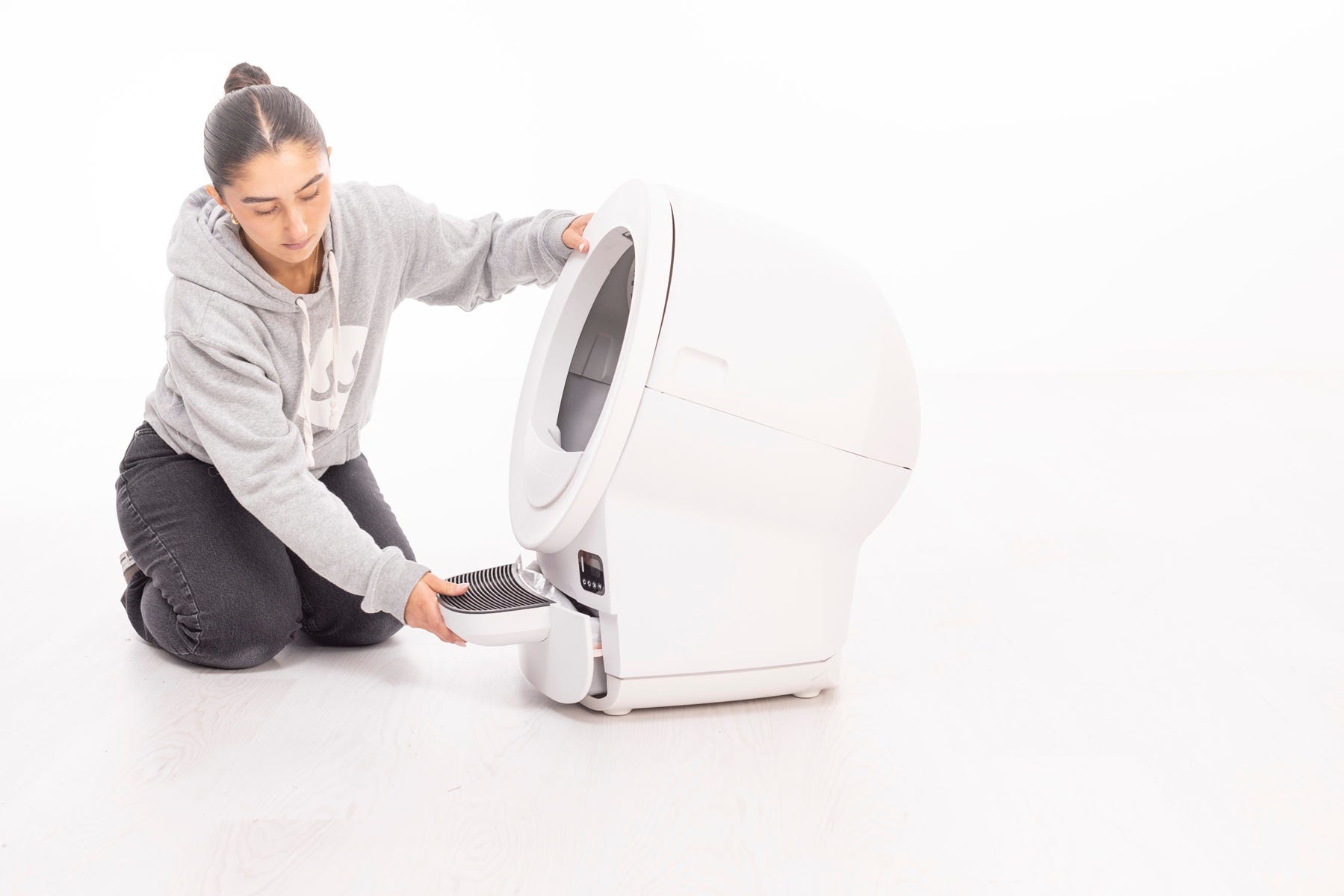
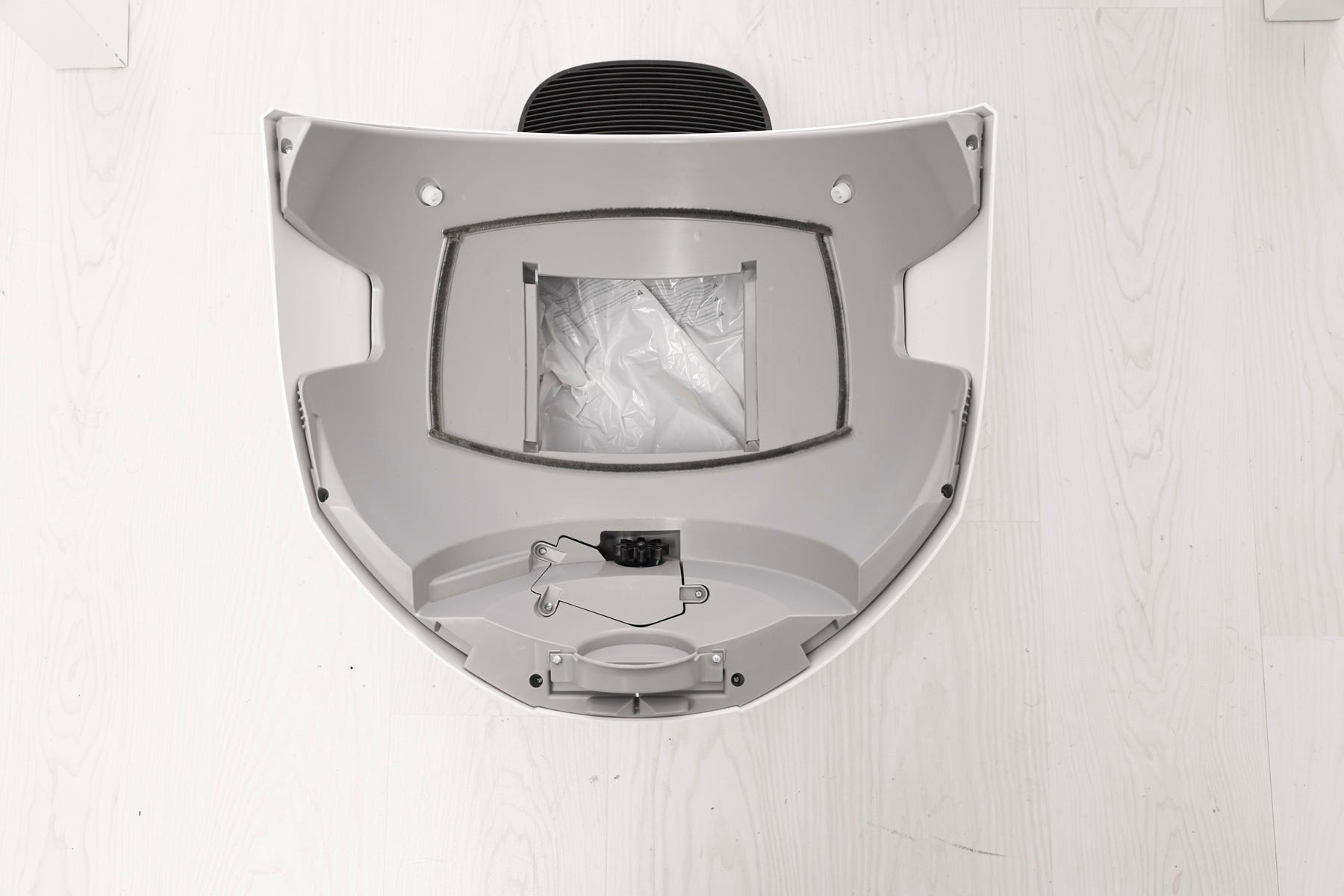
Now you can access the waste port and obstruction detection sensor components.
Clear the waste port
-
Check the waste port opening for clumped litter, debris, or liner
interference.
- Remove anything that may be caught.
Successful: If the waste port is clear, continue to the next step.
Unsuccessful: If debris remains, continue cleaning steps.
Inspect the dual pinch bars and terminals
-
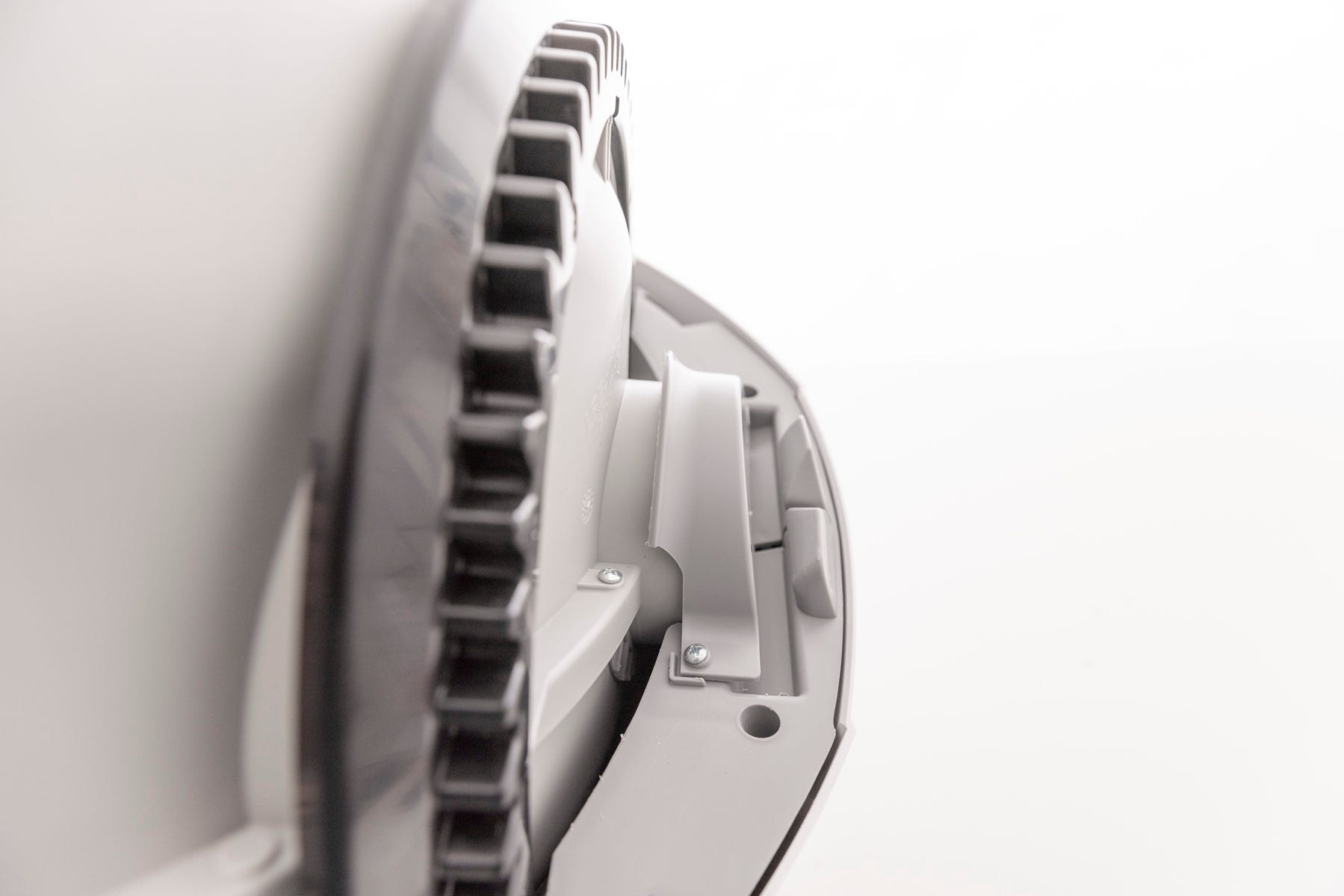
Locate the pinch bar assembly on each side of the waste port.
-
Press each bar inward several times to dislodge any stuck litter or debris.
-
Check the metal pinch terminals for corrosion or buildup. They should be shiny and touching.
-
Use a dry microfiber cloth or cotton swab to clean.
-
Avoid water or ammonia-based cleaners.
-
Inspect the carbon filter
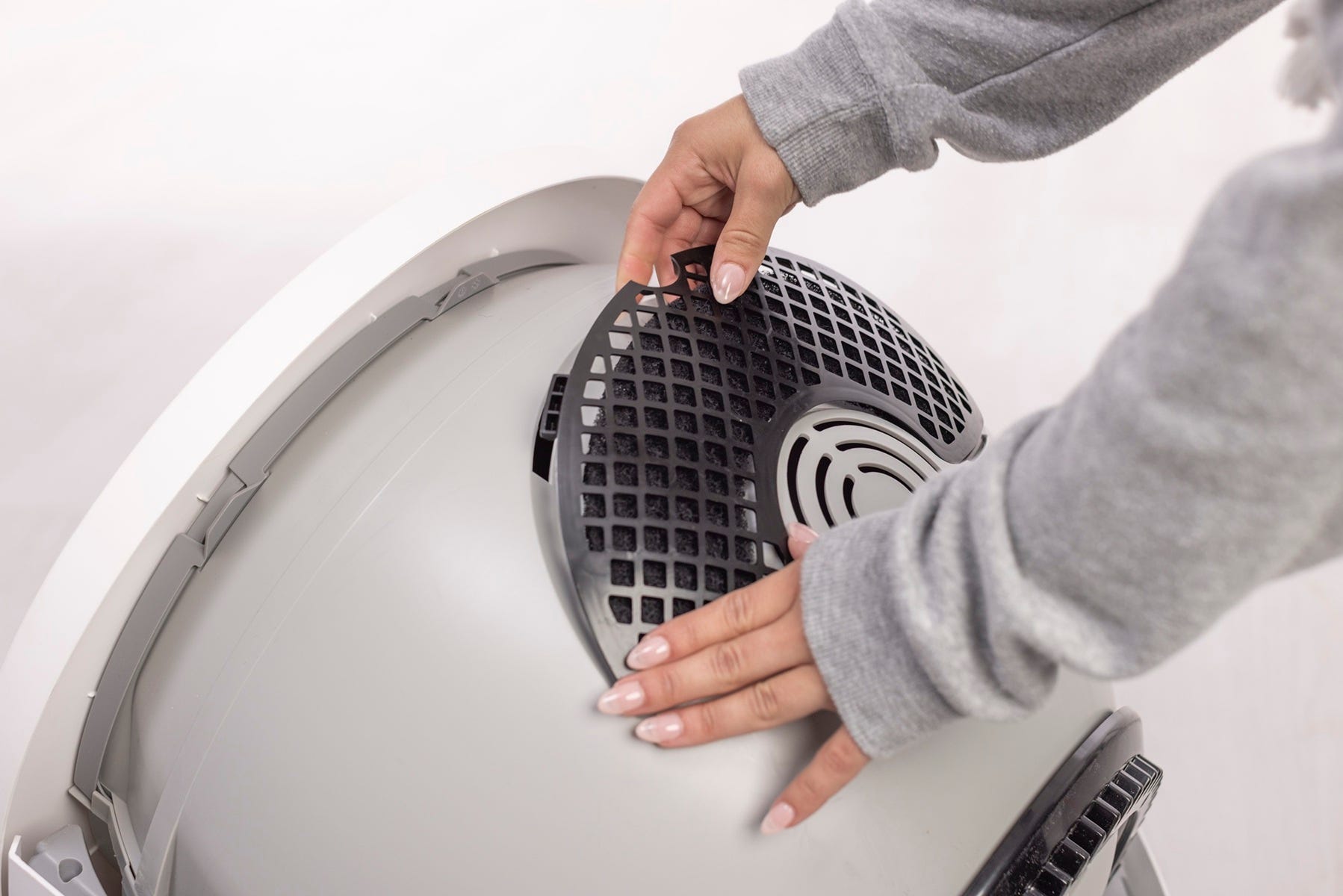
The carbon filter is located on the underside of the globe. If it is not fully seated, it can contact an obstruction detection sensor during rotation.
- Ensure the filter cover is fully seated (with each of the four tabs in their corresponding slots) and has not shifted during shipping or cleaning.
-
Check for and remove any obstructions around the waste port opening and along the globe track.
Now that we’ve checked for any obstructions, let’s reinstall the globe and bonnet and check for proper operation.
Reassemble and test
- Reinsert the waste drawer.
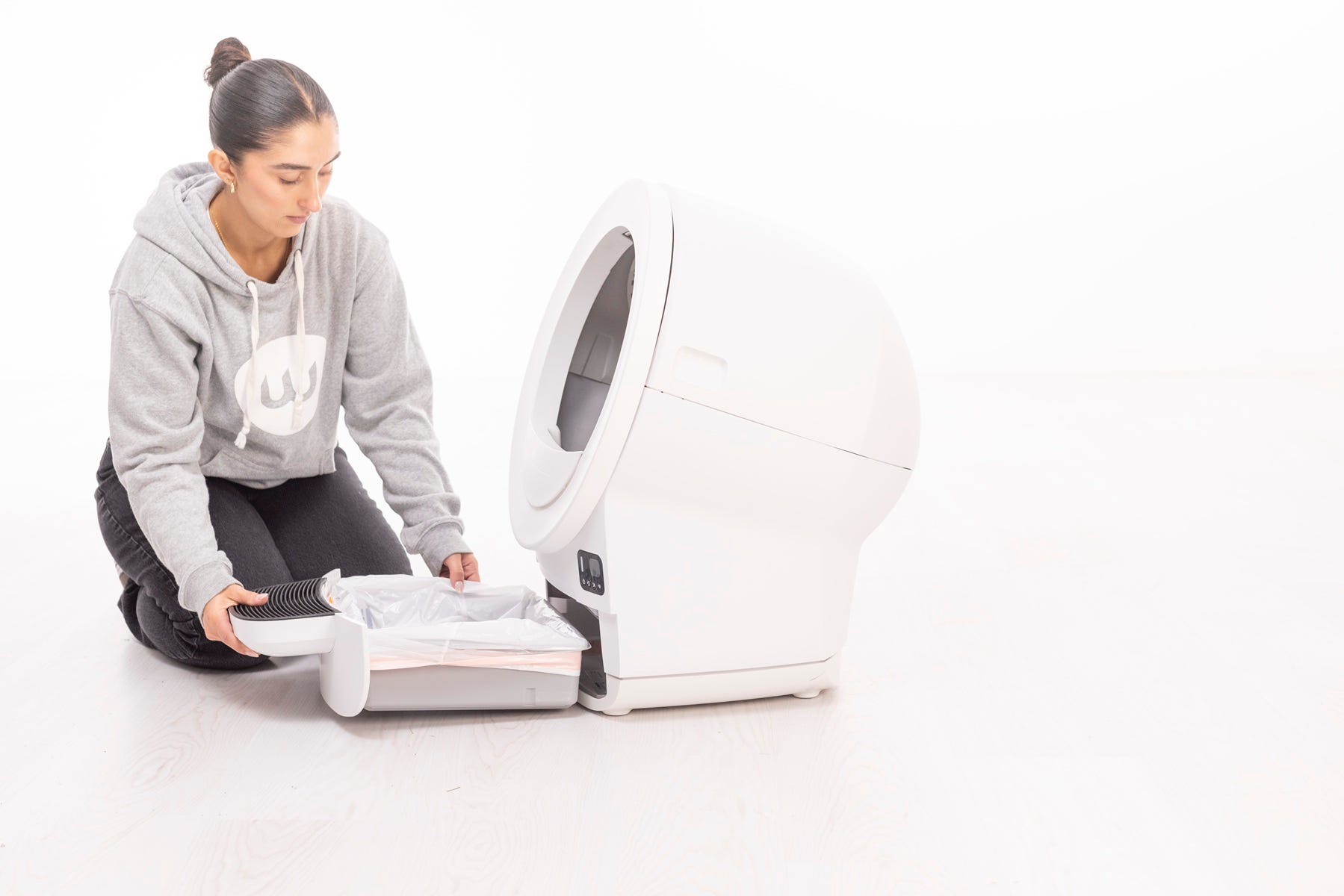
- Replace the globe, aligning it on its track.
- Reinstall the bonnet by aligning the hinge feature at the back of the base. Rotate the bonnet downwards until the side tabs are secure.
- Plug in and power on.
- Now, let's run a test cycle:
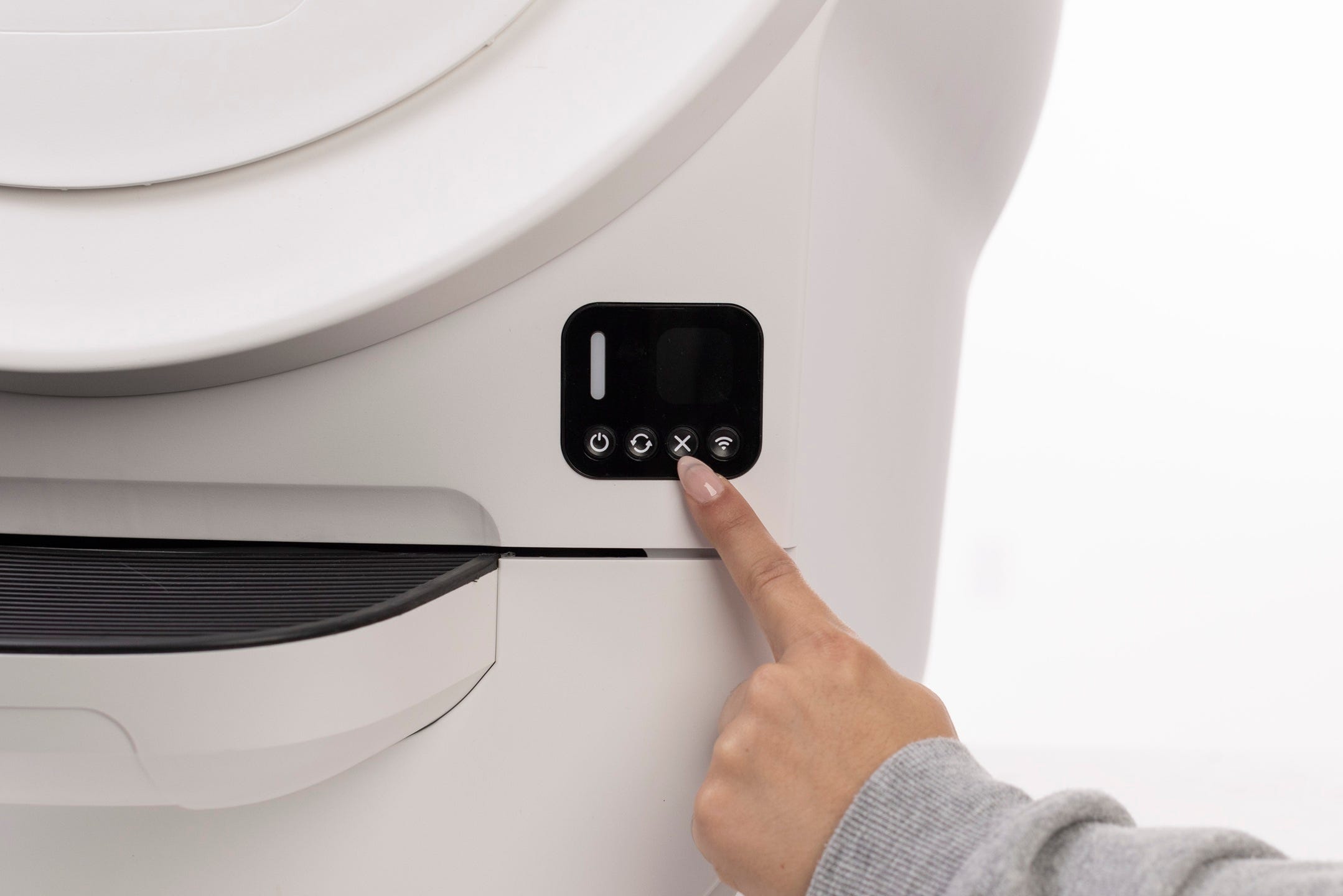
- Short press the Cancel button.
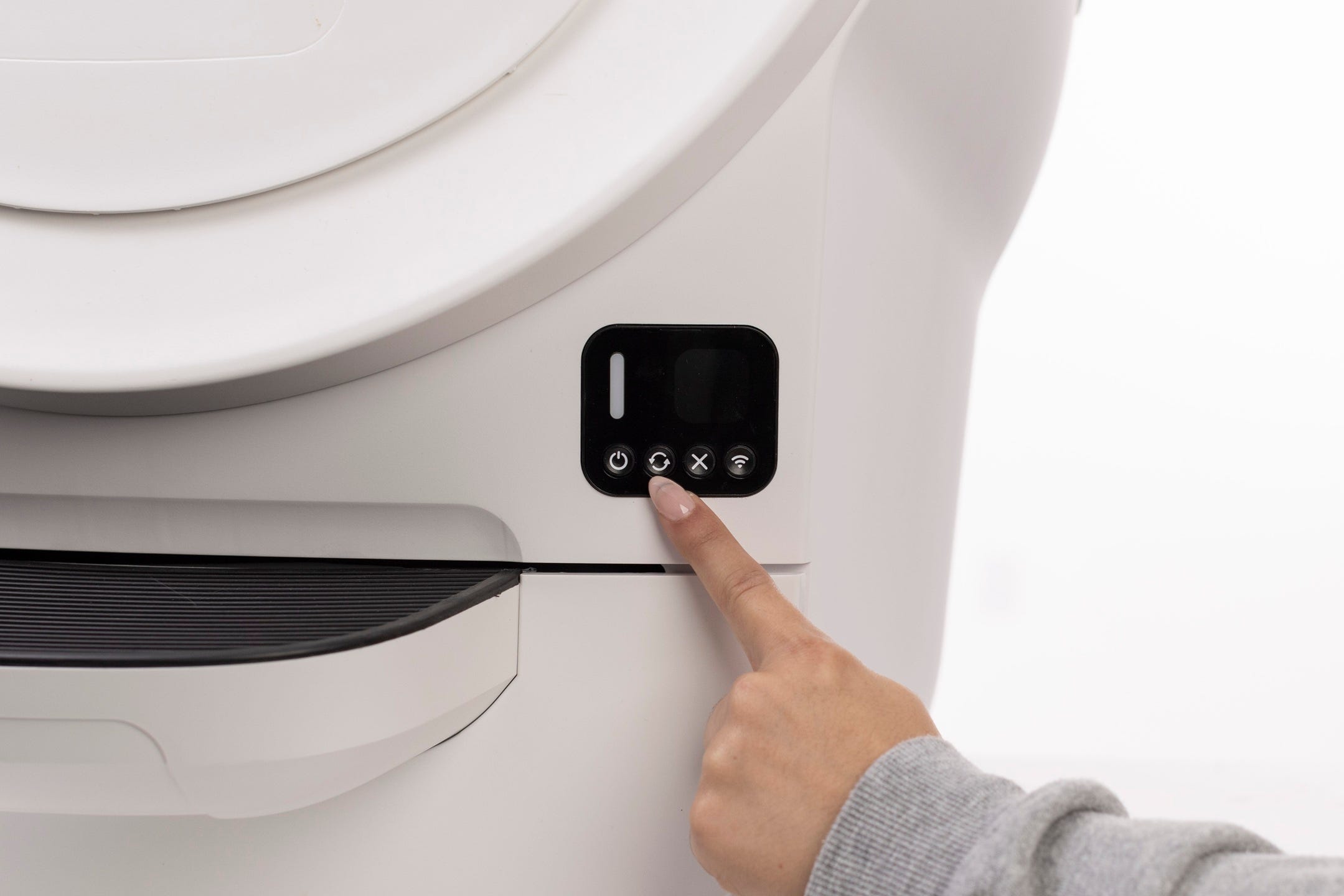
- Short press the Cycle button to run a test cycle.
Successful: The unit completes a cycle and returns Home with a solid white light.
Unsuccessful: If the Obstruction error persists, continue to next step.
Need more help?
If the Obstruction notification continues after these steps, please contact Whisker Customer Experience for further assistance.
Didn't find what you're looking for?
Phone and Chat support available Mon-Fri: 9AM-9PM EST and Sat-Sun: 9AM-5PM EST, or submit a ticket anytime.