The store will not work correctly in the case when cookies are disabled.

Litter-Robot: Waste drawer liner installation guide
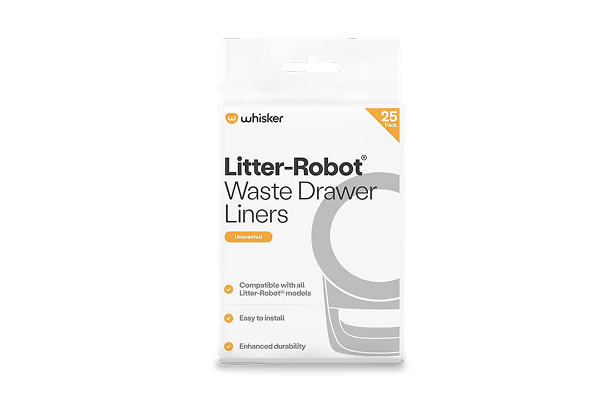
Emptying Litter-Robot is as easy as taking out the trash with custom-fit waste drawer liners, made specifically for Litter-Robot. These liners are designed for accurate waste level readings and incorporate drawstrings for easy disposal.
Litter-Robot does not require special bags or liners for the waste drawer, but white bags work best. Customers often use 10 to 13-gallon white kitchen garbage bags or large white plastic grocery bags. Please note that waste level readings may be inaccurate when using a dark bag, especially when the drawer is empty. As clumps start to collect in the drawer, the readings will become more accurate.
Jump to Litter-Robot 3 instructions
Before you start
When to empty the waste drawer
Empty the waste drawer when indicated by the app or when the light on the control panel flashes. The light will flash blue for Litter-Robot 3 and Litter-Robot 4, and it will flash yellow for Litter-Robot 5 and Litter-Robot EVO.
- For two average-size cats, twice per week is typical.
- For a single cat, once per week is usually sufficient.
Installation video
Litter-Robot 4, Litter-Robot 5, and Litter-Robot EVO
Installing the liner
- Open a new waste drawer liner or bag.
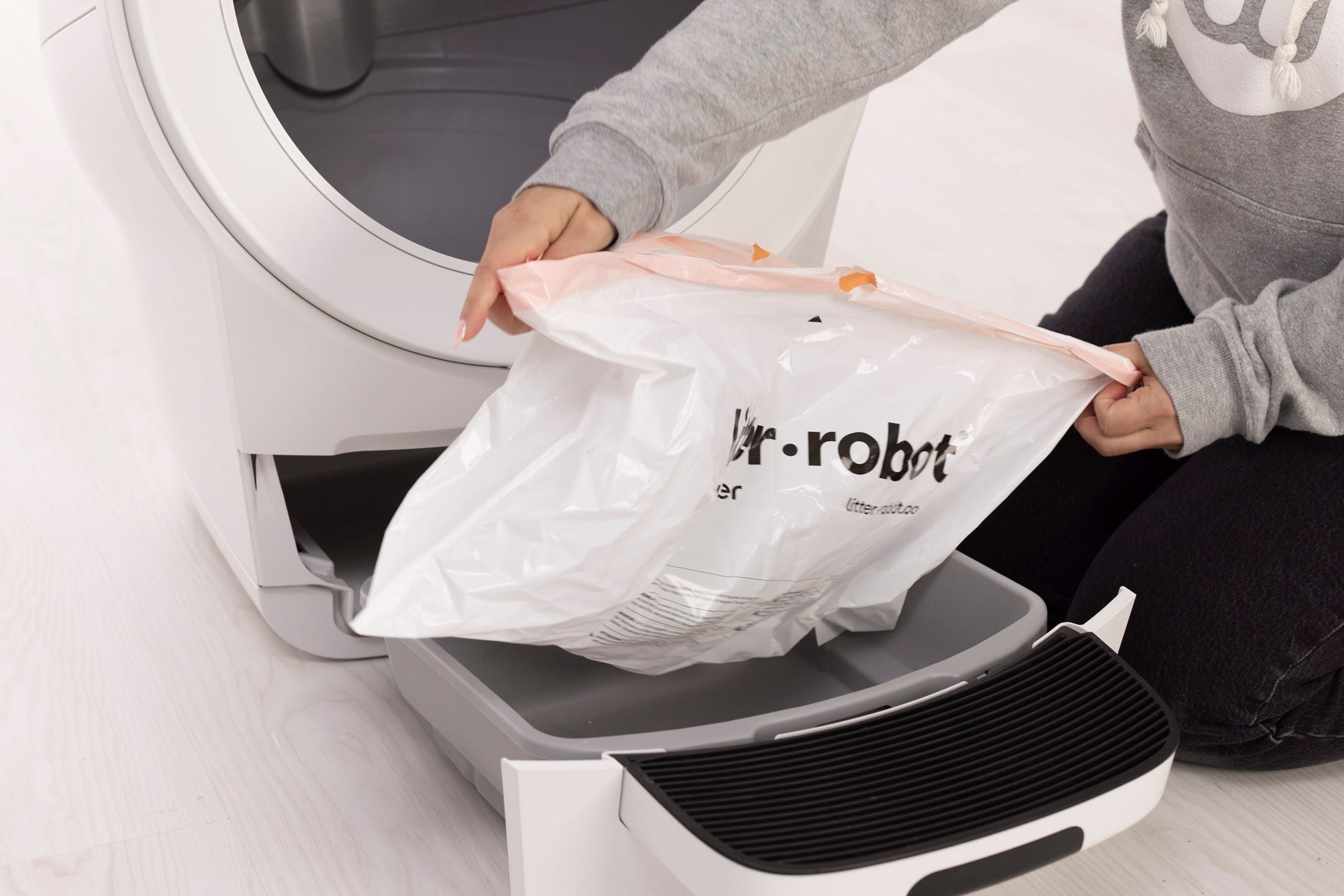
- Wrap the edges of the waste drawer liner over the rim of the waste drawer.
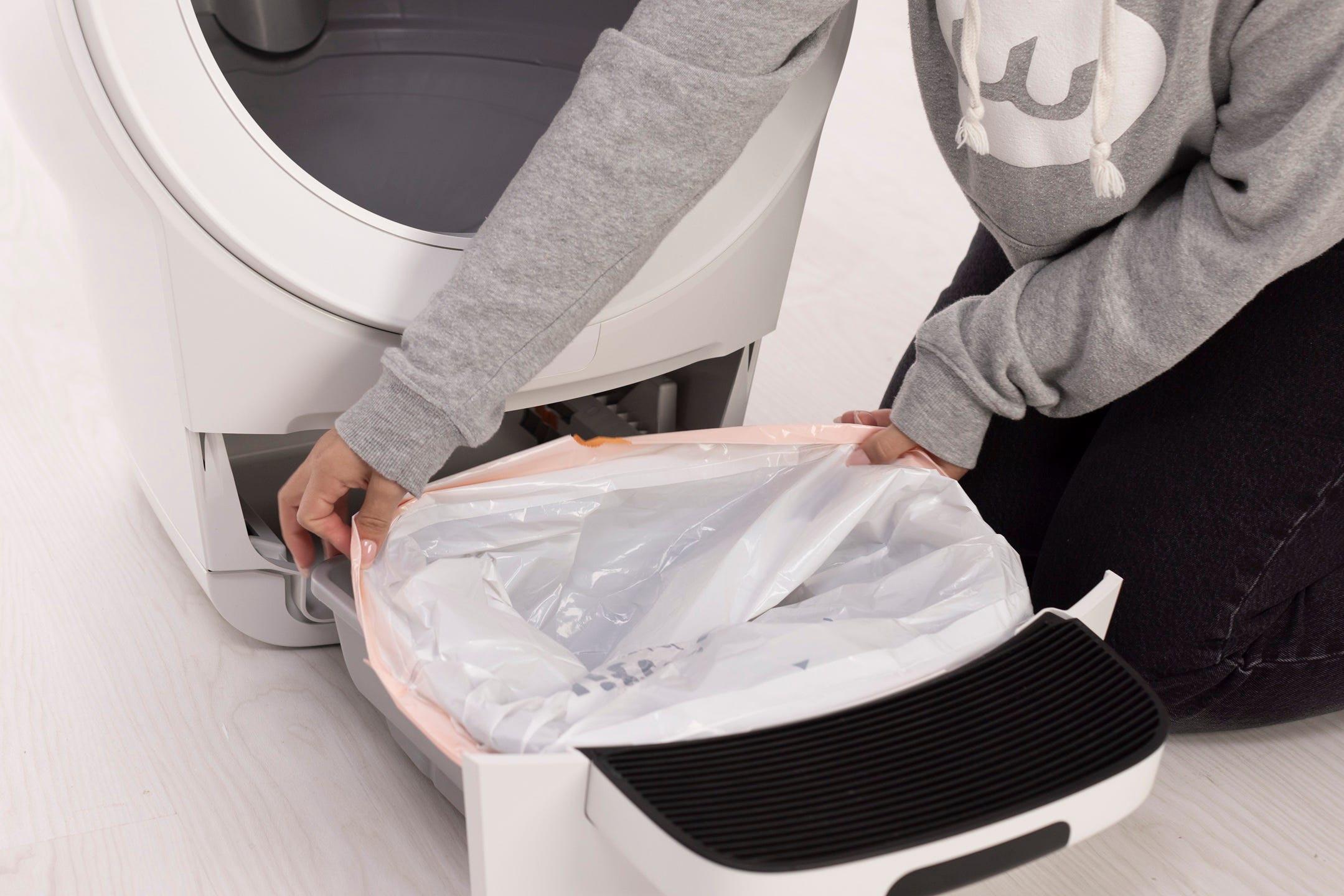
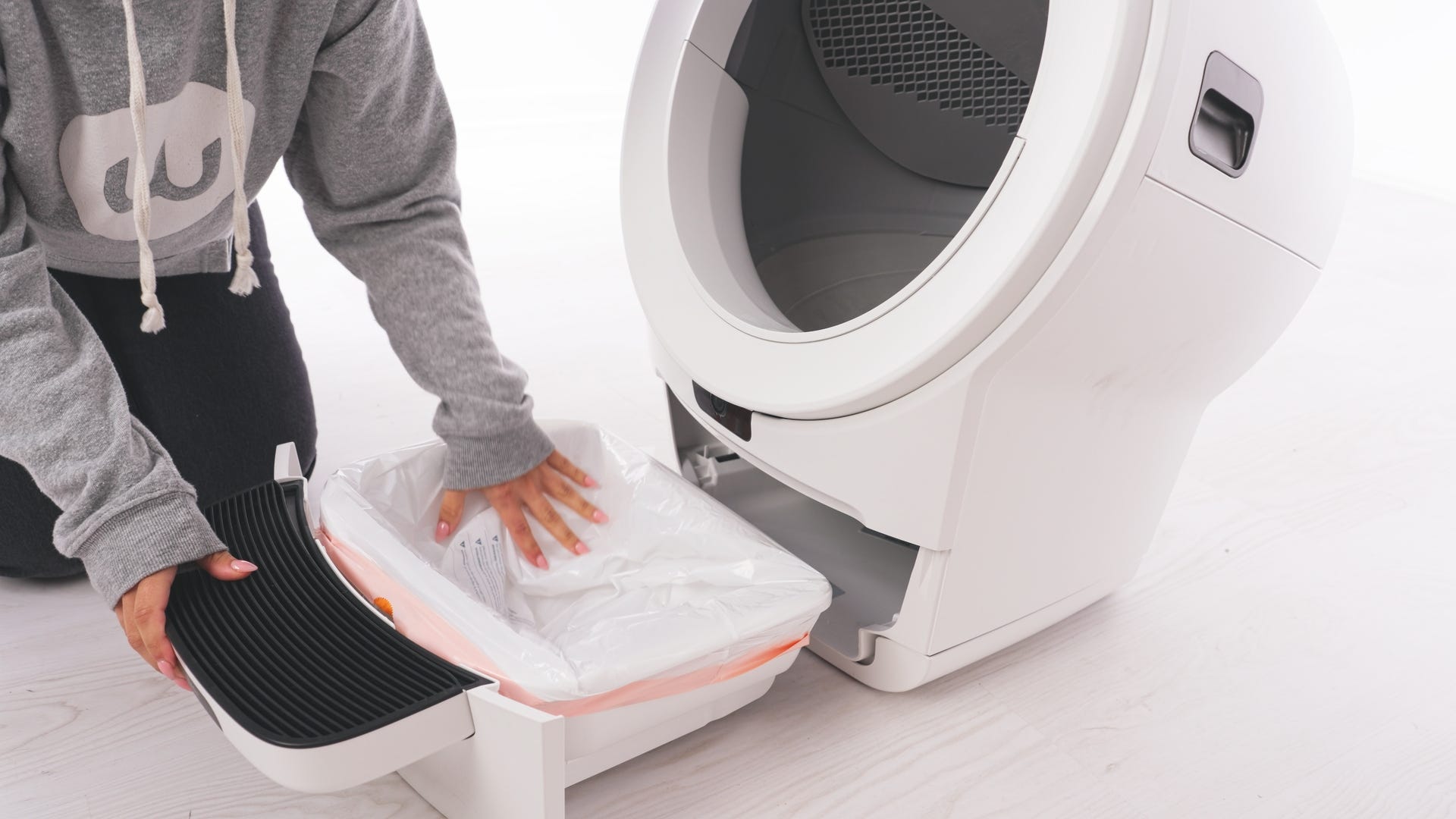
- Push the remainder of the bag into the bottom of the waste drawer and then slide the waste drawer closed. Make sure the bag does not come up past the top of the sides of the waste drawer, which can result in a false flashing “drawer full” light on the control panel.
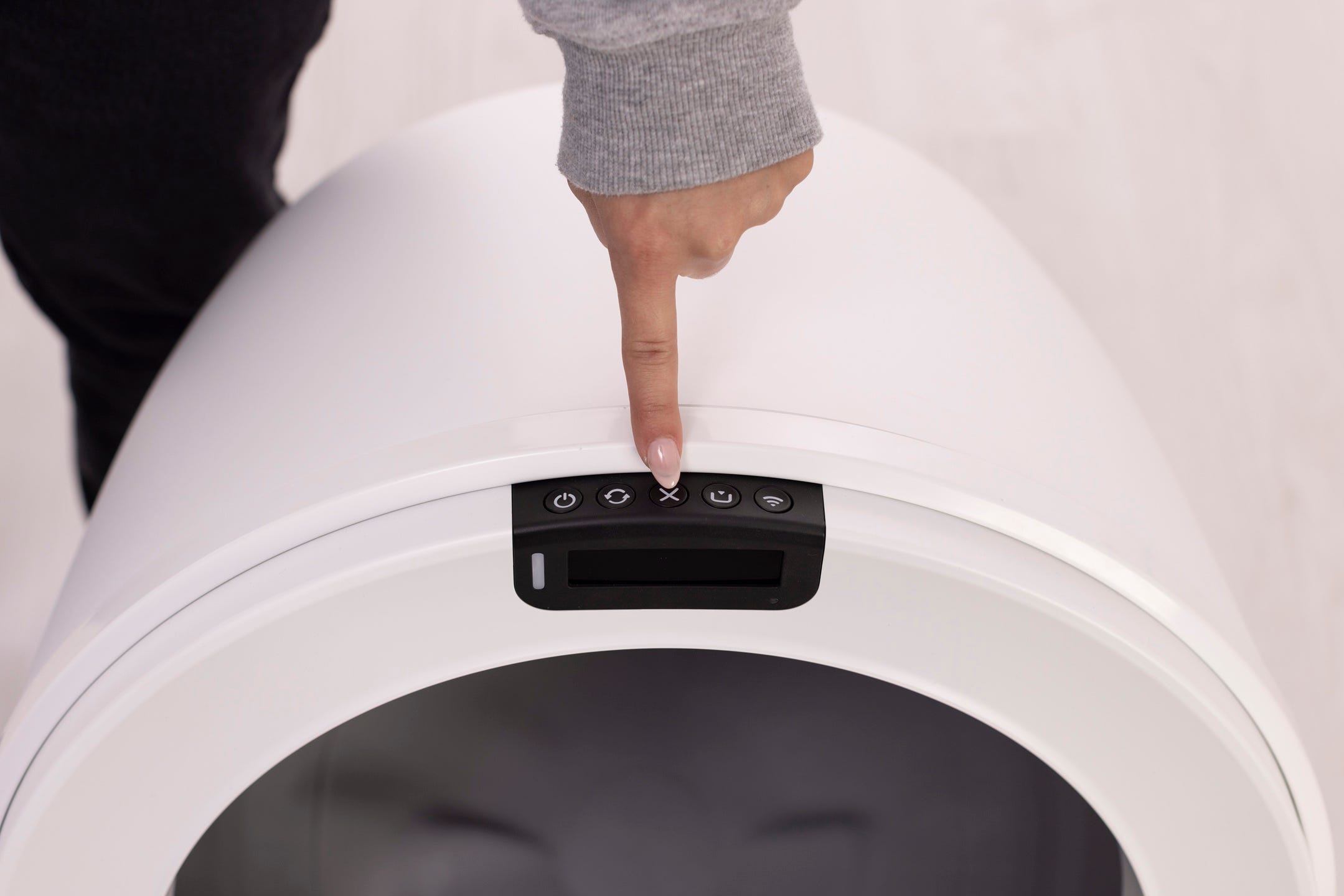
- Zero the weight sensors:
- Litter-Robot 5: Short press the Cancel button.
- Litter-Robot EVO: Short press the Cancel button.
- Litter-Robot 4: Press the Reset button.
Litter-Robot 3
Installation video
- Open a new waste drawer liner or bag
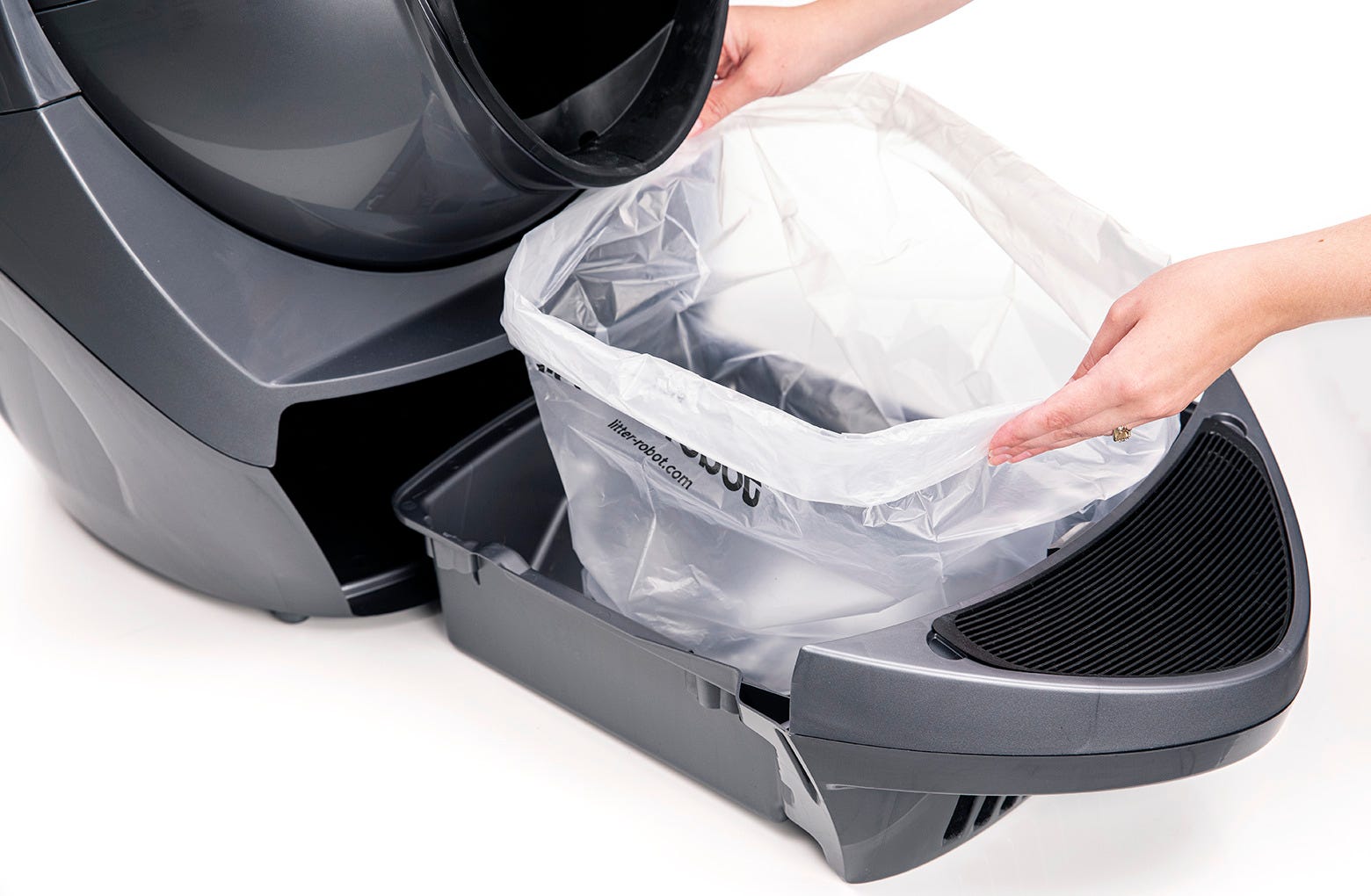
- Push the edges of the liner into each of the four tabs in the waste drawer.
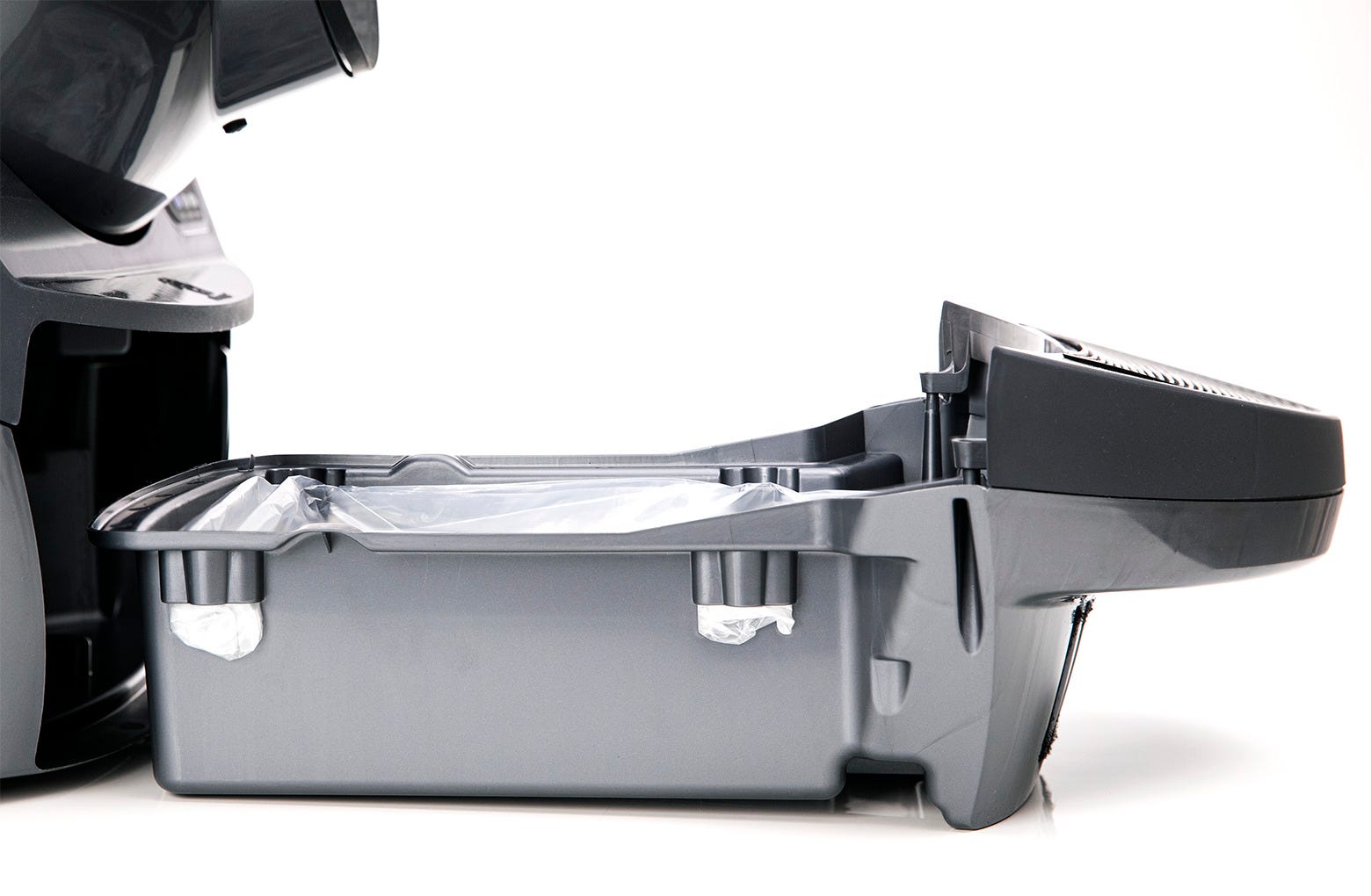
- Push the remainder of the bag into the bottom of the waste drawer and then slide the waste drawer closed. Make sure the bag does not come up past the top of the sides of the waste drawer, which can result in a false flashing blue "drawer full" light on the control panel.
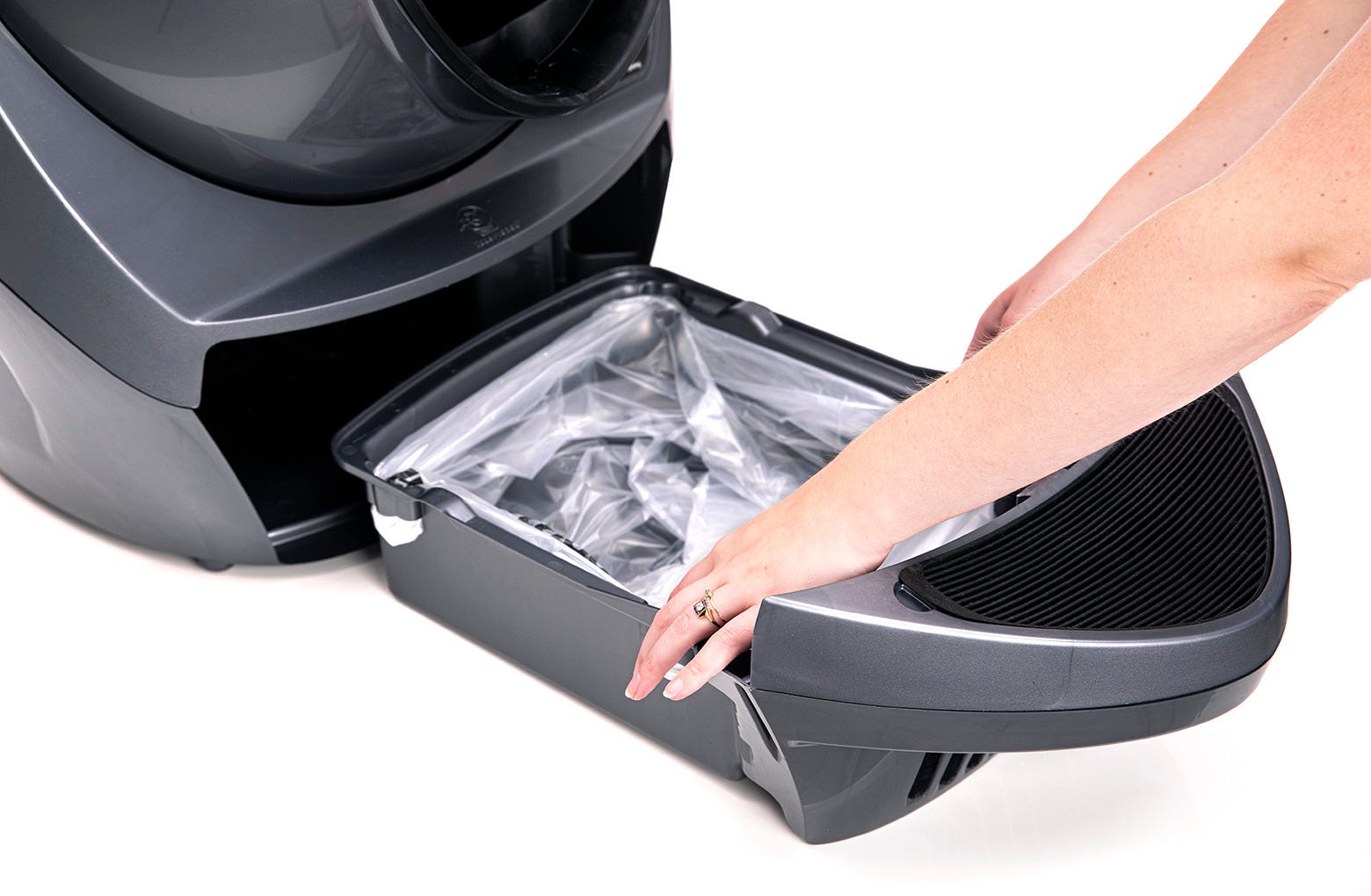 Push the reset button to zero the weight sensors.
If you use the Whisker app for Litter-Robot 3, press Reset Gauge in the Controls section of the app when you empty the waste drawer to reset the waste drawer level in the app.
 Canada
 UK
UK Français
 Deutsch
 Italiano
 Nederlands
 Español
 Danske
 Français
Didn't find what you're looking for?
Live support available Mon-Fri: 9AM-9PM EST and Sat-Sun: 9AM-5PM EST, or submit a ticket anytime.