The store will not work correctly in the case when cookies are disabled.


Litter-Robot 4: Waste liner holder installation guide
The dispenser attaches inside the back of the Litter-Robot 4 waste drawer and conveniently stores a 25-pack roll of waste drawer liners.

-
Remove the waste drawer from the Litter-Robot 4 by pulling out the
handle/step.

-
Empty and clean out any waste from the drawer.

-
Once emptied, turn the waste drawer upside down and find the 2 screw
placements.

-
Align the 2 screw holes on the Waste Liner Holder with the 2 screw
placements on the drawer.

-
Use a screw driver to install the 2 screws.

-
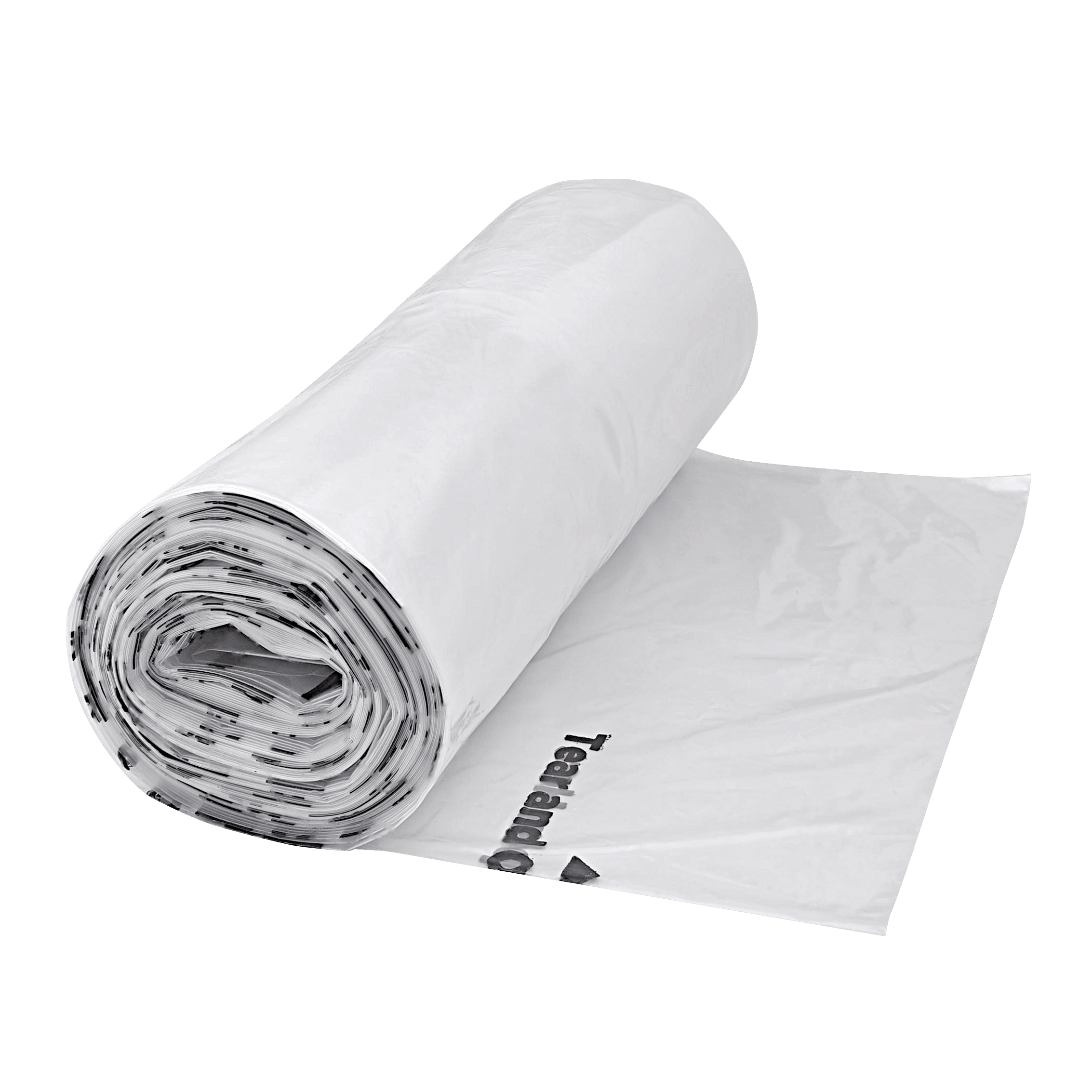
Open the Waste Liner Holder’s lid, add the roll of bags, and close.

-
Slide the drawer back into the Litter-Robot 4.

-
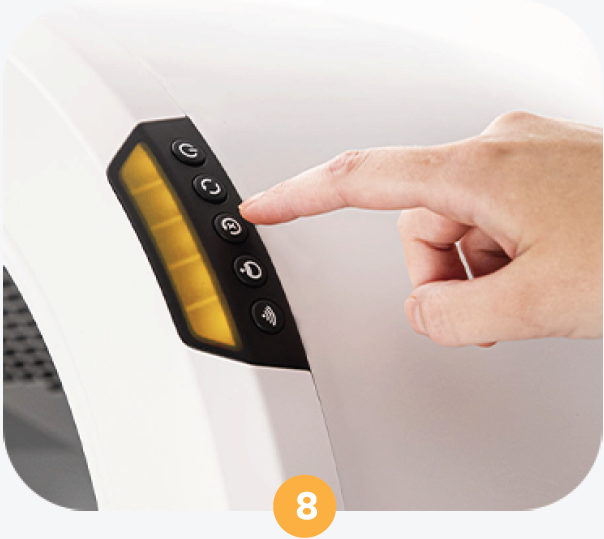
Press the Reset button to recalibrate the scale. The Waste Liner Holder is
now ready to use.
Download PDF
Didn't find what you're looking for?
Phone and Chat support available Mon-Fri: 9AM-9PM EST and Sat-Sun: 9AM-5PM EST, or submit a ticket anytime.