The store will not work correctly in the case when cookies are disabled.


Litter-Robot 4: Waste liner holder installation guide
The dispenser attaches inside the back of the Litter-Robot 4 waste drawer and conveniently stores a 25-pack roll of waste drawer liners.

-
Remove the waste drawer from the Litter-Robot 4 by pulling out the
handle/step.

-
Empty and clean out any waste from the drawer.

-
Once emptied, turn the waste drawer upside down and find the 2 screw
placements.

-
Align the 2 screw holes on the Waste Liner Holder with the 2 screw
placements on the drawer.

-
Use a screw driver to install the 2 screws.

-
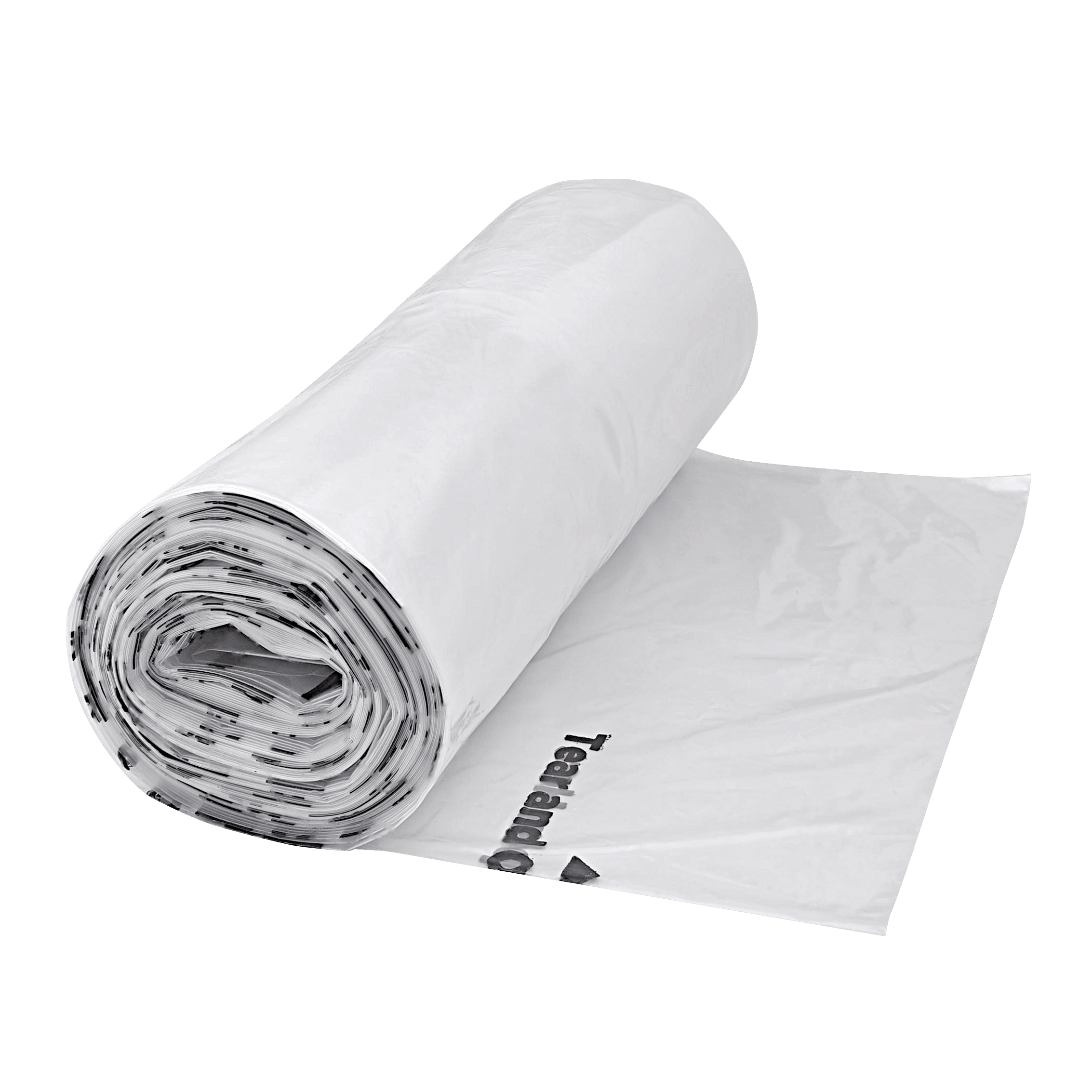
Open the Waste Liner Holder’s lid, add the roll of bags, and close.

-
Slide the drawer back into the Litter-Robot 4.

-
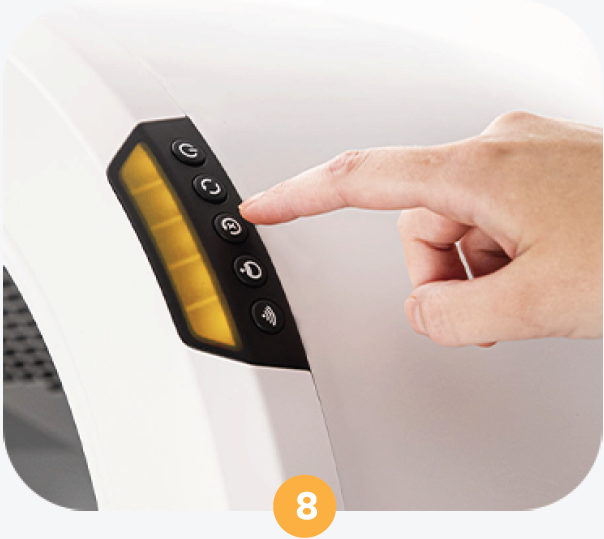
Press the Reset button to recalibrate the scale. The Waste Liner Holder is
now ready to use.
Download PDF
Didn't find what you're looking for?
Live support available Mon-Fri: 9AM-9PM EST and Sat-Sun: 9AM-5PM EST, or submit a ticket anytime.