The store will not work correctly in the case when cookies are disabled.



Litter-Robot 4 Laser Board
As low as
$50
Only %1 left
or
Choose a replacement Litter-Robot 4 Laser Board in the dropdown based on your robot's serial number. (To find your serial number, locate the sticker on the back of the base above the power jack.)
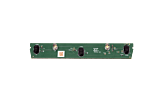

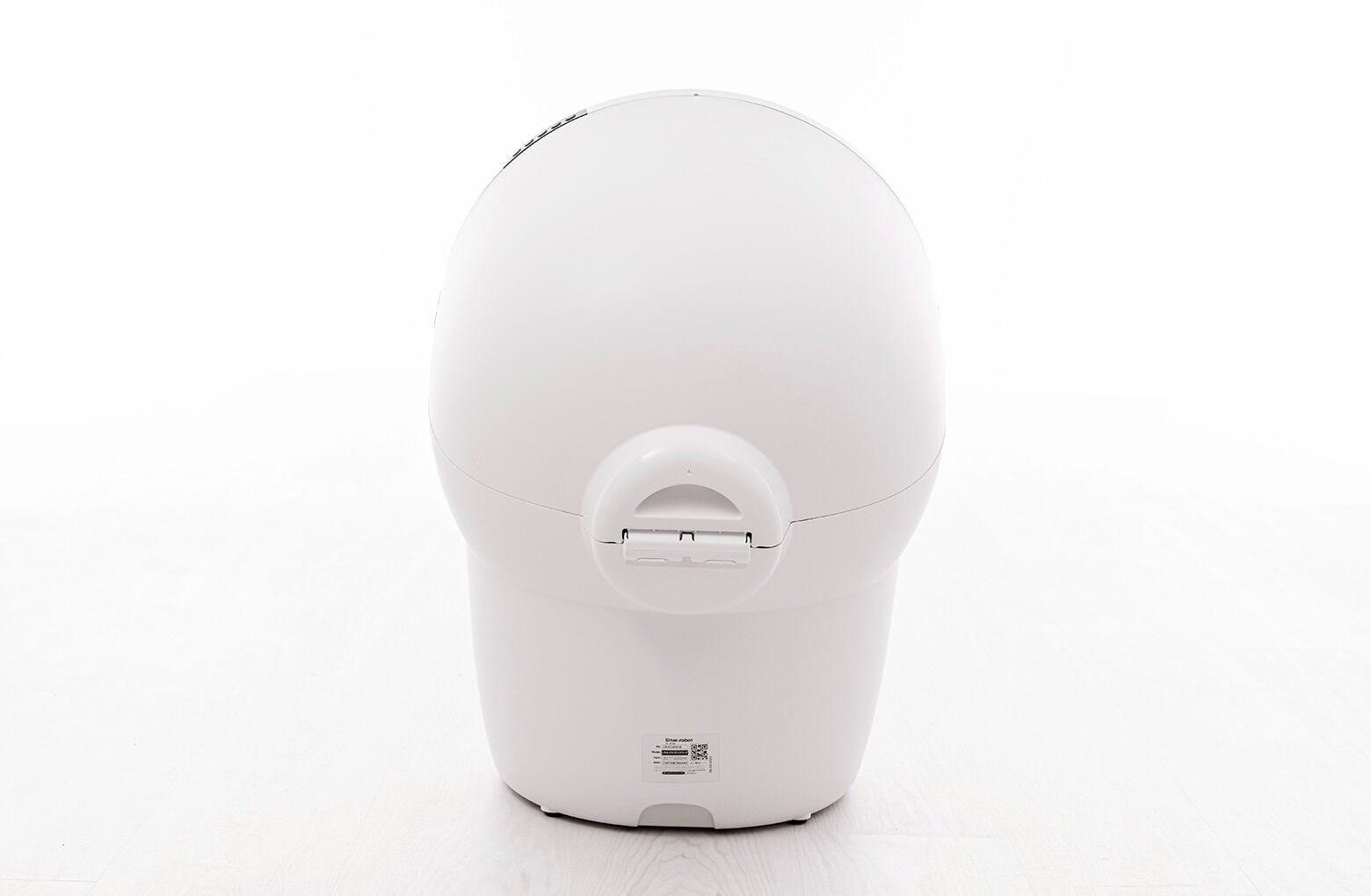
Purchase a replacement laser board here, or if your Litter-Robot is under warranty, log in to your account, then click "Replacement Parts" to select the part you need, free of charge. Before you order, please review the installation instructions to ensure you are willing and able to install it yourself.
- For Litter-Robot 4 models only
- Installation required
FAQ
Is this item covered under my WhiskerCare® Warranty?
Yes. If your Litter-Robot is covered by our WhiskerCare Warranty, you have access to replacement parts at no cost. Simply log in to your account, then click "Replacement Parts" to select the part you need. Before you order, please review the installation instructions to ensure you are willing and able to install it yourself.
What is the Litter-Robot 4 Laser Board? Which one should I purchase?
The Litter-Robot 4 Laser Board activates the curtain sensors that detect when a cat enters or exits the globe. Purchase a replacement laser board based on your robot's serial number, which begins with either LR4S or LR4C. To find your serial number, locate the sticker on the back of the base above the power jack.
What issues can be fixed by replacing the Litter-Robot 4 Laser Board?
If you have already completed the troubleshooting steps for one of the issues below, you most likely need a new laser board.
- Litter-Robot 4: Red Light Bar (Cat or Motion Detection) guide
- Litter-Robot 4: Red Light Bar Flashing (Cat Sensor Fault) guide
- Litter-Robot 4: Red & Blue Alternating Light Bar (OmniSense Laser Sensor Fault) guide
- Litter-Robot 4: Blue Light Bar Flashing (Drawer Full Indicator "DFI" Sensors) guide
- Litter-Robot 4: Inaccurate Waste Drawer Gauge guide
- Litter-Robot 4: Green with Partial Red Flashing or Green Ping-Pong Lights (OmniSense sensors need cleaning) guide