The store will not work correctly in the case when cookies are disabled.


Getting started with
Litter-Robot® 5
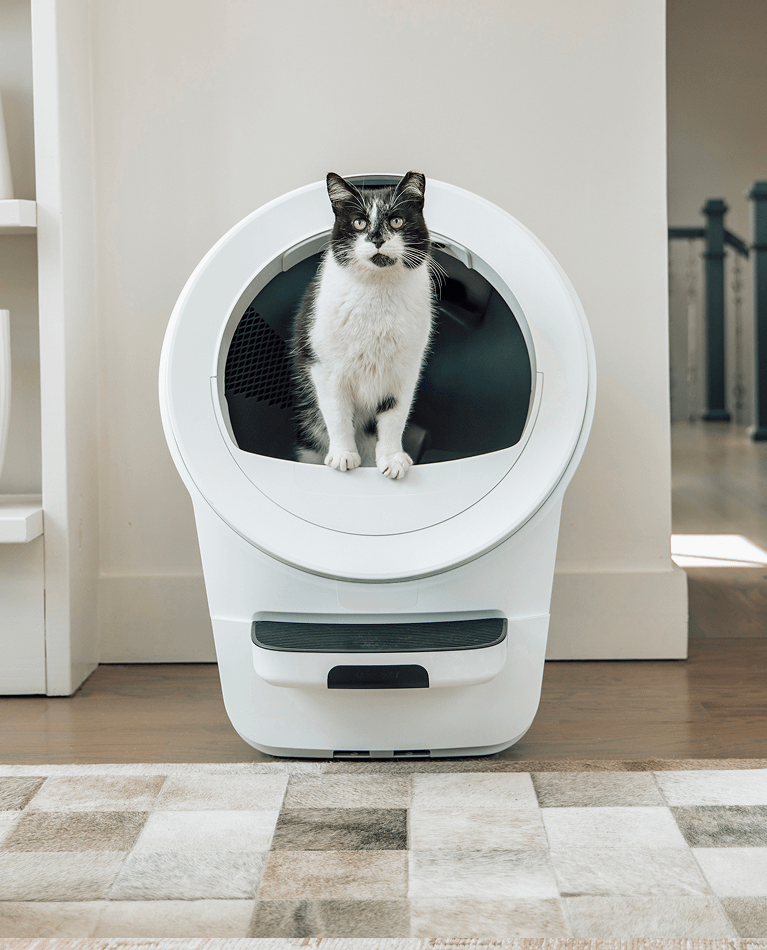
Your Litter-Robot 5 arrives mostly assembled. Follow these steps to get started or refer to the user manual for more information.
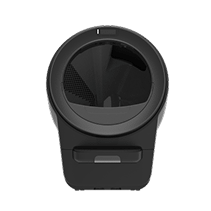
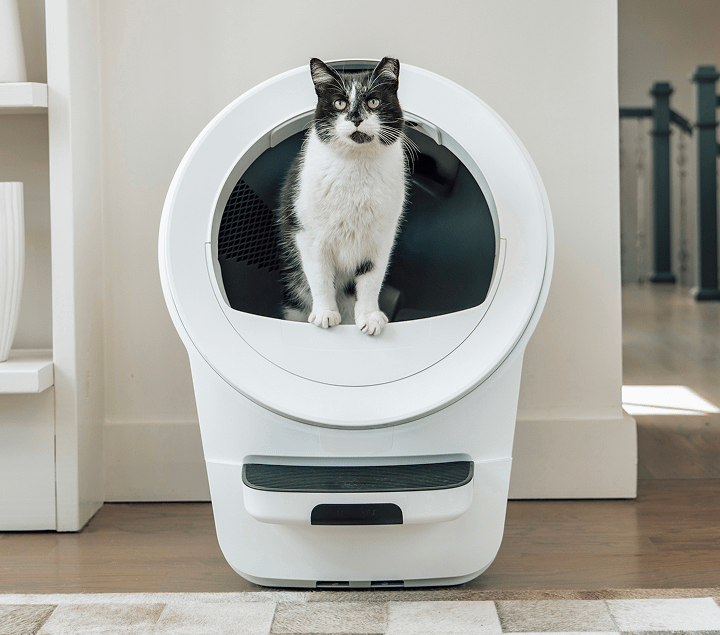
Litter-Robot 5
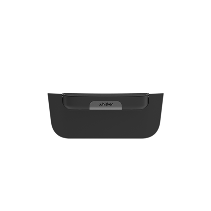
1 Waste Drawer Step
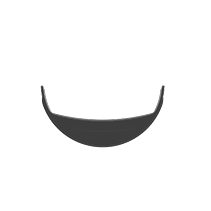
1 Fence
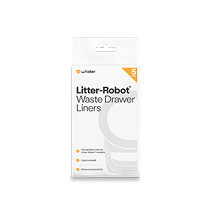
5 Waste Drawer Liners
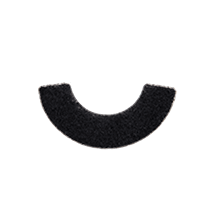
1 Carbon Filter (installed)
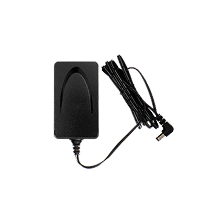
Power Supply

Accessories (optional – sold separately or in bundle)
Ensure proper placement
Your Litter-Robot comes mostly assembled and ready to use. Get started by following the steps below.
- Place Litter-Robot in the same location as the old litter box (at least during transition) if possible.
- Ensure the unit is on a level surface in a cool, dry location. Litter-Robot 5 can be placed on hard flooring or carpet.
- Place the unit near a power outlet. Ensure the unit isn't pushed against a wall or into a corner.
- Place litter mats or rugs in front of the unit.
Step 1
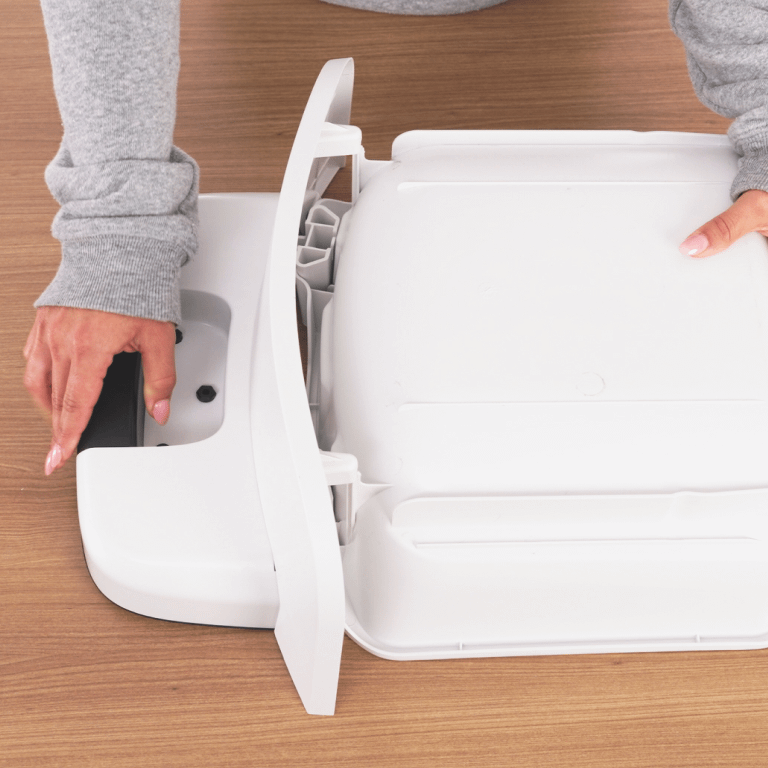
Place the waste drawer upside down on a table. Locate the two hooks and two tabs on the inside of the drawer front panel.
Step 2
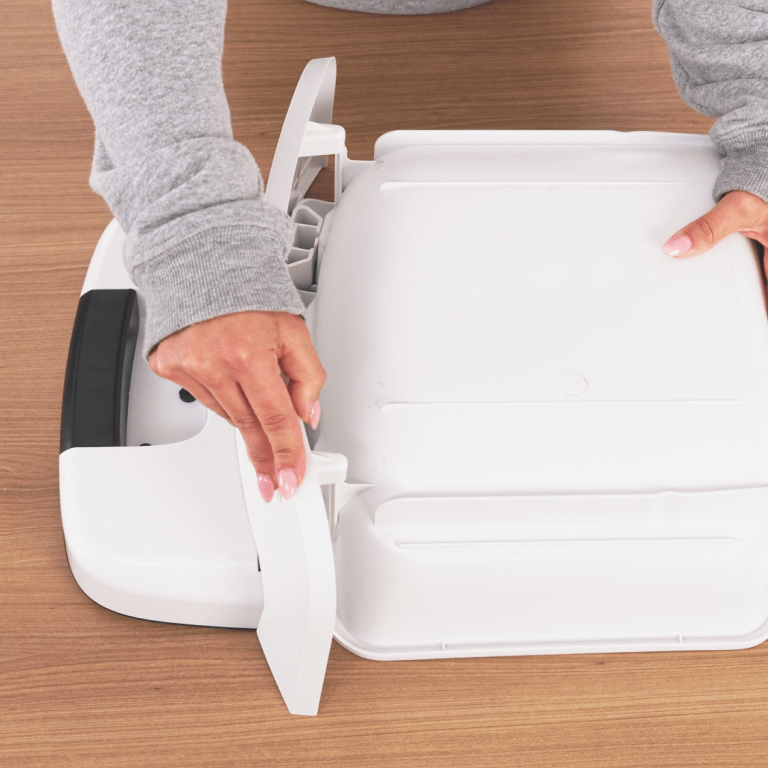
Match the hooks and tabs with the corresponding slots on the drawer body. Slide the drawer front onto the drawer body. While holding the tabs in place, flip the drawer so that it’s facing right side up. Push the drawer body down slightly until you hear or feel the clips snap into place.
Step 3
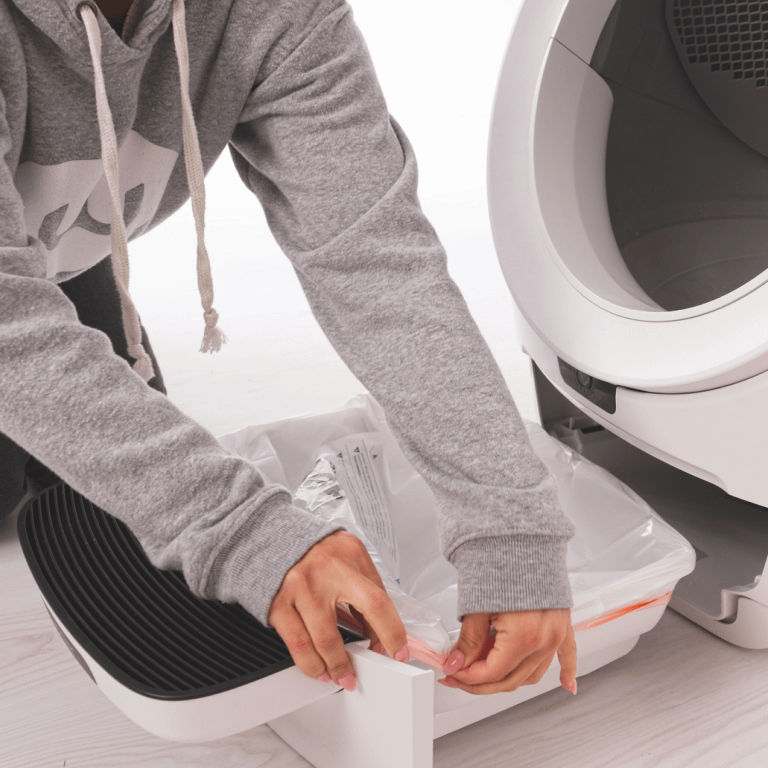
Open a waste drawer liner and wrap the edges over the rim of the waste drawer. Push the liner flat against the side walls and bottom to prevent inaccurate waste drawer level measurements. Slide the assembled waste drawer into Litter-Robot.
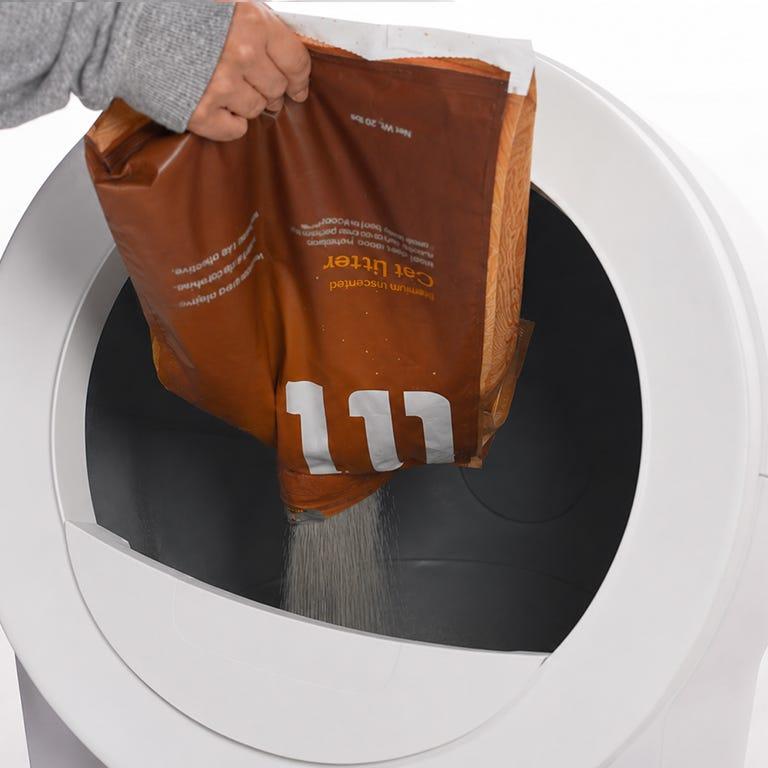
Add clumping litter
Litter-Robot’s litter sifting system works best with clay-clumping litter. Note: Translucent or white-colored litter (most often seen in crystal litter) may impact the LitterLevel® and Drawer Full Indicator (DFI) accuracy.
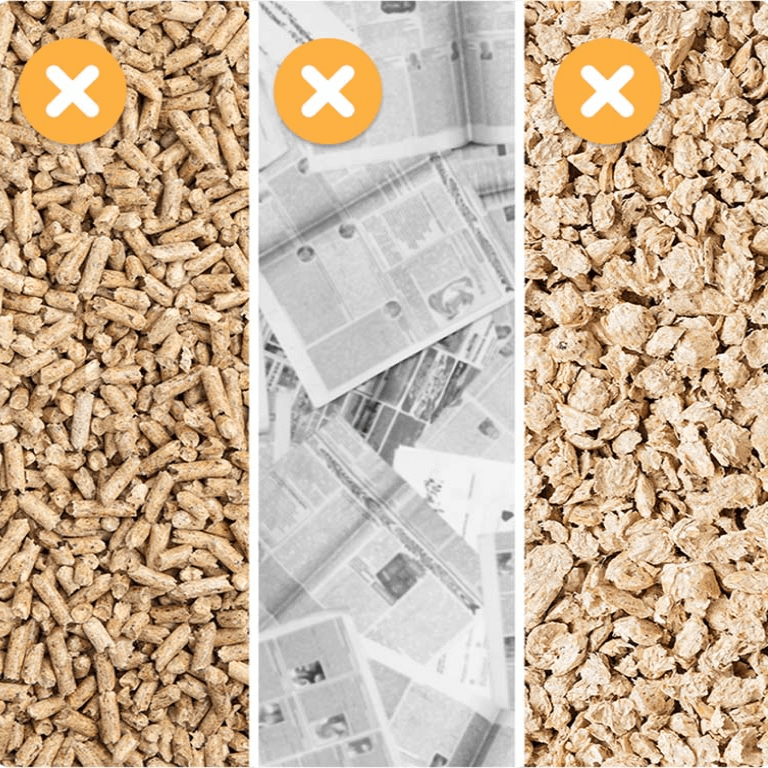
What not to use
DO NOT use litters that are strictly absorbent, non-clumping, loose-clumping, newspaper-based, or wood-based pellets. Read our best litter for Litter-Robot guide for more info.
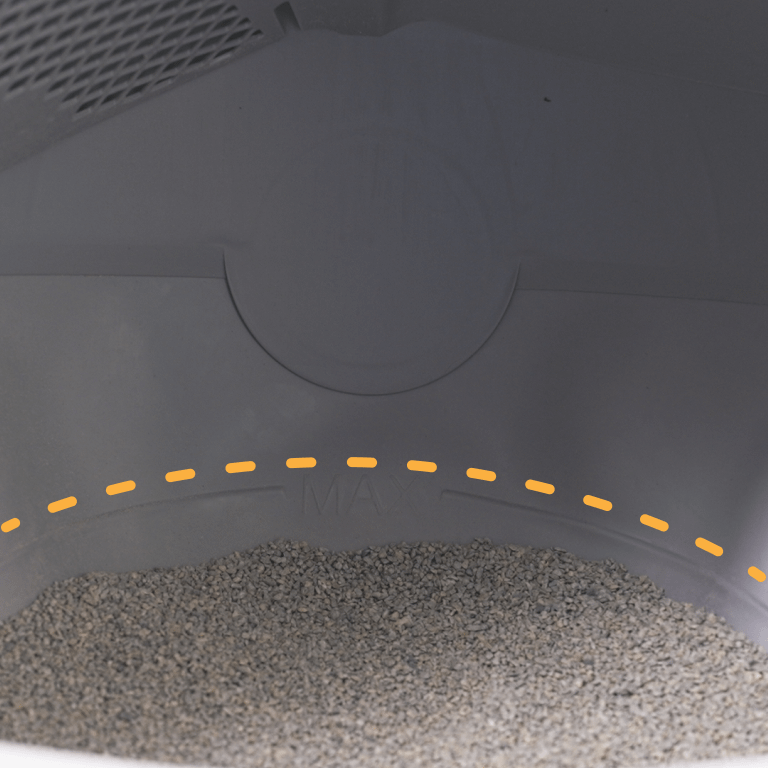
Don’t overfill
Fill the globe through the opening until the litter meets the raised fill line when spread flat (about 10 lbs or 1 gallon by volume). Be careful not to overfill the globe.
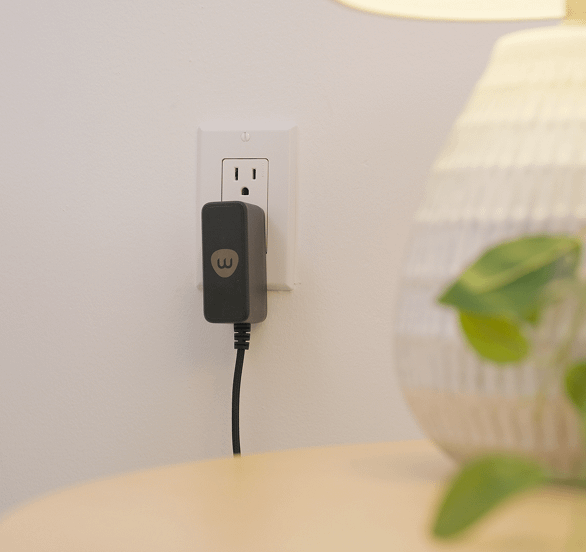
Plug it in
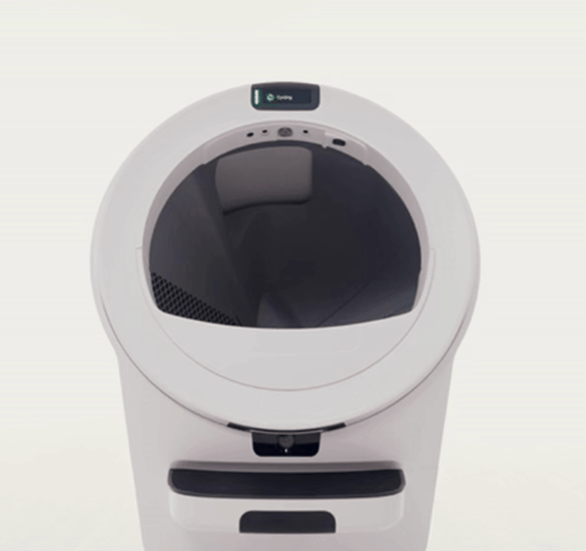
Plug the small end of the power supply into the socket on the back of the base. Then plug the AC/DC adapter into a wall outlet. Locate and press the Power button. Litter-Robot will display a solid white light indicating it is ready for use.
Clean cycle
We recommend leaving the Litter-Robot OFF and operating in "semi-automatic" mode for best results while acclimating your cat. When you see your cat has used Litter-Robot, turn it ON and press the Cycle button to perform a clean cycle. Once it finishes (2 minutes), turn the power OFF. This way your cat can get accustomed to Litter-Robot—and you don't have to scoop the litter box!


Onboarding the app
Download the Whisker app
Download the Whisker app and follow the onboarding instructions.


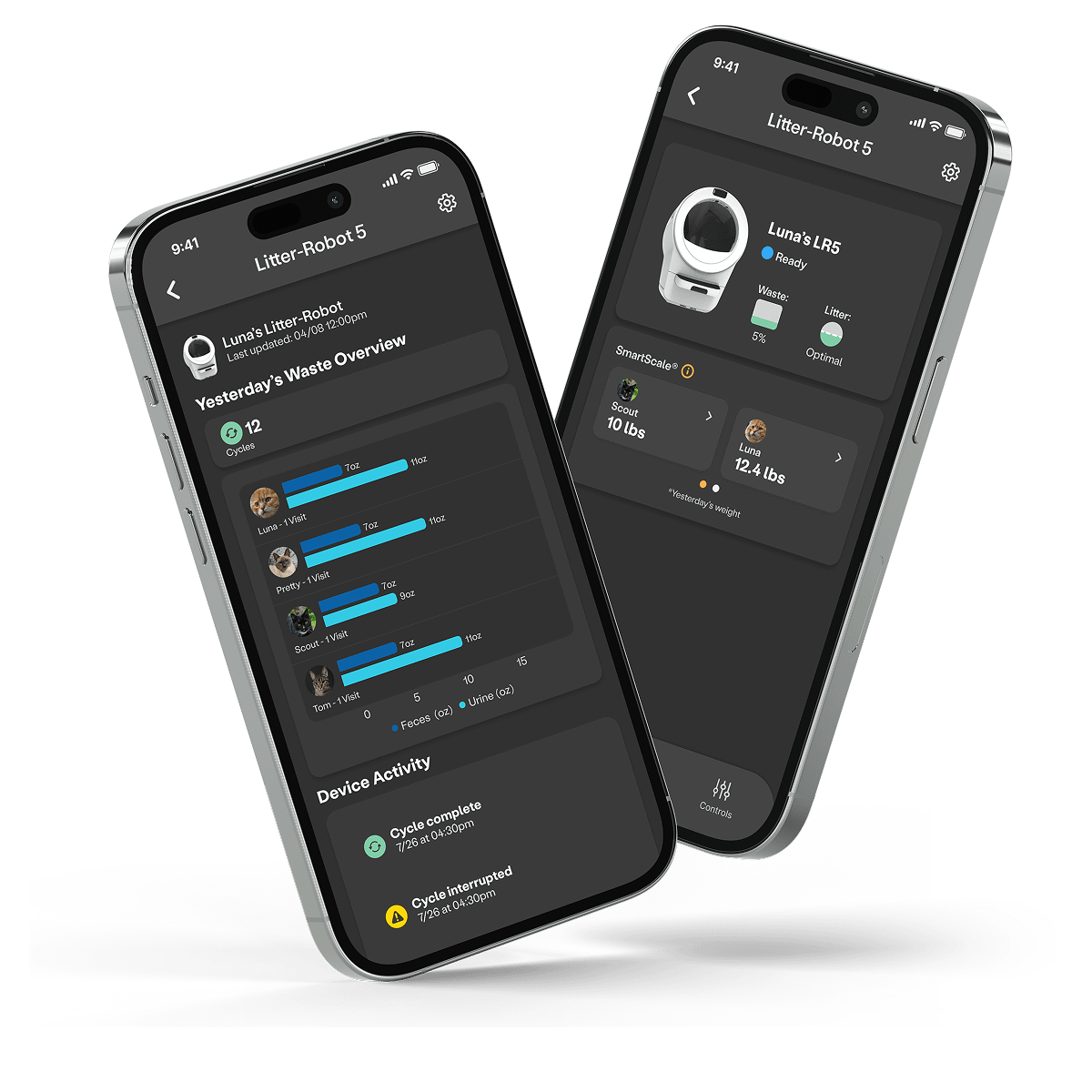
Screens may vary as app gets updated.
Litter-Robot 5 Pro Integrated Dual Camera System
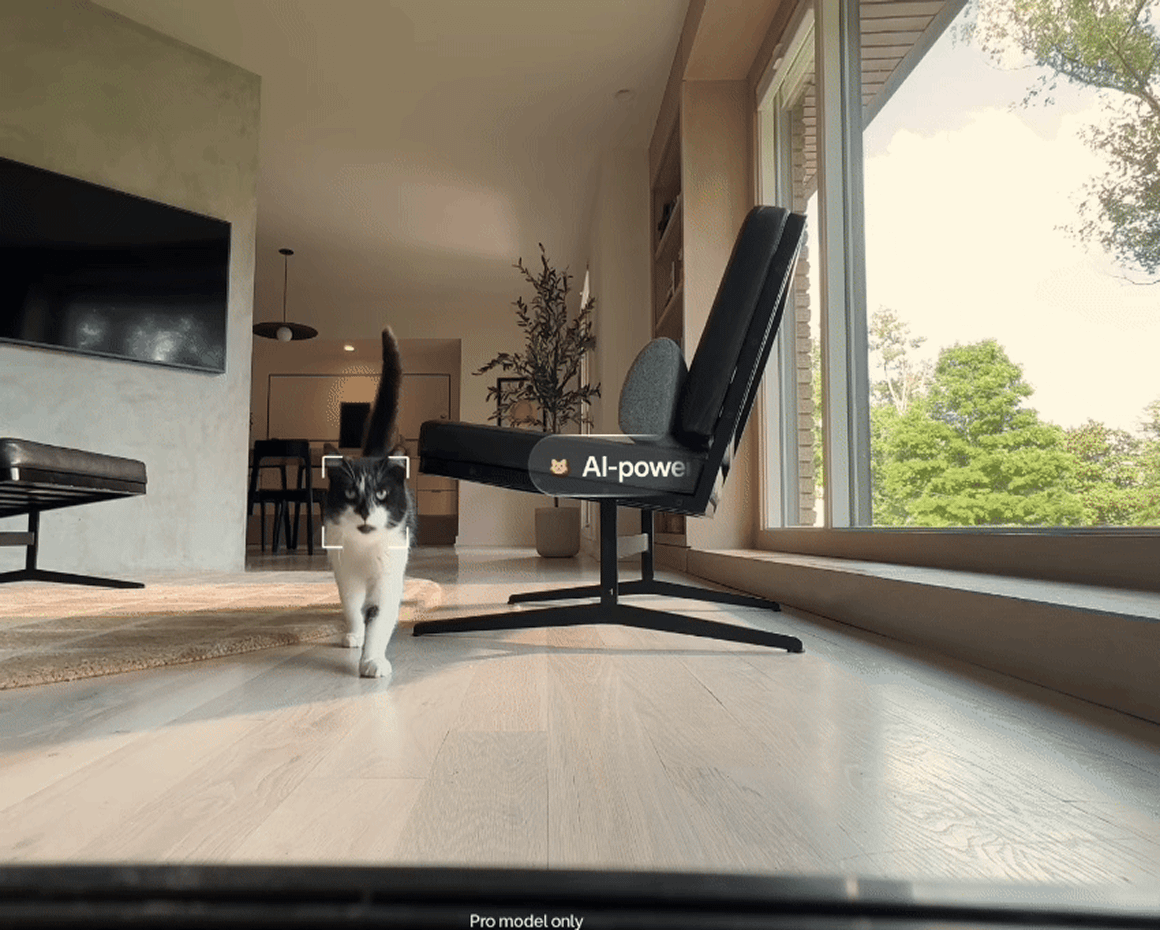
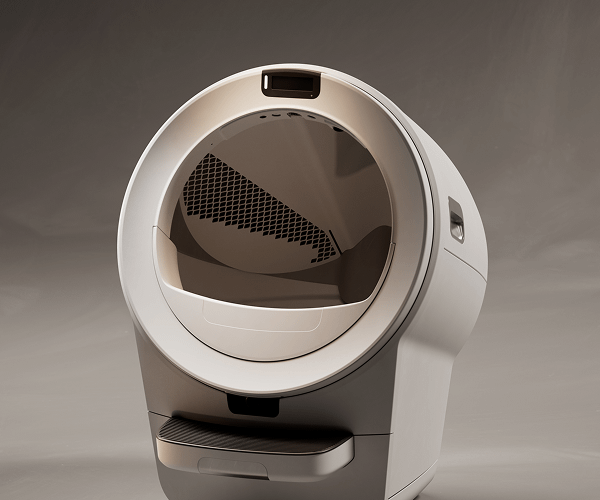
Litter-Robot 5 Pro is equipped with dual 1080p HD cameras—front-facing and inner-facing—that let you monitor your cats from anywhere. Basic camera features such as real-time video streaming and recorded events are included for free within the Whisker app.
Join Whisker+ to unlock advanced features such as visual pet identification, which accurately matches individual cats to your Whisker devices for improved activity tracking and more precise behavioral insights.




Empty the waste drawer when indicated
Empty the waste drawer when indicated by the app or the blinking yellow light on the control panel. How often you empty the waste drawer depends on the number and size of your cats. For a single cat, once every 10 days is usually sufficient.
We recommend doing a basic globe cleaning every 1-3 months and a deep cleaning at least every 3 months (depending on how many kitties you have). More frequent deep cleanings may be necessary, depending on use. Refer to our Deep Cleaning Instructions for more details.
To empty the waste drawer, simply pull out the waste drawer, gather the edges of the liner bag, pull the drawstring, and dispose. To install a new liner or trash bag (white bags work best), wrap the edges of the liner over the rim of the waste drawer. Push the remainder of the bag into the bottom of the waste drawer.
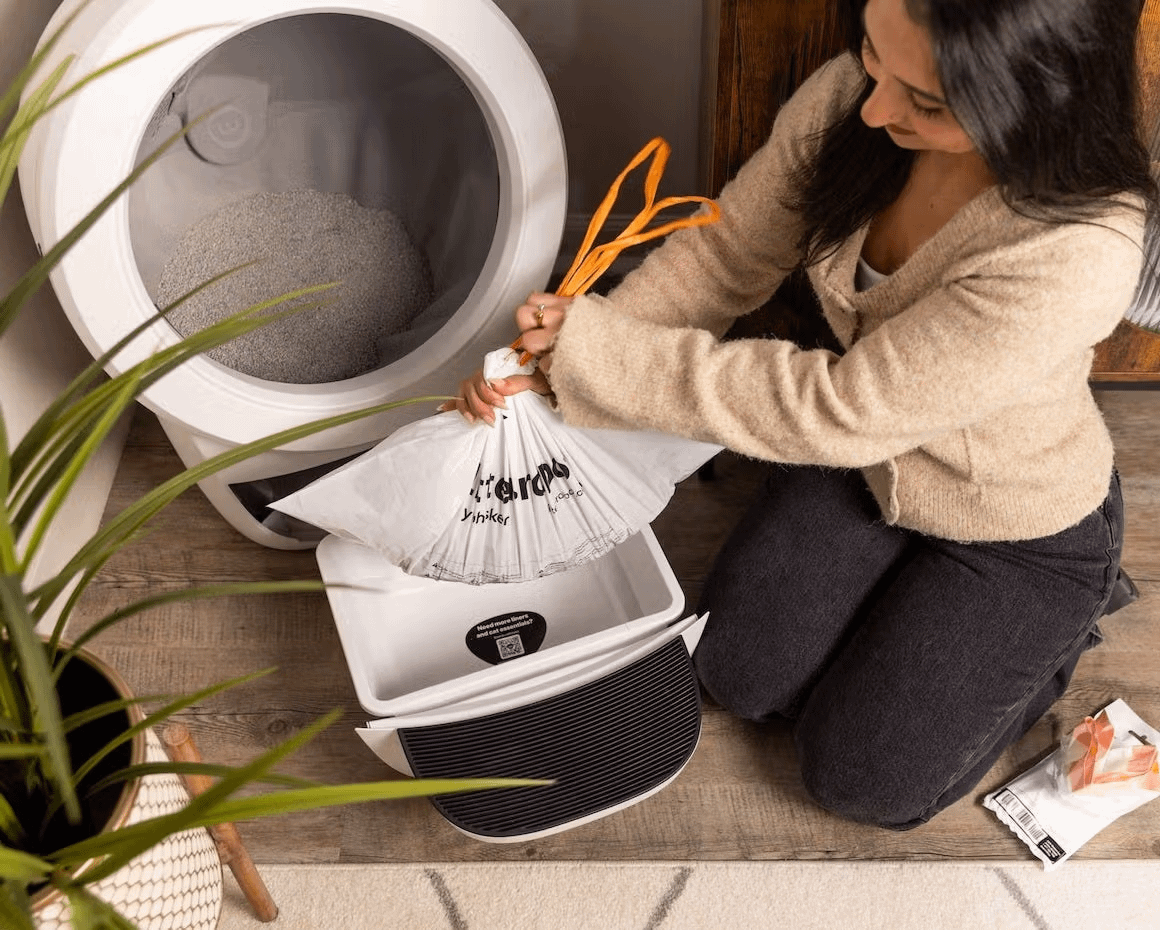
Add litter as needed
How often you add litter depends on how many cats use Litter-Robot and how frequently they use it. Litter-Robot uses litter very efficiently since the patented sifting mechanism only removes the clumps. We recommend checking the litter level each time you empty the waste drawer. If the litter is below the raised MAX fill line inside the globe, add just enough litter to meet the line.
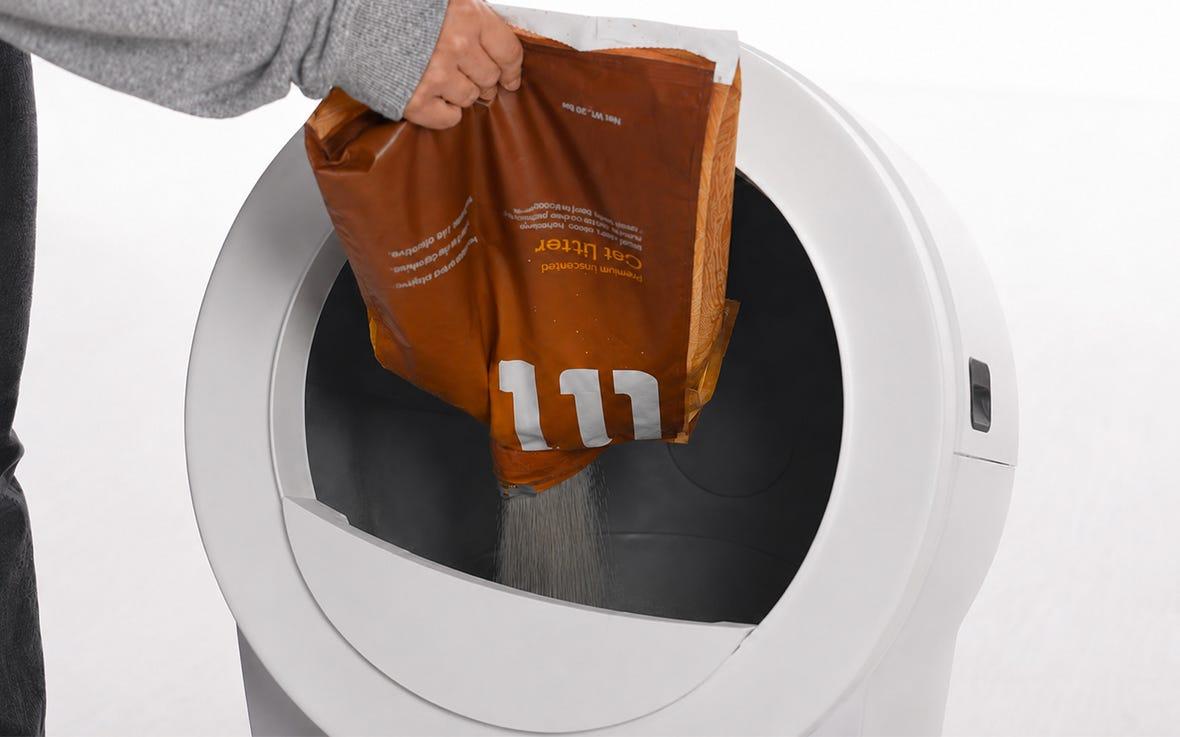
Complete the hands-free litter routine
Pair your Litter-Robot 5 with LitterHopper to automatically maintain the optimal litter level for cleaner cycles, less refilling, and even better odor control. Together, they literally take the litter off your hands for good.
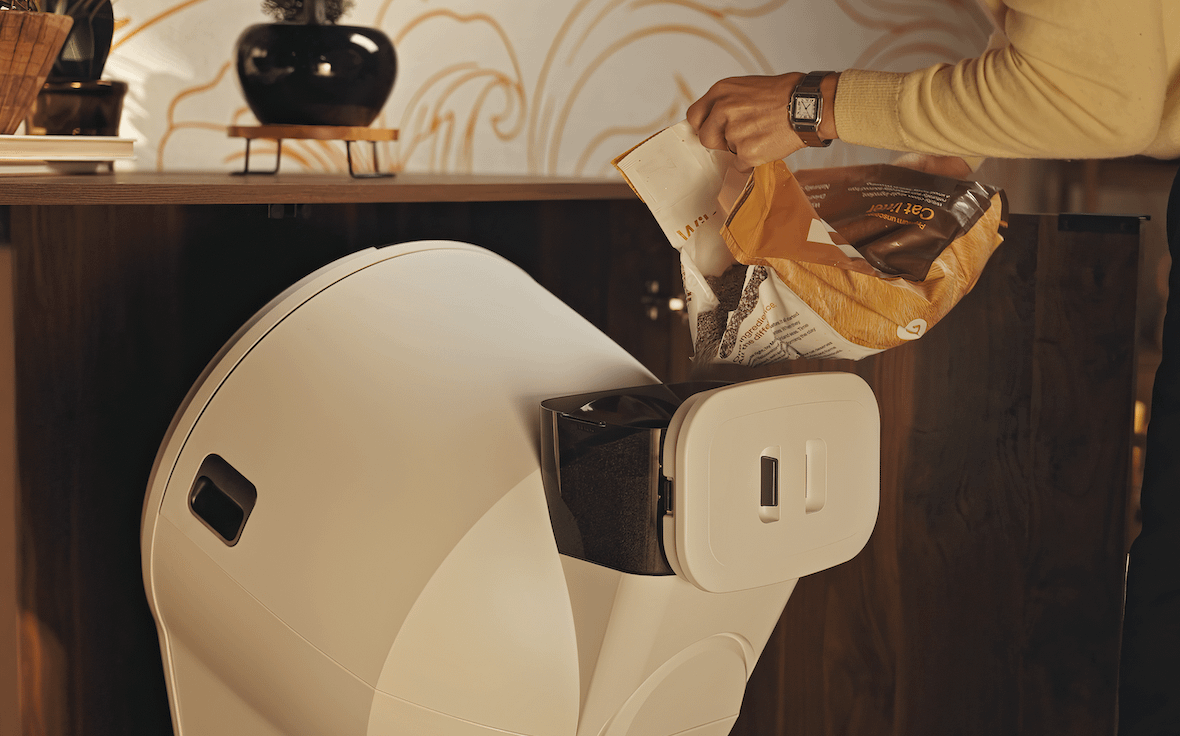
Control panel buttons
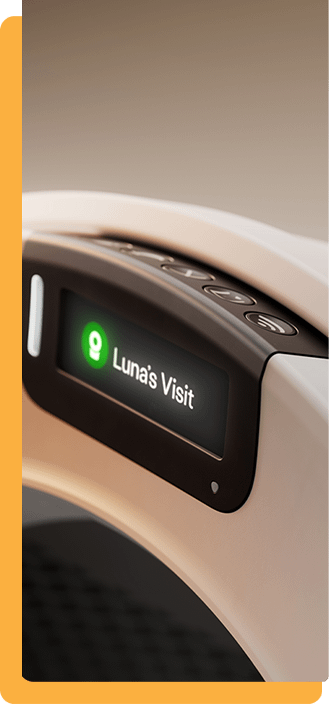
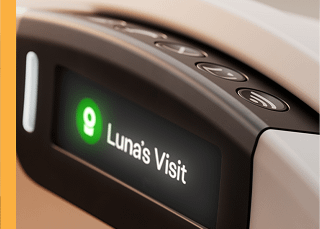

Power
- Short press: Turns the robot ON or OFF.
- 3-second press: Disables control panel lockout when it is activated in the Whisker app.
- 6-second press: Performs a hard reset of Litter-Robot.
.

Cancel
- Short press: Cancels a clean cycle or empty cycle, or dismisses alerts on the LCD screen,and resets the SmartScale while in the Home position. (Do this after adding litter, emptying the drawer, etc.)
- 3-second press: Activates a cycle that rotates the globe to the Replace Filter position.

Cycle
- Short press: Starts a clean cycle; press again to pause or resume the cycle.

Empty
- Short press: Starts an empty cycle; press again to pause or resume the cycle.

Connect
- 3-second press: Initiates Onboarding Mode. Download the Whisker app and follow the prompts within the app to connect your Litter-Robot to your WiFi network.
- If Litter-Robot loses WiFi connection, the LED Indicator Light will blink yellow; it will blink blue while reestablishing connection and change to solid white once connected.
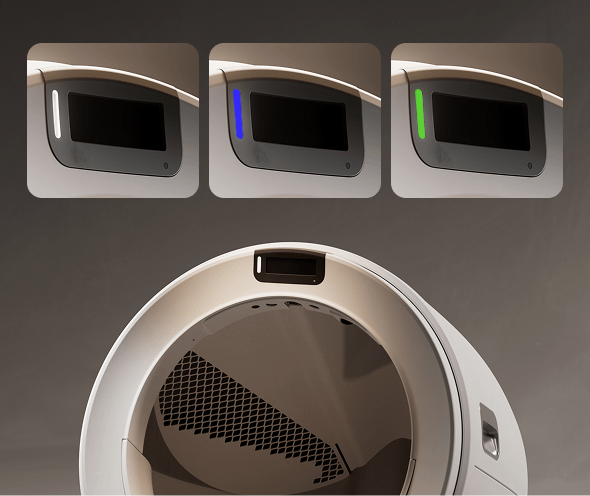
Normal light statuses
In general, a white, blue, or green light is shown during normal operating conditions.
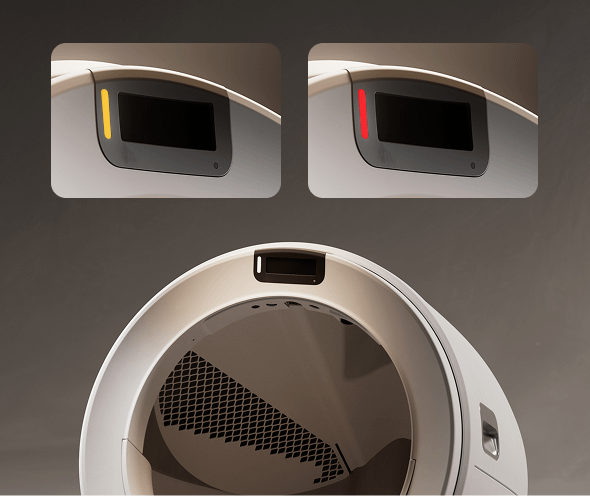
Requires attention
If you see a yellow or red light, further attention is required; reference the display screen for additional information.
Installing accessories
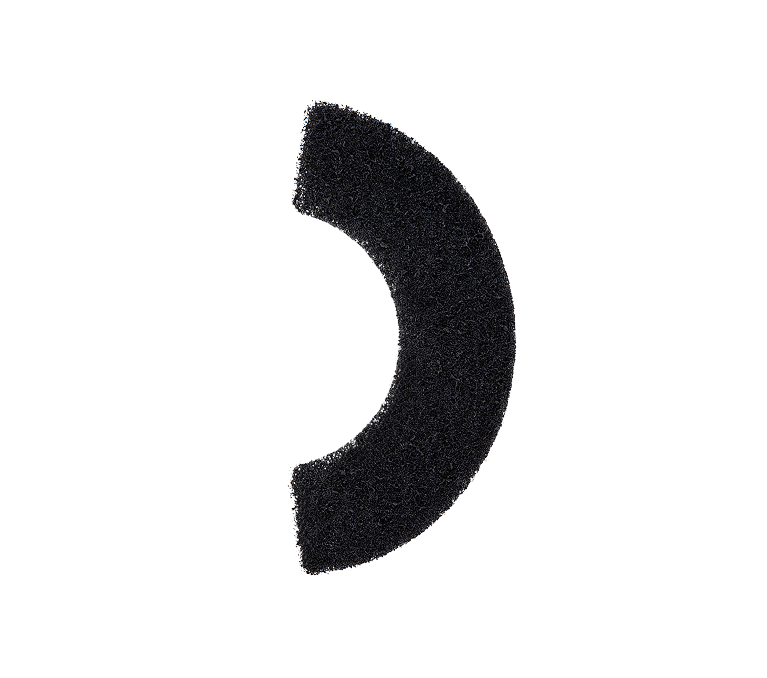
Litter-Robot Carbon Filter
View our Carbon Filter Installation Guide.
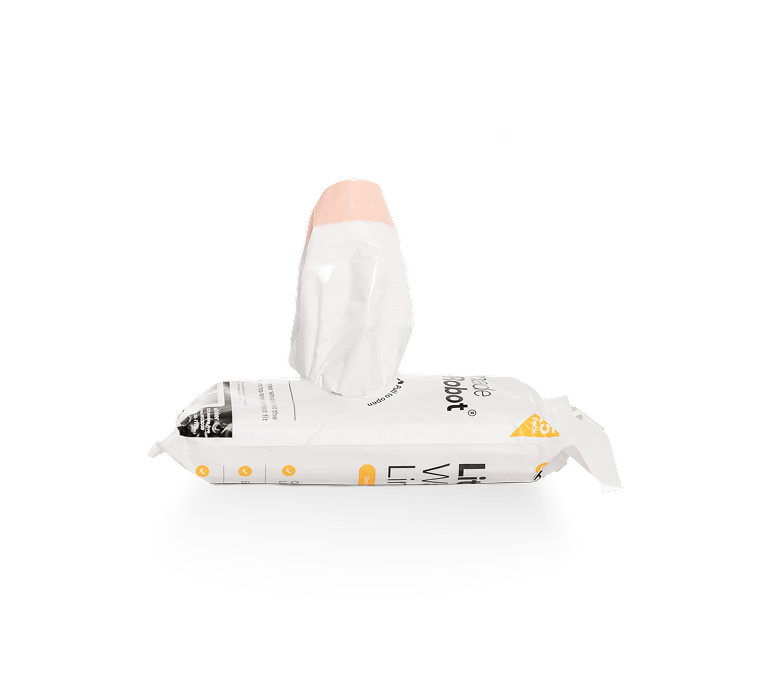
Litter-Robot Waste Drawer Liner

OdorTrap® Packs
View our OdorTrap Pack Installation Guide.
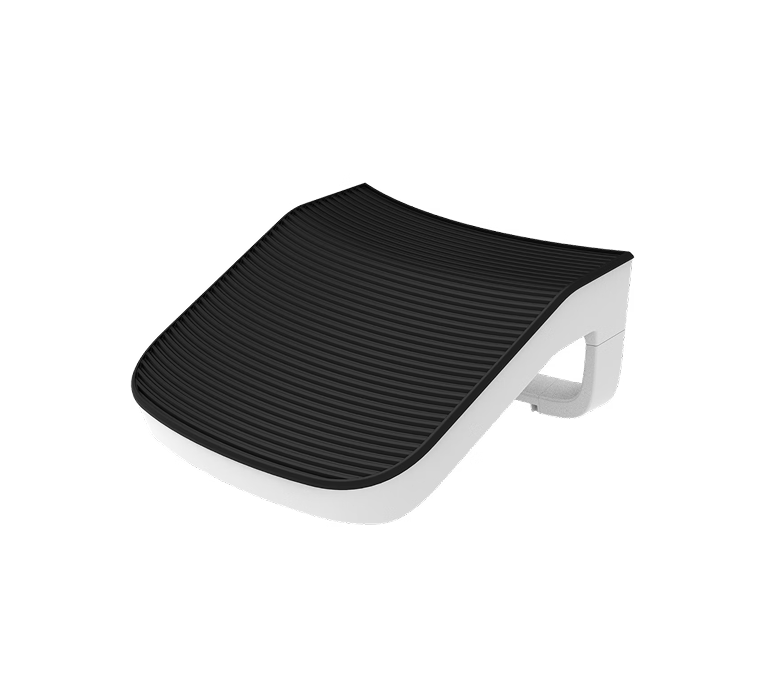
Litter-Robot 5 Ramp
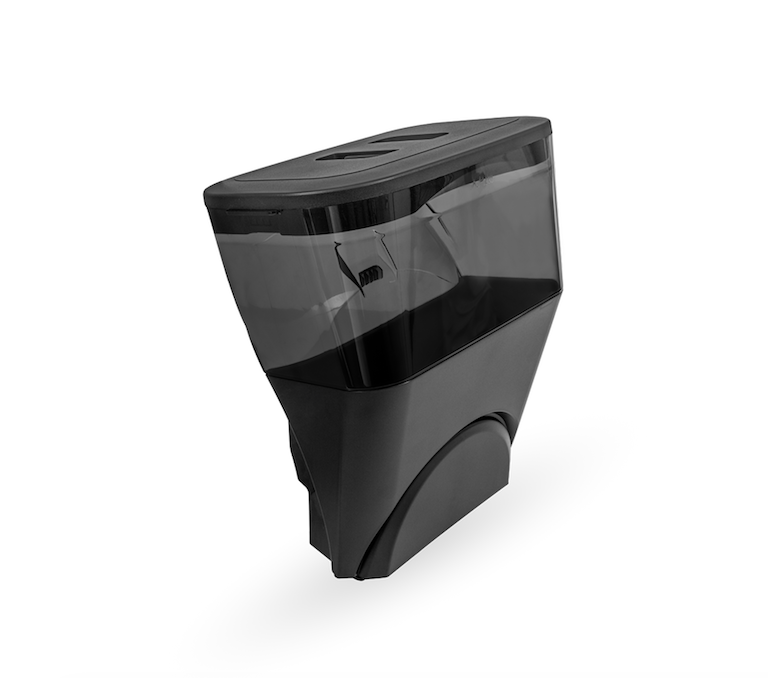
Litter-Robot 5 LitterHopper